Just messing around in Inventor

Joined
Sep 12, 2011
Messages
1,008
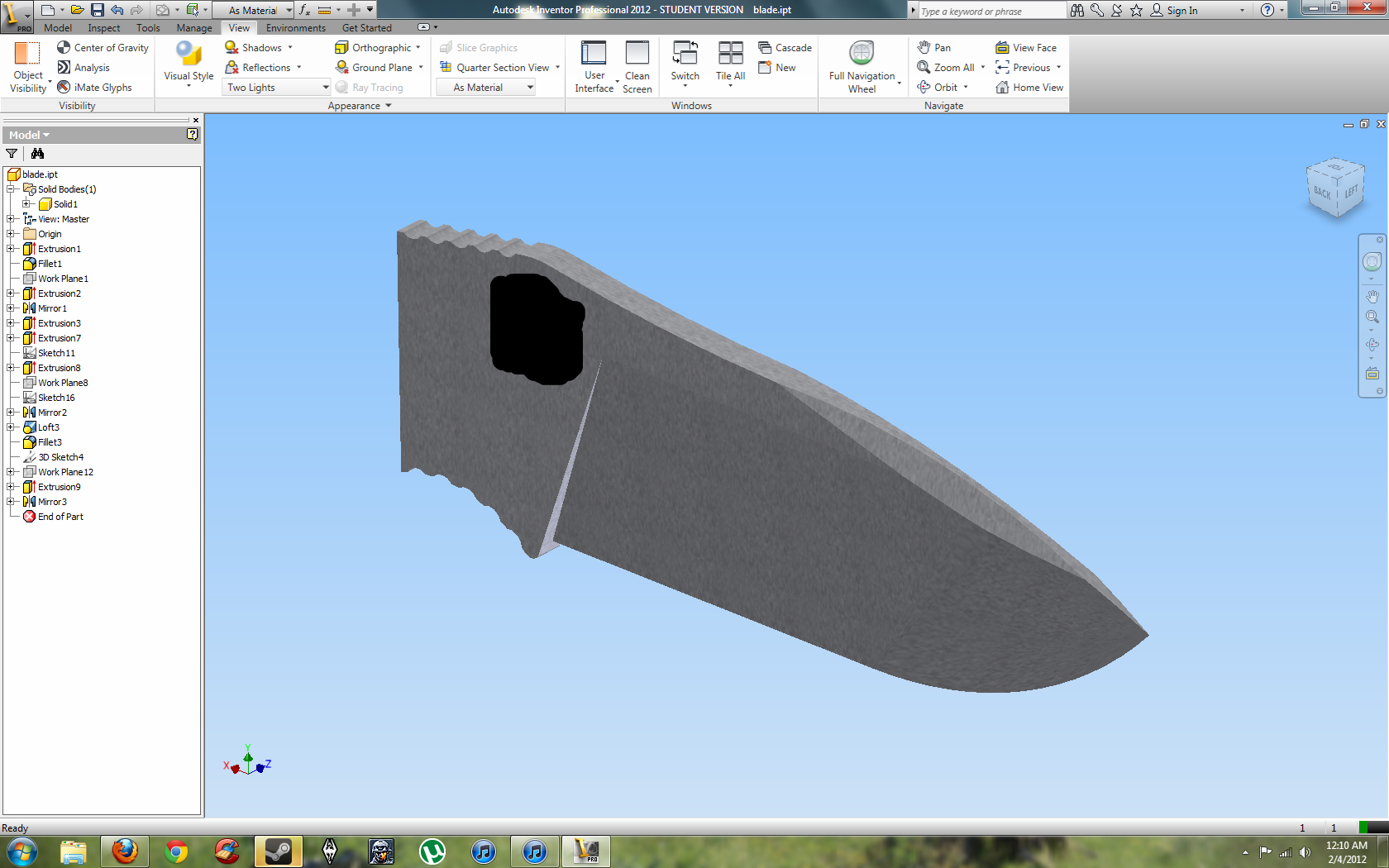
I just got Autodesk Inventor and wanted to play around with it and make sure it worked fine on my PC. I started modeling a blade I've had in my head for a little while. I didn't have time to mess around with the pivot mehcanics. I do have a question though for anyone who has used Inventor. How do I make the grind at the tip? I'm thinking I might have to loft it, but not sure. :rolleyes:

EDIT: I got the grind right, and I tried the swedge, hows it look?
kSyRf.png
 
Last edited:
never worked in inventor, however my buddies and I work in Blender which is another rendering and creator program. in knife making that's where the distal taper would come in so, maybe try making another cut on the y-axis
 
Looks like the Gayle Bradley a bit :P

Yah, it does have a similar shape to it. I went for a flat grind though with some ZT style gimping.

I think I may try some 3d sketching and see what that can do.
 
I was able to loft the tip and get the grind to come out right. I'll post a picture when I figure out how to do the swedge as well.
 
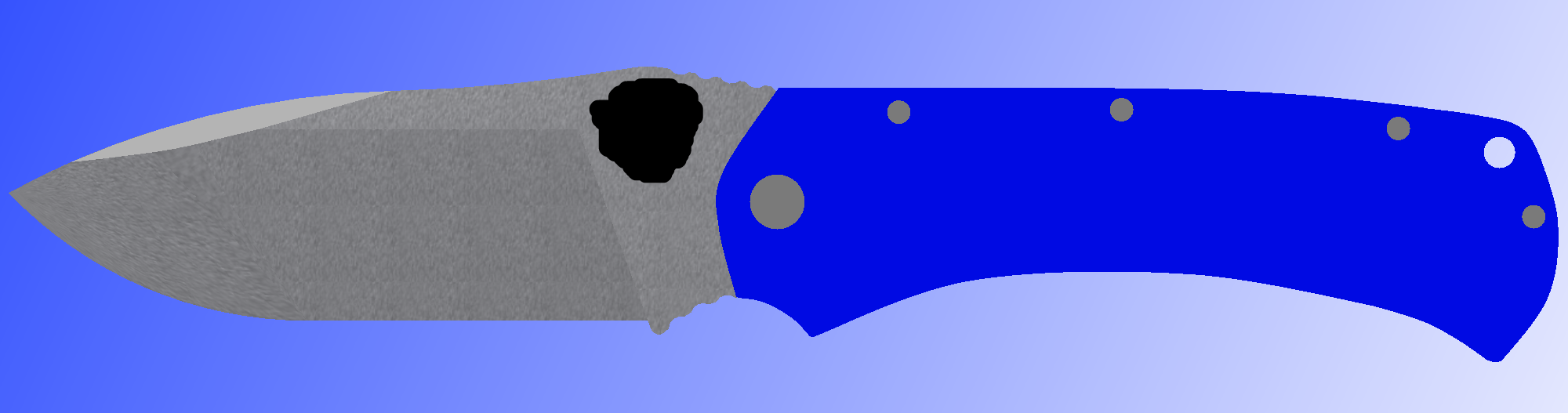
UPDATE: I sketched out a simple handle in paint. I have to figure out exact dimensions, but this is the rough shape I want with a 50/50 choil, screw construction, blue G10? It will probably end up being black, but I just felt like using blue. Thoughts?

The blade dimensions right now are 5/32" thick and 4" long.

mSWvb.png
 
Last edited:
The hole is kind of a Spyderco trademark. Change to another shape or put in a stud.
 
Back
Top