knife photographs - fact or fiction?

Joined
Aug 17, 2010
Messages
883
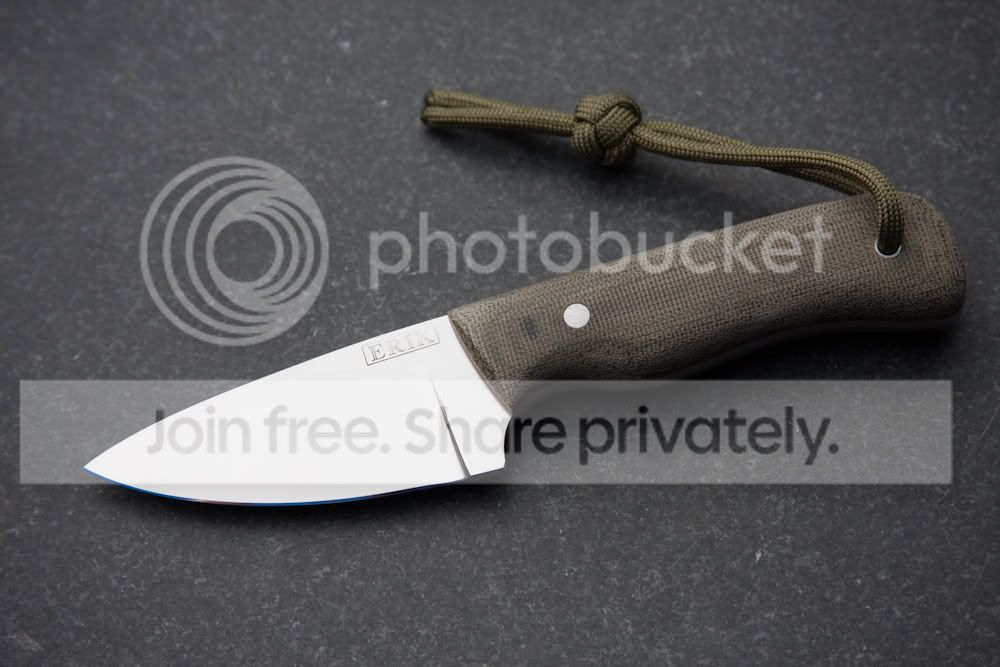
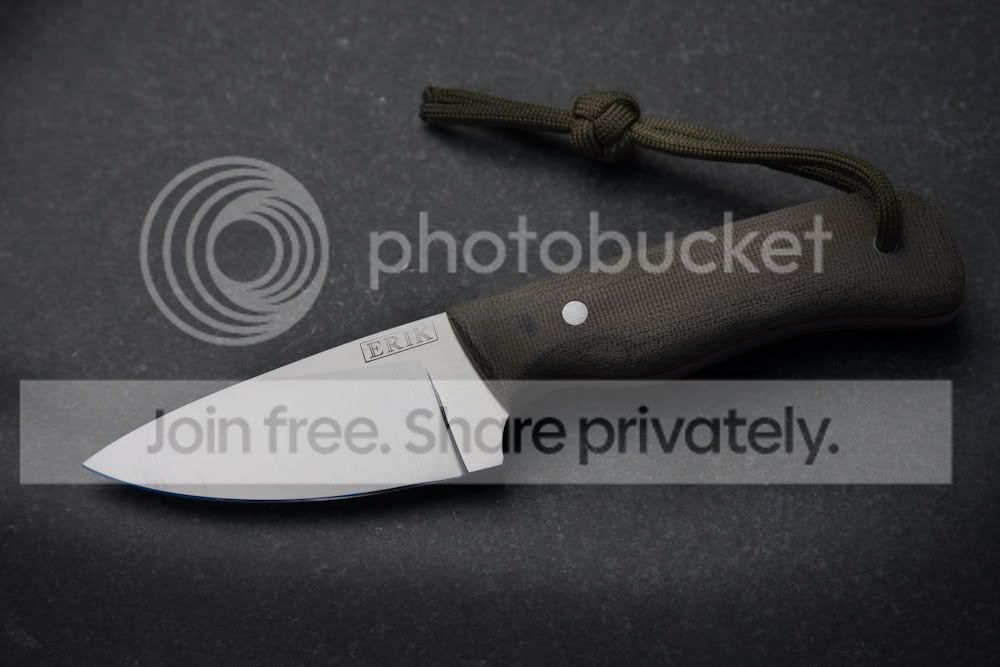
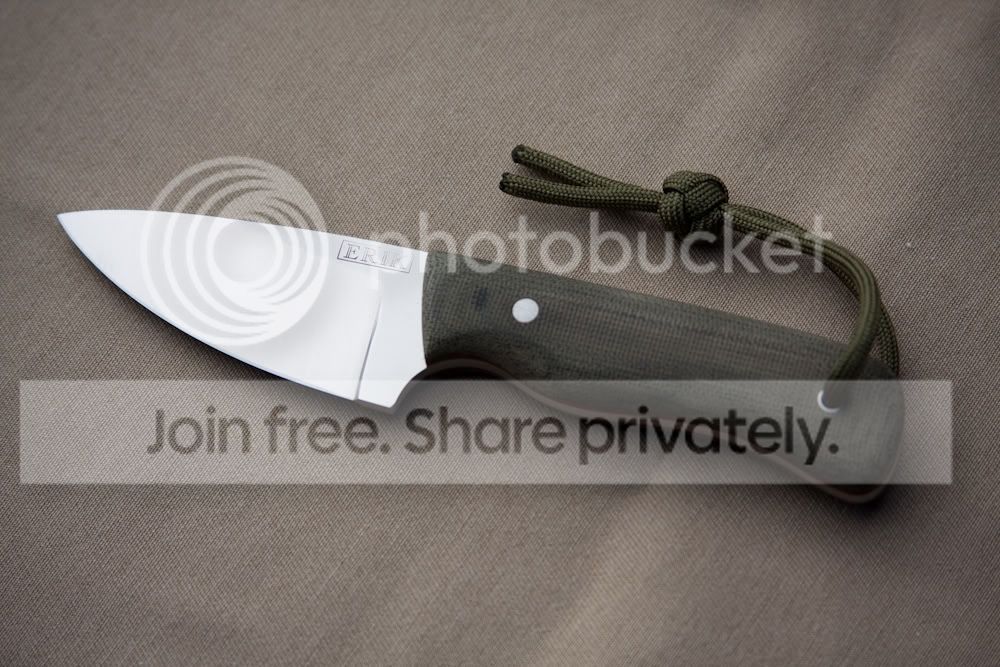
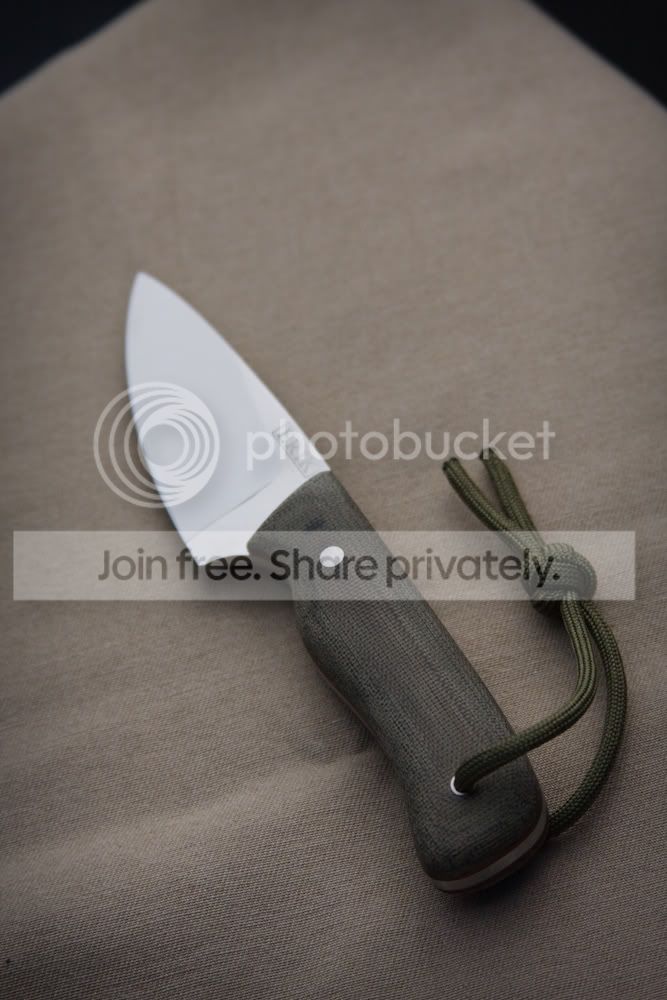
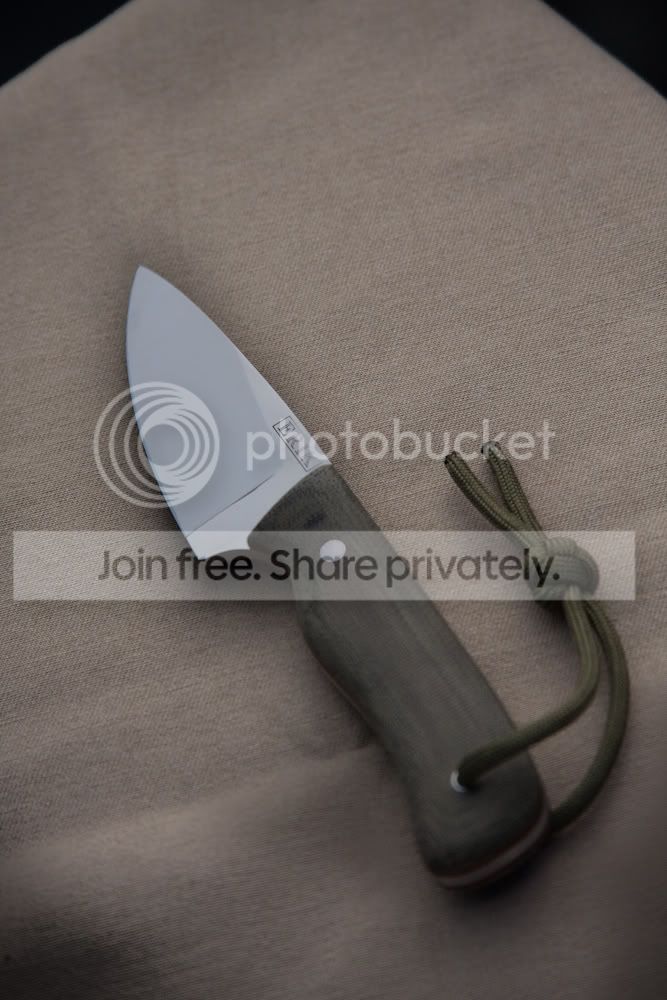
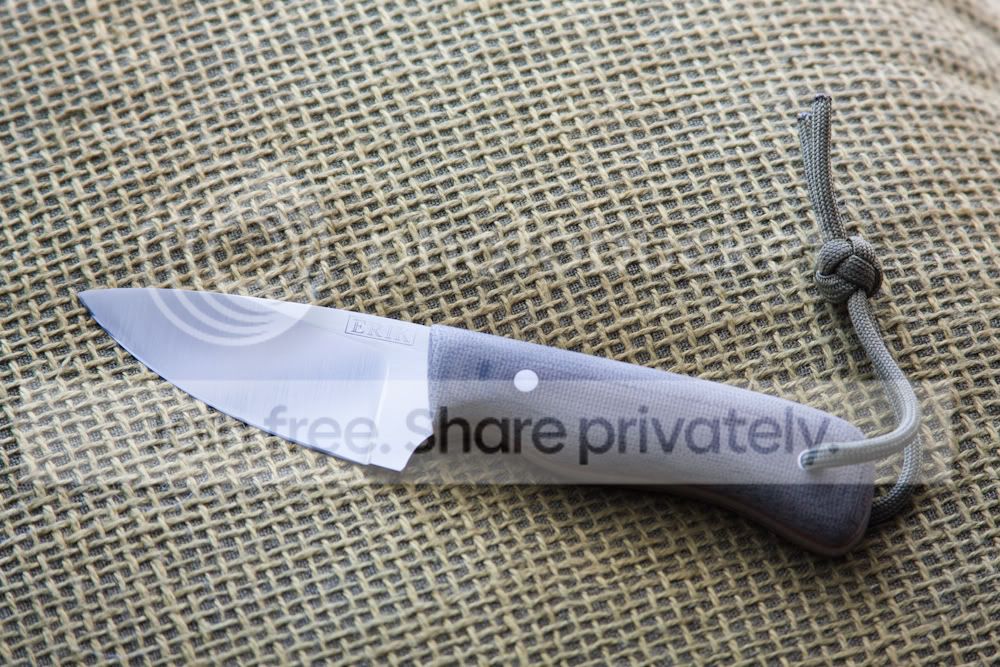
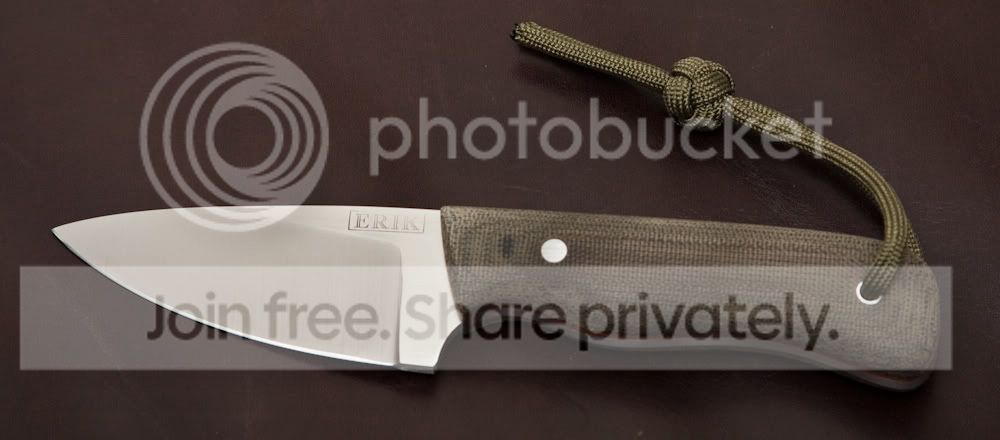
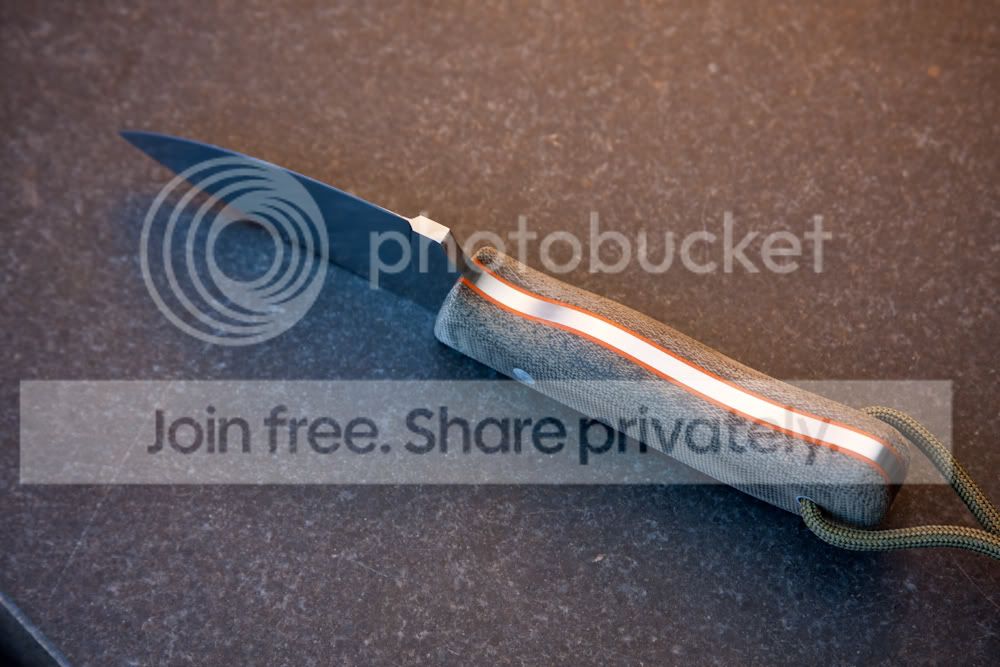
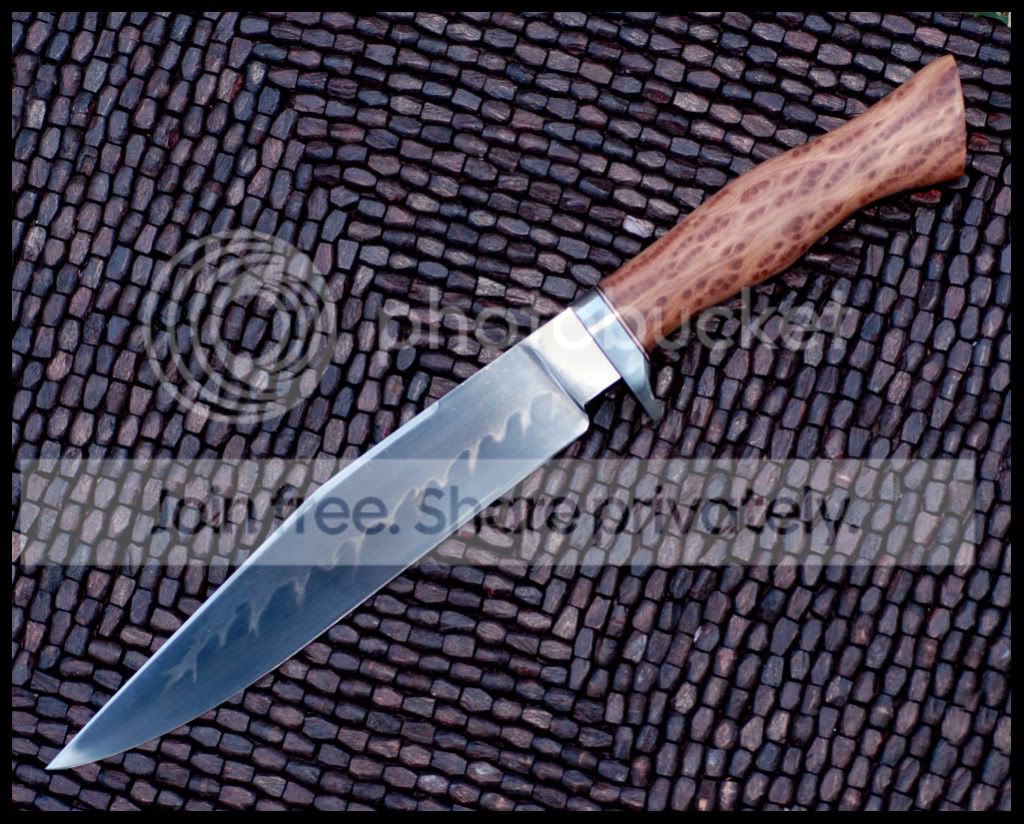
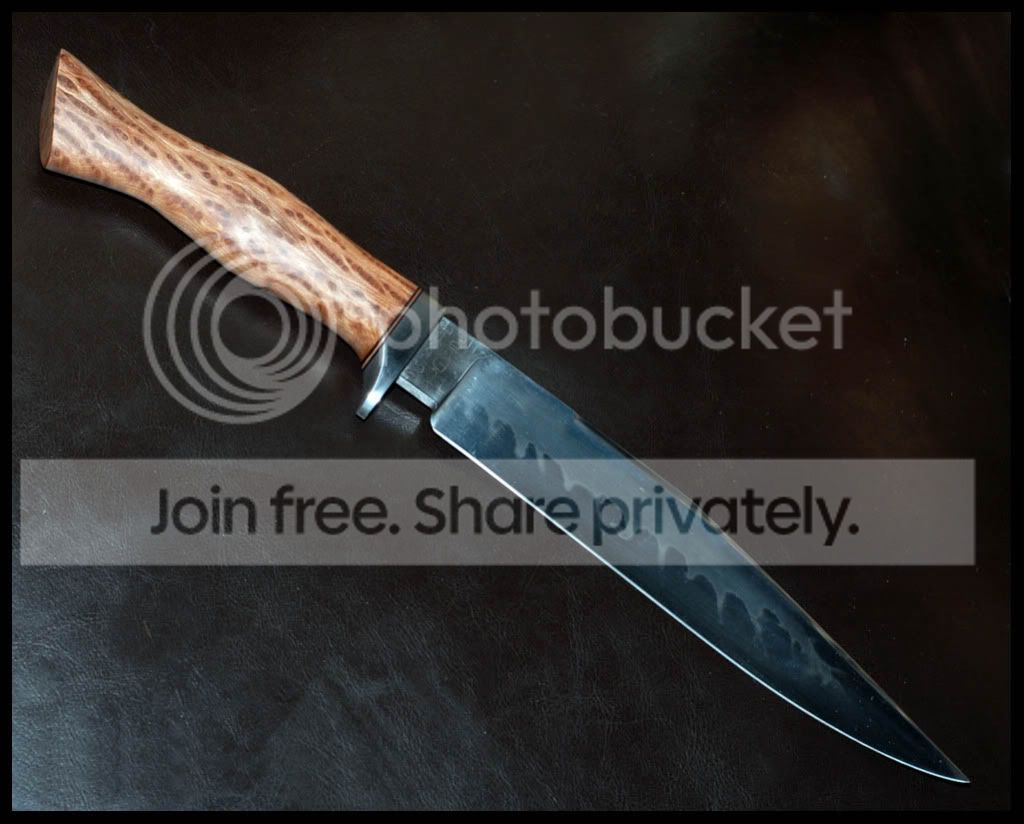
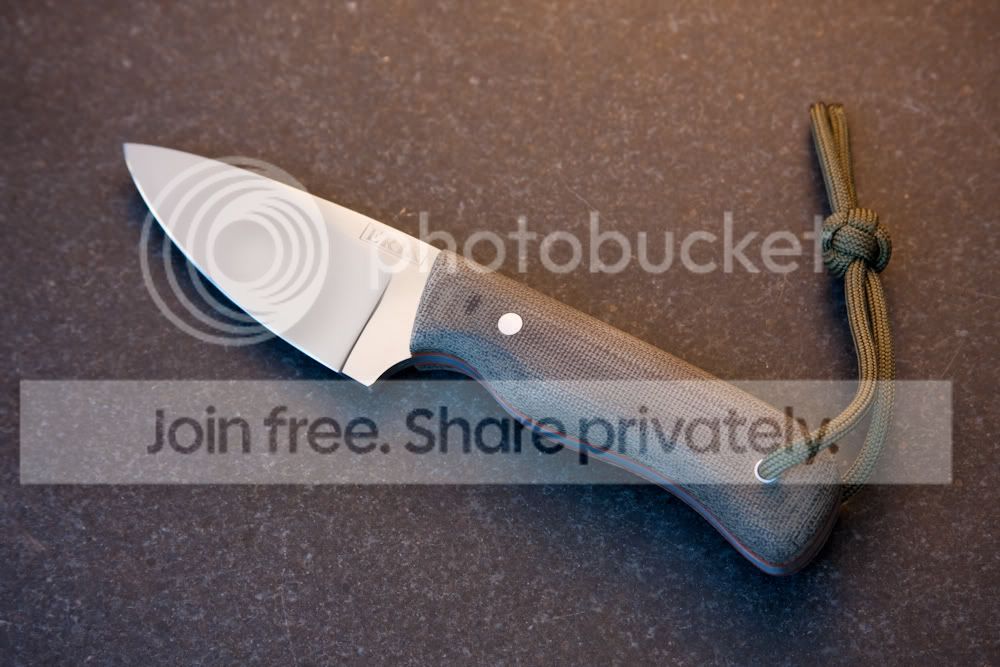
I took a bunch of different photographs of the same knife today. I was experimenting with different lighting approaches to try and find a winning combination. I didn't find one I liked very much and although I used various combinations of artificial and natural light, I shot them quite similarly in regards to the direction of the light sources.

I also tweaked them a bit for exposure and contrast. I'm not showing these because I think any are great or even good examples of photography. They are quite bad considering what I was trying to do. But, they do show some interesting differences. The same knife with different light sources and backgrounds changes color. The machine finish shows, or looks washed out, or might be confused with polished, depending on the image.

Obviously, none of these pictures "pop" the way the pros pictures do. I need to get better at photography and knifemaking.

Some of the professional pictures almost look too good sometimes. I think it can be a fine line, and I think most of the professional photographers know how to walk it. I have seen knives in person that warrant some amazing images.

I have also seen maker's pictures that show an amazing knife and then the owner posts his own snapshot and it looks like a very different knife. The trick that eludes me a bit is getting a photograph that compliments the knife, shows it in the best "light." Not one that makes it look better or worse than it could look in ideal conditions in person.

I will make a light box and see how that changes things. If my stamp looks uneven - that's not a light trick, it is uneven. :)

IMG_0260-2.jpg

IMG_0263-2.jpg

IMG_0266-2.jpg

IMG_0268.jpg

IMG_0270.jpg

IMG_0271.jpg

IMG_0283.jpg

IMG_0300-2.jpg

IMG_0256.jpg
 
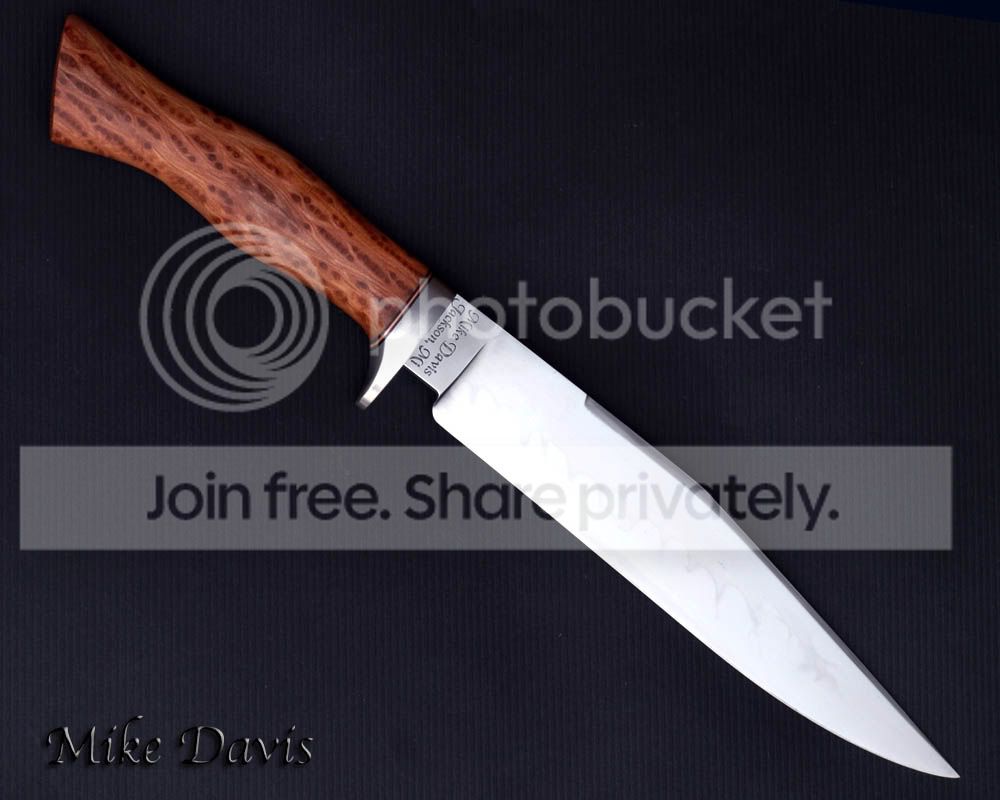
Hey Erik, I think the photos look great. They are a good example of reflecting light of different angles of the blade. one angle will show the grind line, another shows the depth of the handle. I have found that if you have a good flash that can be moved to different directions. Bouncing it off the ceiling is the best for soft light (Similar to a Light Box). Another thing I messed with while taking photos of Mike Davis' latest knife was to reflect light off the blade directly onto a large Black background to bring out the Hamon.
 
Hi Erik,

As long as your white balance is set to the proper setting and your exposure is good (not over exposed which will product washed out detail or underexposed, too dark) you should be alright. The idea is to achieve an image that still has detail, or in digital terms, information in the highlights and the shadows (exposure) and to make sure that the color isn't shifted (white balance) A light box, or in photography terms, a soft box will definitely help. That said, a good number of product photos are taken using some combination of diffused light that a soft box produces. An overcast day out doors will also produce very similar light and is probably the easiest answer for you. Personally, I use a flash head with a soft box for most things or a flash head pointed at the ceiling (white ceiling) for quick shots. Hope that helps....

Nice knife BTW!
 
Last edited:
Thanks Ryan and edge. I'm going to keep experimenting. I have always shot with auto white balance - I will play with some other settings, and - build a box.

Erik
 
Erik, just reading your post again... I may have missed the point. I think it is definitely possible to cover up blemishes and flaws with photography. It goes both ways, you can make a knife look much worse as well!
 
A trick I use a lot is to set up black screen light booth. I take garbage bags and spread them across wooden frames then reflect the light off of them and onto the piece. Experiment with their positioning. It is difficult to explain.
 
I don't want to hijack your thread, but Rick and I are talking about the same thing I think...

Here are a few examples of what the black (Reflecting in the blade does).
Knife is made by Mike Davis (Hope he doesn't mind)
MDFighter.jpg

MDDarkHamon1.jpg


without the black reflecting on the blade
MDName.jpg
 
That's it man! If I bring the frames outside and position them correctly, I often don't even need to have lamps.
 
Hi Patriot,

I've been doing digital photography for about a year with a Nikon D7000 and shooting a lot of bees on cactus flowers this summer. Don't ask. The pro results will probably best be obtained with a pro macro lens $600> for Canon or Nikon. The light if you can't do natural sun is going to be best manipulated with indirect flash, bounced or diffused. When I do photgraphy I usually end up doing about 30 shots to get one I like. It's a lot of trial and error for us amateurs. Good Luck!
 
I took a bunch of different photographs of the same knife today. I was experimenting with different lighting approaches to try and find a winning combination. I didn't find one I liked very much and although I used various combinations of artificial and natural light, I shot them quite similarly in regards to the direction of the light sources.

I also tweaked them a bit for exposure and contrast. I'm not showing these because I think any are great or even good examples of photography. They are quite bad considering what I was trying to do. But, they do show some interesting differences. The same knife with different light sources and backgrounds changes color. The machine finish shows, or looks washed out, or might be confused with polished, depending on the image.


You’re absolutely correct; it is possible to completely alter the look of the subject being photographed with the use of lighting, composition and camera settings.

I think Ryan and Rick gave you some excellent ideas for consideration. Both of them are at the very top of their game (in knives and photography) so emulating their process is always a good idea.

I tend to like warmer scenes, so getting the exact color isn’t high on my list when I’m out shooting. I can understand why it is important to you though, so I’ll try to give you a few ideas that may help you.

If you can shoot in raw – do so. It will give you more leeway when it comes to the white balance and the exposure. You will have to spend more time on the computer though.

If you can’t shoot in raw, or don’t want to, manually set your white balance every time the lighting changes. You can buy a gray card, or you can cheat by using something that is either white or black. Just adjust your white balance until the “gray card” looks right.

Shooting with a combination of light temperatures is often very tricky. If you can’t get the white balance right, you might have to change the lighting.

Don’t use harsh, direct light.

Use the hood on your lens.

Always use a tripod and a remote control to fire the shutter. If you don’t have a remote, use the self-timer on your camera. (It looks like you already do this) If you have shake reduction, shut it off when using a tripod.

Try bracketing your shots – use a tripod – and then combining them into one (HDR) image. You’ll shoot for the highlights (exposing correctly for them) then a shot for the correct exposure (overall) and a shot for the shadows (exposing correctly for the shadows). You’ll end up with three (or more) shots – some of which will be over exposed and some which are under exposed. You will need a software program that combines the bracketed shots into one shot that gives you highlights that aren’t blown out and shadows with detail.

Another trick is stacking a number of shots. Again, you’ll need software to do this, but it is a matter of using a macro lens – and a tripod – and taking numerous shots with different portions of the subject in focus. Don’t move the camera – just manually adjust the focus so different parts are sharp and in focus. Done correctly, the final image is sharp and completely in focus

Experiment with different lenses. A macro lens is great for capturing fine detail up close, but not very good if you want to capture the entire subject (unless it is a very small subject).

Experiment with different F-stops. A higher number (f-8) will close the diameter of the shutter’s opening and a lower number (f-2.8) will increase that diameter. The higher number gives you a shot with a greater depth of field (more of the subject is in focus) while a lower f-stop gives you a subject in focus and a blurred background/foreground.

Depth of field will vary with the lens, aperture, and distance to the subject. To my knowledge, most lens manufacturers offer a guideline for the given depth of field with each lens they make. Some lenses (mostly the older lenses) have the guidelines imprinted on the lens itself.

If your camera has a Program mode, use it to get an idea of the optimal settings for your lens. Most camera manufacturers program their algorithms to make use of the optimum f-stop in that particular lens. (This is for 35mm cameras and the manufacturer’s own lenses)

Shoot from different positions/angles and use varying angles for your lighting. Experiment until you find out what works best for you.

Don’t be afraid to crop your shots. Today’s cameras – with rare exceptions – have sensors that are large enough to produce excellent images, even when cropped fairly significantly. This is especially true if the image is for web use only.

Generally you want to expose to the right with digital cameras (expose for the highlights) – but some bright objects (like snow) will need exposure compensation (brighten the highlights) to be shot correctly. A shiny blade will need to be exposed to the right, but be careful not to blow the highlights out.

Study pictures that you like – try to figure out their lighting arrangement and settings. In the various photography forums, many people will tell you exactly how they got the shot.

Read the exif data on your own shots (that you really like). This will help you recreate similar shots in the future.

Some of this you’re already doing, so please don’t be offended by anything I’ve written.

BTW – love that knife. Other than the difference in colors, the pictures are good too.
 
Your knives look great - very clean lines.

Light rules photography. Go out in the early morning or an overcast day and play with your camera. Morning light is best and can't be artificially created.
 
This is why I love this forum. The information flowing from people who have real life expertise is amazing. T-A-D-A - awesome post. I know a little about photography, you taught me a lot in this particular area. DDUR, thank you. Rick, thank you. Edge and Ryan, I already thanked you but, thank you. I also got a PM and I thanked him. Every one of you has taught me something I didn't know. I searched for the black (garbage bag) reflections and couldn't find anything on that, maybe Rick or Ryan, shoot me a PM?

The count pointed out that I would get some great help in the photo thread and he is right. Ryan picked up on the fact that I wasn't asking for advice, and he is right. I was just making an observation about how one could show pictures that weren't completely representative of their work. Also, what many of you already appreciate - knife photography is not easy. I found it a lot easier to make the knife better or worse looking than it actually is. For the record, all of these pictures look worse than the real thing.;) However, I really appreciate the advice in this thread and will apply most or all of it. It's easy to see that I need the help.

As a rule, and especially in this week's posting climate, I search for broad based information before posting for answers. I found a Sharp by Coop post today from 5-6 years ago that has me thinking.

Thanks for all of the help, you guys rule.

PS, shut off image stabilization on a tri-pod? There was a lot here that I learned that I knew I needed to know. I didn't know I needed to know that. Get it?

Erik
 
Last edited:
Mike Davis's knives are coming right along. That's a nice looking piece.

Ryan, I think your first shot looks pretty good. You brought the hamon out ok without the handle being too dark.
 
Great ideas here guys! I will definitely be trying some of these myself. Ryan, I have no issues with the use of my knife. I have a hard time getting good pictures, not sure if it is my skills or my camera. I shoot my tattoo photos using a tripod and select lighting in my studio for no glare and no blur. I assume it is user error lol. I will sneak a few tricks from here and use some photoshop to make a nice picture.

Salem, Thanks! Means a lot to me to hear that :D
 
I like seeing the differing results of the same subject.

I battle this every time I try to photograph one of my knives.

I don't have a full SLR camera with a wide or macro lens, but have found that the best of my photos have one of the following in common:


  • Use of tripod
    Use of white balance
    Wise choice of background material
    Use of light box (Lit by natural, high frequency fluorescent bulbs)
    Use of lighting from behind the knife, rather than above or in front (counter-intuitive)
    Decent photo editing software (MS-photoeditor, at least)
    20 photos are taken for every very good one received

Good luck,

Mike L.
 
I just wanted to add, like bladesmithing, photography is a life long craft that takes talent, good equipment, a lot of practice and a S*load of time...
 
I just wanted to add, like bladesmithing, photography is a life long craft that takes talent, good equipment, a lot of practice and a S*load of time...

Amen edge.

My buddy is a professional photographer - I've watched him progress over the last 25 years. He started with talent, but it took him those years and time and money to get to where he is now - really, really good.
 
sometimes I just hate the internet, it can make life complicated :D

so you make an enclosure of black bags, or just a semi wall of them?
 
Back
Top