Monitor for Photo Processing
I recently went through the process of choosing a monitor specifically for photo post processing this has taken me over a year of research to find something that was suitable, and inexpensive.
Hopefully sharing my experience may be helpful.
Many know that in LCD technology, the panel to aim for is IPS (in-plane switching) because it is capable of showing more colors/wider color gamut, and have wider viewing angles with consistent and accurate colors.
So wider gamut/more colors is desirable
an examination of monitor specs show things like 82% or 72% gamut
but without any indication of what gamut or color space.
Although it would seem more colors or wider gamut is better
so is 82% better than 72%?
BUT 82% or 72% of what?
That's when I realized those figures do not matter -
what was really important to me was the ability to display 100% of the photographic working color space -
ie: 100% sRGB
Even a gazillion% gamut is absolutely useless, if it cannot display all the sRGB colors ie: 100% sRGB.
OK some may argue that a monitor would be superior if it can display AdobeRGB or NTSC color space(s) -
but only if it is 100% sRGB capable in the first place
since the displayable end result for the web and most printers is standardized on sRGB.
Doing searches of 100% sRGB IPS will find monitors, and some surprisingly were not very expensive.
That is when I realized that some of those monitors actually had an sRGB preset that set a factory calibrated 100% sRGB this was better than expected
since that virtually may mean separate monitor calibration was not as critical as it used to be.
This discovery was HUGE.
Were there differences in IPS panels? well of course, only a few months ago there was general opinion that cheap IPS monitors were not really recommended.
3 Reasons Why You Shouldnt Buy A Cheap IPS Monitor
So the LCD panel technology was important too not just blanket approval of any generic IPS.
Fortunately we have currently many smartphones with stunning very high pixel density screens -
have some of this new technology made it way to computer monitor screens?
Some of those names were AMOLED (Samsung) and AH-IPS (LG).
As far as I know there are no AMOLED monitors -
BUT there are AH-IPS monitors now.
and searching on AH-IPS finds that LG claims AH-IPS been certified by Intertek as having accurate colors (this is really important)
Searching for AH-IPS 100% sRGB does find monitors, and in fact some inexpensive ones.
Just to set the scene
Dell UltraSharp U2713HM this is a 27 screen, but at $650-700 street price - hardly cheap.
But there were also:
ViewSonic VX2270Smh-LED 22" Frameless LED Display
ViewSonic VX2370S-LED 23" Frameless LED Display
These actually were some of the lowest priced IPS monitors available.
This was like a dream come true monitors based on the latest AH-IPS, with 100% sRGB factory calibrated preset.
I bought the 22" ViewSonic VX2270Smh-LED since I have limited desk space, and prefer a higher pixel density.
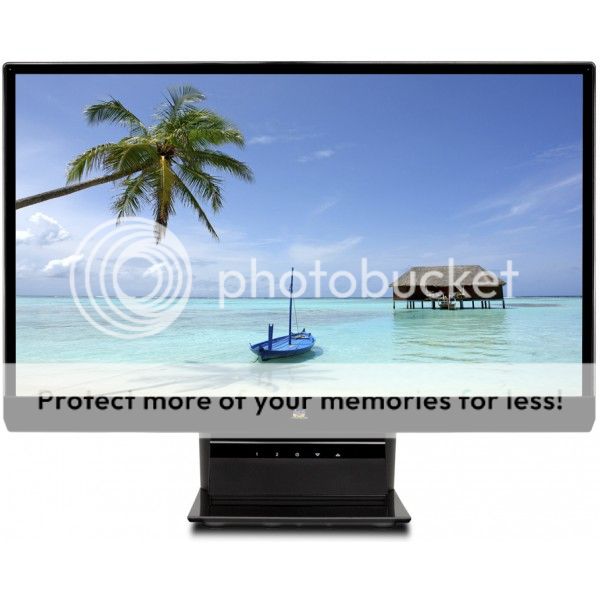
The first thing I did so to set the monitor for 100% sRGB -
which was just a simple set on the OSD to sRGB - and that was it -
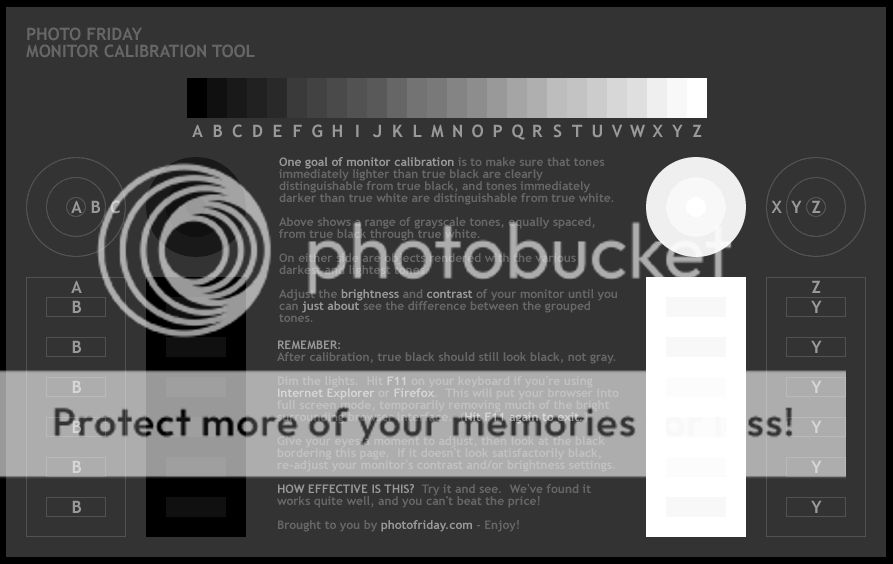
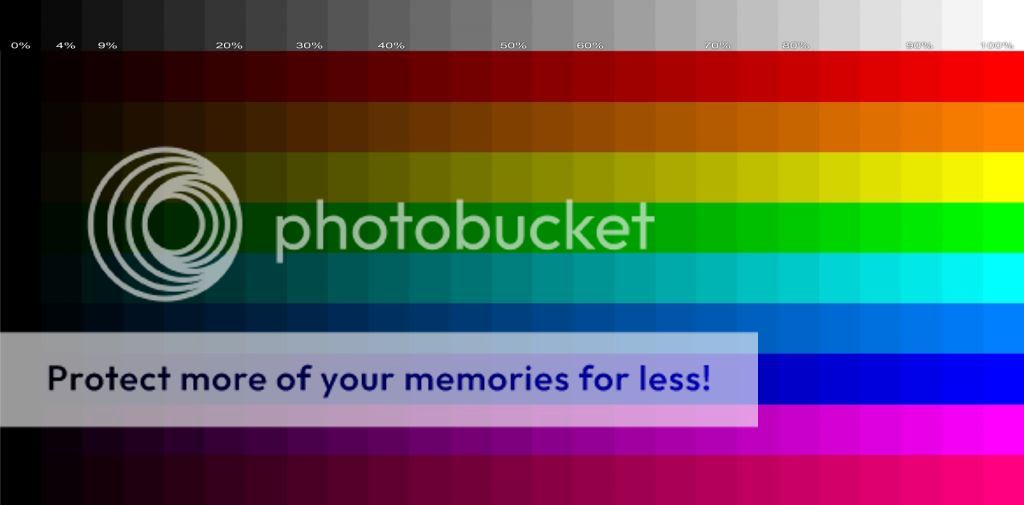
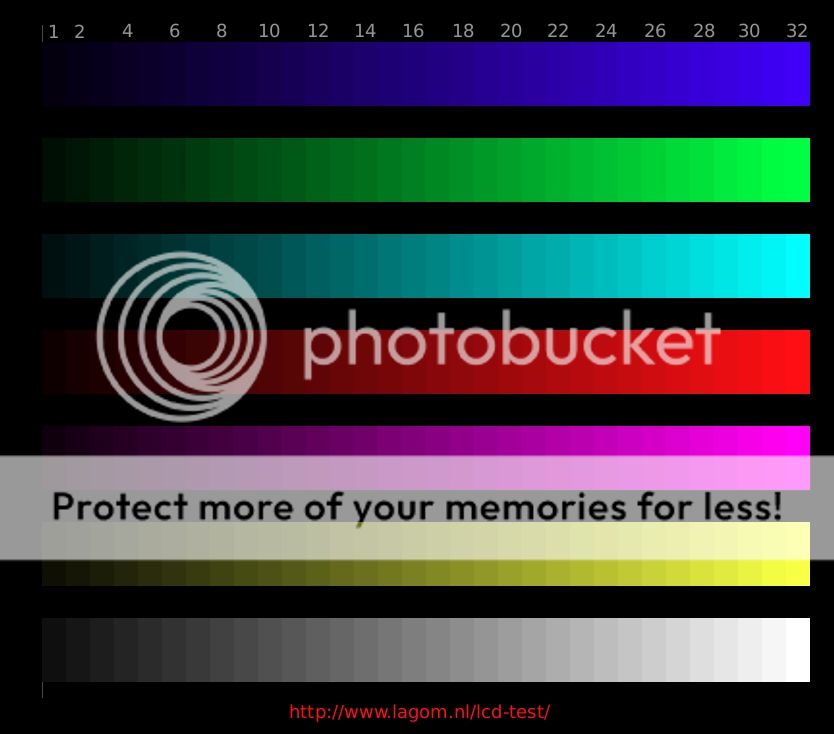
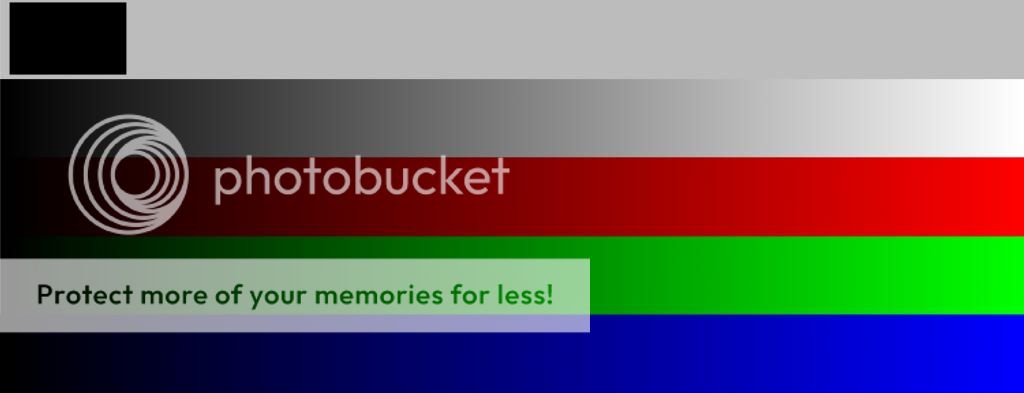
Then I went to the various on-line monitor calibration sites to check the monitor -
it passed any and all the tests I could throw at it with ease.
This is a handy reference page that collects together the most useful calibration sites -
5 Online Tools to Help Calibrate Your Monitor
That includes the sites that I had found the most useful:
Photo Friday: Monitor Calibration Tool
and
Lagom LCD Monitor Test Pages
Some of this has been discussed in the thread:
new Monitor Advice Please (
 1 2 3 ... Last Page)
starting with Post #37
Hope this was of some help.
--
Vincent
http://picasaweb.com/UnknownVincent?showall=true
http://UnknownVincent.Shutterfly.com
http://UnknownVT.Shutterfly.com
http://UnknownVT.multiply.com/photos
I recently went through the process of choosing a monitor specifically for photo post processing this has taken me over a year of research to find something that was suitable, and inexpensive.
Hopefully sharing my experience may be helpful.
Many know that in LCD technology, the panel to aim for is IPS (in-plane switching) because it is capable of showing more colors/wider color gamut, and have wider viewing angles with consistent and accurate colors.
So wider gamut/more colors is desirable
an examination of monitor specs show things like 82% or 72% gamut
but without any indication of what gamut or color space.
Although it would seem more colors or wider gamut is better
so is 82% better than 72%?
BUT 82% or 72% of what?
That's when I realized those figures do not matter -
what was really important to me was the ability to display 100% of the photographic working color space -
ie: 100% sRGB
Even a gazillion% gamut is absolutely useless, if it cannot display all the sRGB colors ie: 100% sRGB.
OK some may argue that a monitor would be superior if it can display AdobeRGB or NTSC color space(s) -
but only if it is 100% sRGB capable in the first place
since the displayable end result for the web and most printers is standardized on sRGB.
Doing searches of 100% sRGB IPS will find monitors, and some surprisingly were not very expensive.
That is when I realized that some of those monitors actually had an sRGB preset that set a factory calibrated 100% sRGB this was better than expected
since that virtually may mean separate monitor calibration was not as critical as it used to be.
This discovery was HUGE.
Were there differences in IPS panels? well of course, only a few months ago there was general opinion that cheap IPS monitors were not really recommended.
3 Reasons Why You Shouldnt Buy A Cheap IPS Monitor
So the LCD panel technology was important too not just blanket approval of any generic IPS.
Fortunately we have currently many smartphones with stunning very high pixel density screens -
have some of this new technology made it way to computer monitor screens?
Some of those names were AMOLED (Samsung) and AH-IPS (LG).
As far as I know there are no AMOLED monitors -
BUT there are AH-IPS monitors now.
and searching on AH-IPS finds that LG claims AH-IPS been certified by Intertek as having accurate colors (this is really important)
Searching for AH-IPS 100% sRGB does find monitors, and in fact some inexpensive ones.
Just to set the scene
Dell UltraSharp U2713HM this is a 27 screen, but at $650-700 street price - hardly cheap.
But there were also:
ViewSonic VX2270Smh-LED 22" Frameless LED Display
ViewSonic VX2370S-LED 23" Frameless LED Display
These actually were some of the lowest priced IPS monitors available.
This was like a dream come true monitors based on the latest AH-IPS, with 100% sRGB factory calibrated preset.
I bought the 22" ViewSonic VX2270Smh-LED since I have limited desk space, and prefer a higher pixel density.
The first thing I did so to set the monitor for 100% sRGB -
which was just a simple set on the OSD to sRGB - and that was it -
Then I went to the various on-line monitor calibration sites to check the monitor -
it passed any and all the tests I could throw at it with ease.
This is a handy reference page that collects together the most useful calibration sites -
5 Online Tools to Help Calibrate Your Monitor
That includes the sites that I had found the most useful:
Photo Friday: Monitor Calibration Tool
and
Lagom LCD Monitor Test Pages
Some of this has been discussed in the thread:
new Monitor Advice Please (
starting with Post #37
Hope this was of some help.
--
Vincent
http://picasaweb.com/UnknownVincent?showall=true
http://UnknownVincent.Shutterfly.com
http://UnknownVT.Shutterfly.com
http://UnknownVT.multiply.com/photos