OT HDR Photography

Joined
Jul 7, 2004
Messages
368
Hello guys, I just discovered this, and wondered if anyone tried to use HDR photography for knives pictures.

Samples on landscapes looks very interesting !

(HDRI or just HDR) is a set of techniques that allow a greater dynamic range of luminances between light and dark areas of a scene than normal digital imaging techniques or photographic prints. This wider dynamic range allows HDR images to more accurately represent the wide range of intensity levels found in real scenes ranging from direct sunlight to faint starlight.
 
Last edited:
Interesting idea. I use HDRI images all the time in 3D visual effects jobs. The software uses the high dynamic range data in the pixel information to quite literally "light" the 3D scenes, thus giving the rendered images of the scenes a very realistic look.

Most HDR images look pretty dark/contrasty on screen due to the larger amount of data they contain.
 
Yeah it's a neat tool, you get images ranging from more natural exposure, all the way to something out of a fantasy painting. Photoshop has a good one built in, I'd love to try it but I'm too cheap to spend on the program since I'm not in the buisness. There's a GIMP plugin that can use 3 exposures, this isn't as powerful but can be helpful getting a more natural looking image.
 
I haven't used it on knives yet, but I will go get some of my HDR shots. BRB!
 
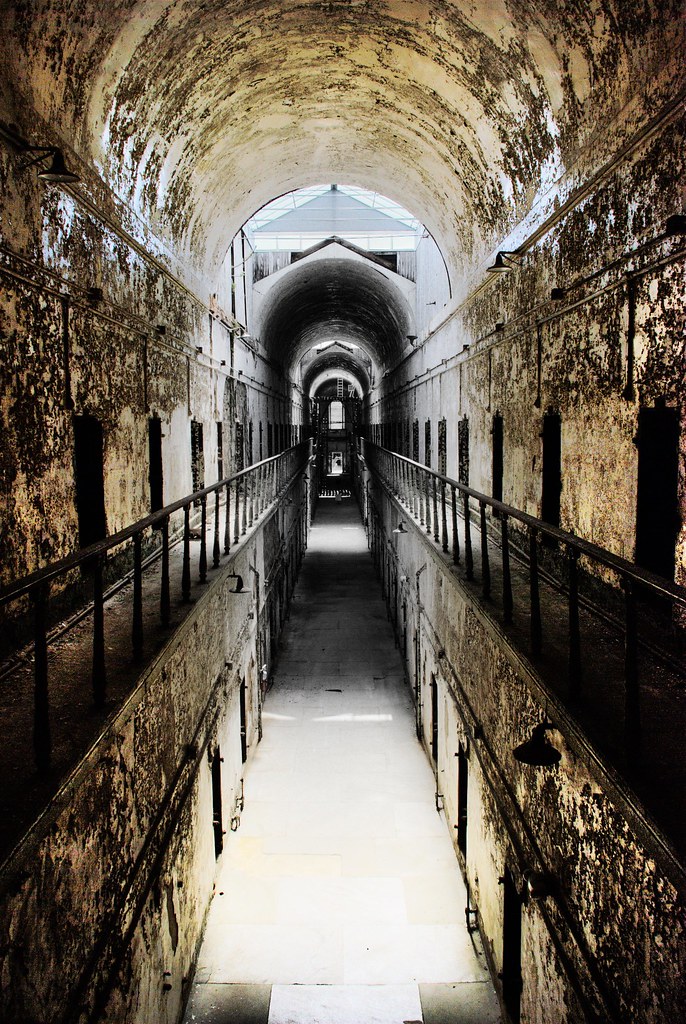
3454090051_c8a99fc380_b.jpg


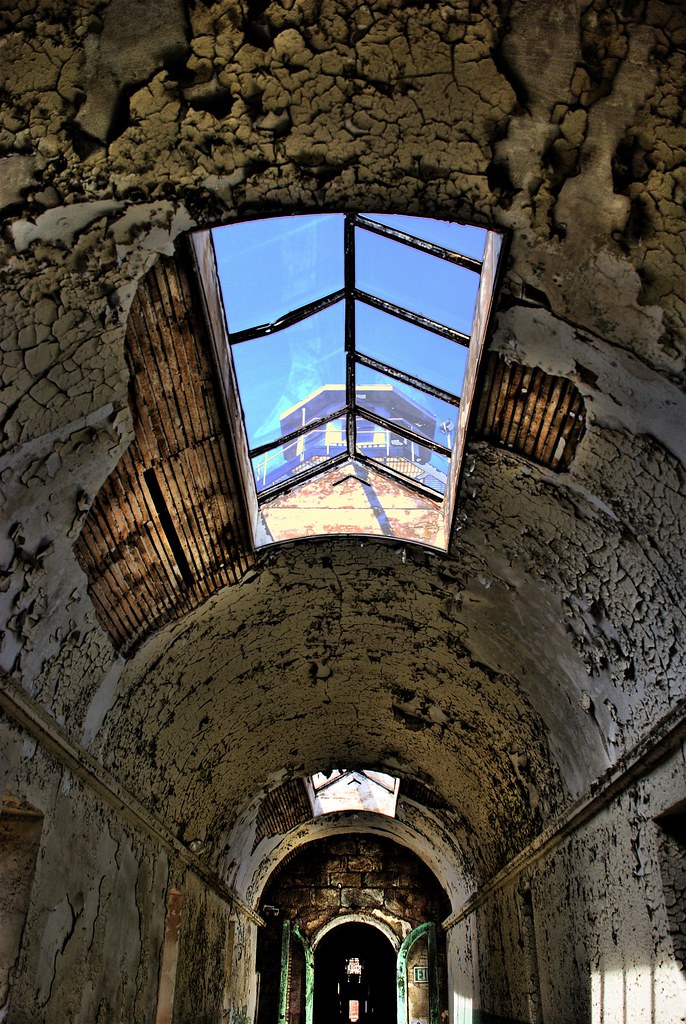
3454092603_48dce68f8a_b.jpg


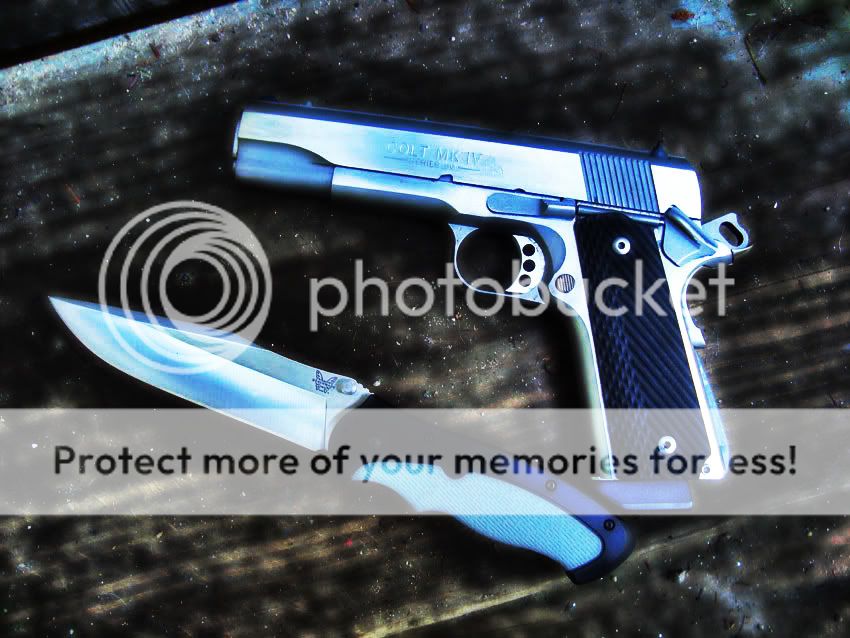
3454906820_325520b523_b.jpg
 
Here's a first quick and dirty try...

Here are the four images used for the HDR...

P9025571.jpg

P9025572.jpg

P9025573.jpg

P9025574.jpg


HDR Result:

P9025570_1_2_3_4.jpg
 
I do, pretty much all the time.
Bunch of my Busse photos are HDR as well. At times it can be real PITA though.
 
Looks cool... reminds me of what happens with B&W film if you know what you are doing.

Where do I find out how it is done?

.
 
Looks cool... reminds me of what happens with B&W film if you know what you are doing.

Where do I find out how it is done?

.


I find it very useful for knives since it can give correct exposition for scales and blades. Usually that's hard to obtain because blades tend to shine alot and scales tend to be dark

Check out samples and instructions at Photomatix site http://www.hdrsoft.com/

But if you type HDR on google you'll find plenty of guides and samples
 
Hi Tony,

I've used Photomatix Pro in the above shots. Sometimes I use CS4.

Usually I take 5 pics with different exposures (all 1 stop apart eg. -2, -1, normal exposure, +1, +2)). If you've got fast shutterspeeds you can use the "motordrive" of your dslr and do this handheld. Otherwise a tripod is a must. Most cams have this bracketing function. These 5 pics are loaded in Photomatix. Then let the software do a little "tone mapping" and change the controls of the software to your liking. That should do the trick:thumbup:
 
Back
Top