

Jaxx
Moderator
- Joined
- Jan 18, 2006
- Messages
- 19,865
After my HDD crash, I decided to upgrade my digital photo software, and purchased Lightroom to process my pix... AMAZING what I was able to do with the raw "10 Active Duty's" image compared to the post processed one y'all have seen posted. (which was processed with Jasc Paint Shop Pro)
 :thumbup:
This is my first Adobe photo processing software, and although I really do like what it can do, I'm at my wit's end with how to save/export the image correctly. :grumpy: When I am able to save... I mean export it, I cannot see the difference from the before image and the image saved from Lightroom even when it looks dramatically improved IN Lightroom. What am I doing wrong??? Also, resize and compression tips would be very much appreciated. I have MUCH to learn...But I definitely see the LIGHT, and I'm hoping it'll make my knife pix way cooler for viewing here. :thumbup:
Thank you in advance for any assistance! :thumbup:
Thanxx for readin',
Jaxx
:thumbup: This is my first Adobe photo processing software, and although I really do like what it can do, I'm at my wit's end with how to save/export the image correctly. :grumpy: When I am able to save... I mean export it, I cannot see the difference from the before image and the image saved from Lightroom even when it looks dramatically improved IN Lightroom. What am I doing wrong??? Also, resize and compression tips would be very much appreciated. I have MUCH to learn...But I definitely see the LIGHT, and I'm hoping it'll make my knife pix way cooler for viewing here. :thumbup:
Thank you in advance for any assistance! :thumbup:
Thanxx for readin',
Jaxx

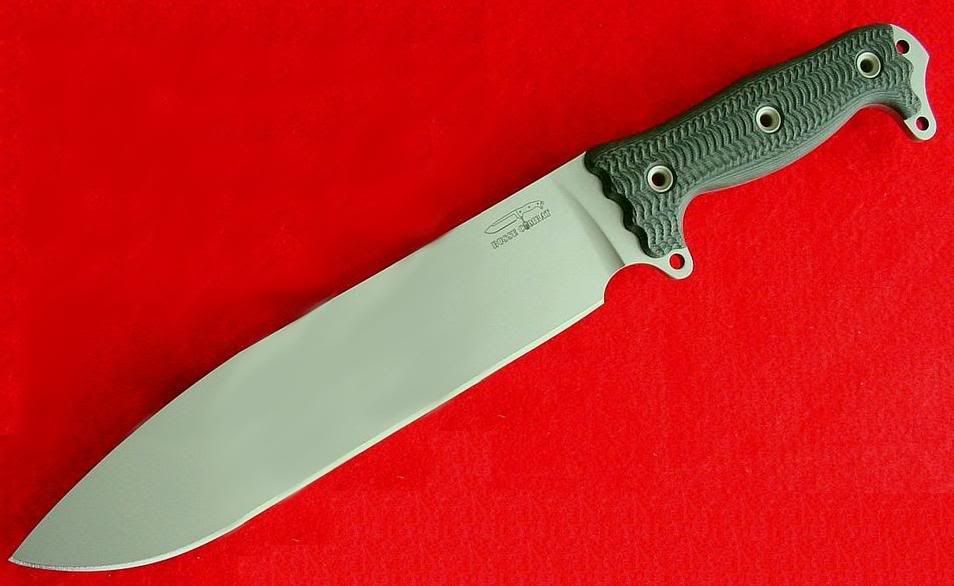


 I could get down to some posting!!!!
