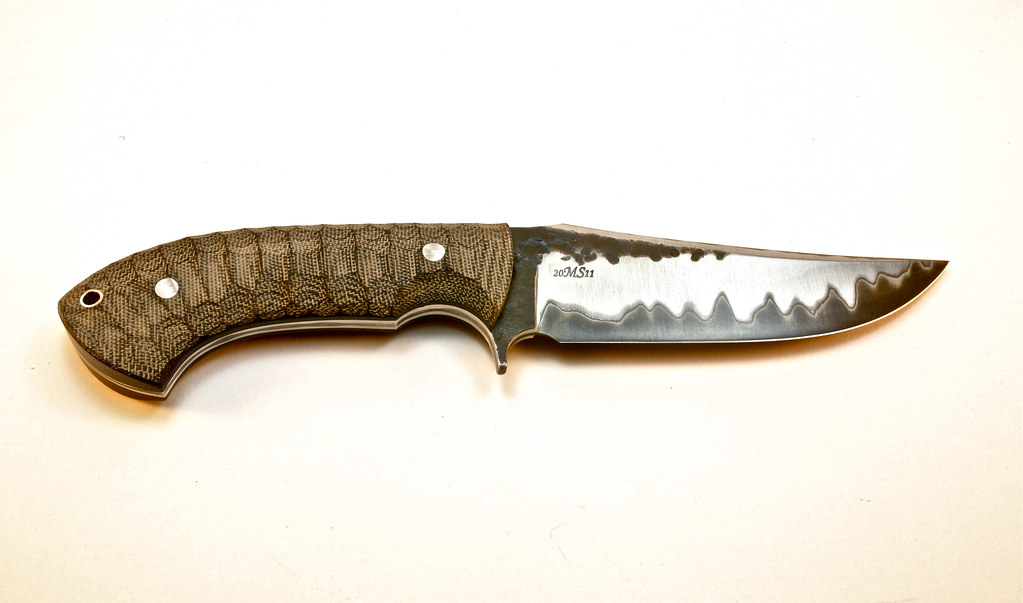
Posting up Photos from FLICKR...

Calhoon

Gold Member
Joined
Jul 14, 2005
Messages
762
Hi guys..I want to post a few knives on the best 2012 bowie thread in Custom Knives thread. I can't seem to get a large picture like the other fellows are posting.
What am I doing wrong? Other than being an idiot? :rolleyes: Many thanks in advance. I've had help before but I seem to have regressed! :confused:
 
Third emblem from the right on the quick post toolbar.
Enter the url and you should be set!
And make sure the picture isn't private!
 
open the pic, right click> view image. Copy pasta the link from the address bar.

Bladeforums:
in the body of the message surround your link with [.pic]http://hotsexywimmin.com/1.jpg[./pic]

Make sure the tags don't have the periods in it...
 
Test run....

7268189174_2d396fb1bc_b.jpg


OK- If you see my previous post, that is all I can get trying to upload pictures from Flickr. I know there are a gazillion threads on how to, but none seem to be working. Help?
 
Post a link to the picture, let me have a try at it. Usually if you see the picture on Flickr, just right click on it, select Copy Image URL, then when you reply to the thread click on the Image Icon, paste the link in there by right clicking again and select paste, then click insert. The same size picture should be in your reply then.
 
Are you using a smart phone? If so you need to request the desktop version then select share.
 
Thanks guys. Somehow the image magically appeared (that's a Case knife opener, BTW). I'll just keep playing with this 'til I get it down.
 
Back
Top