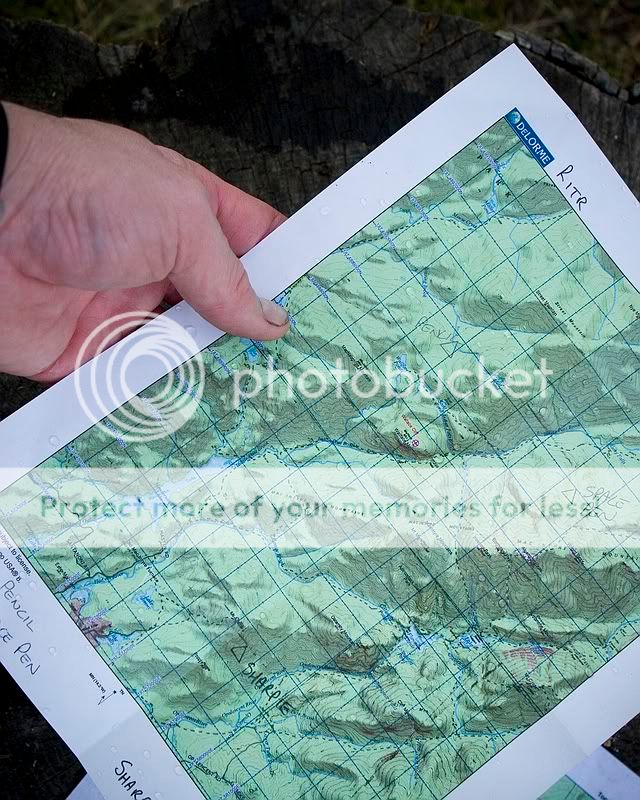
Rite In the Rain Printer Paper for Topo Maps

Joined
Dec 11, 2006
Messages
1,659
If you have ever hung out in the woods with me, or read my compass article on Woodsmonkey, you will know that I am a HUGE map and compass geek. I was for a long time, then went through a few years of GPS use, and after several negative experiences have been hardcore back into the simple ways of navigation.

What it all boils down to, is I love good maps. If you cover lots of ground, and go lots of places, buying USGS renditions of maps is expensive, quite a bit of work, and I find them cumbersome to use. These days, most land nav geeks I know are using software to print USGS topos out on 8.5" x 11" pieces of paper. I am no exception, and I keep them at the 7.5 minute scale.

My method was to have a "user" copy ready at hand. Sometimes it was in a case, sometimes not. They got beat up, folded, wrote on, and everything else. I also kept a "spare" and pristine copy in my pack, in a case.

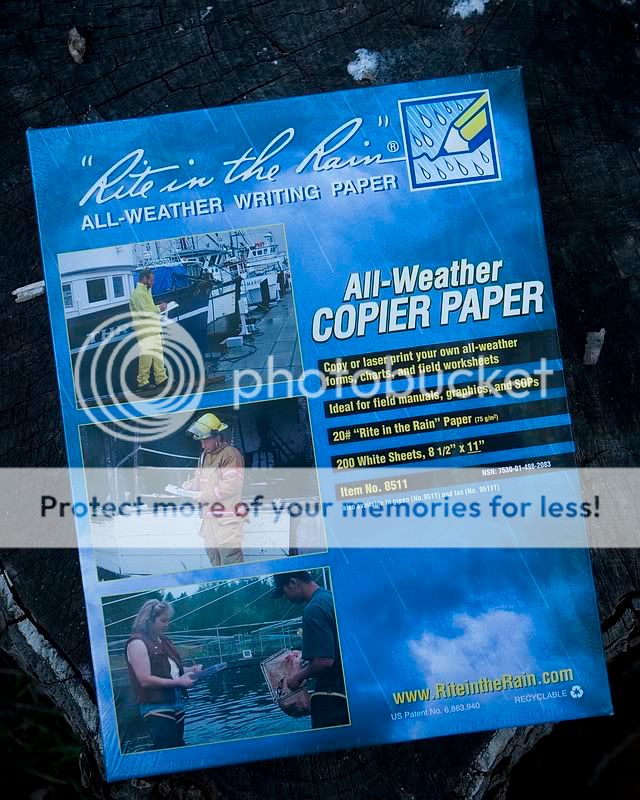
Recently, I was checking out Rite in the Rain products, and found that they carry a lot more stuff than the yellow covered notebooks I saw and REI. LOTS more. One of those things was 8.5" x 11" copier/laserjet paper.
IMG_4435.jpg


It is a bit on the pricey side, but for something as valuable as a map, and the amount of paper that I would actually go through on them, I had to give it a try for my topo maps.

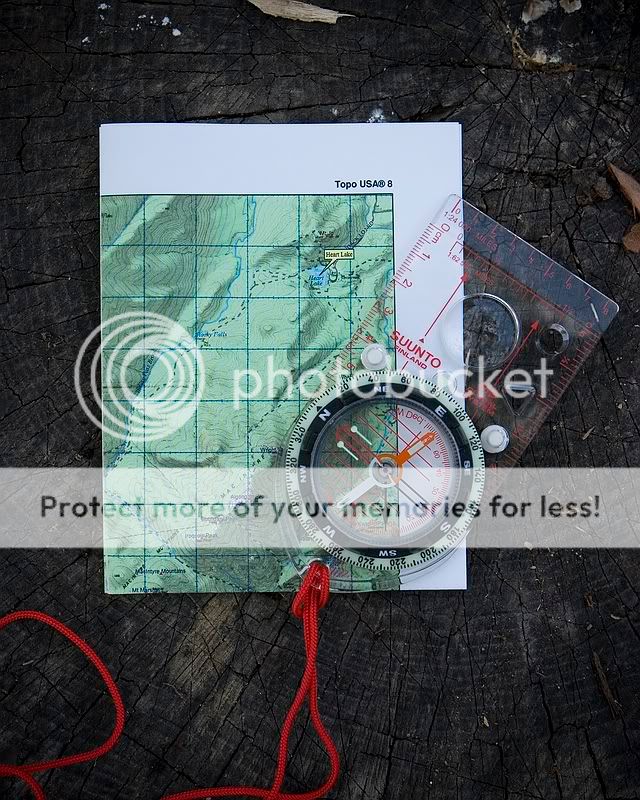
I like to carry my maps folded in 1/4. It is a small size that I am actually willing to hold. At 7.5 minute scale, you can walk quite a distance on that much space. When I move off the page, I just fold again.
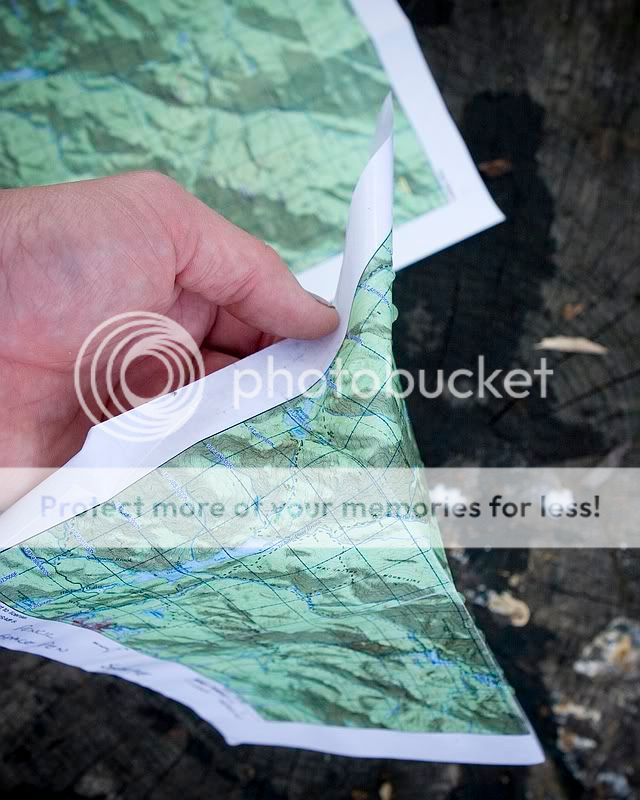
IMG_4412.jpg


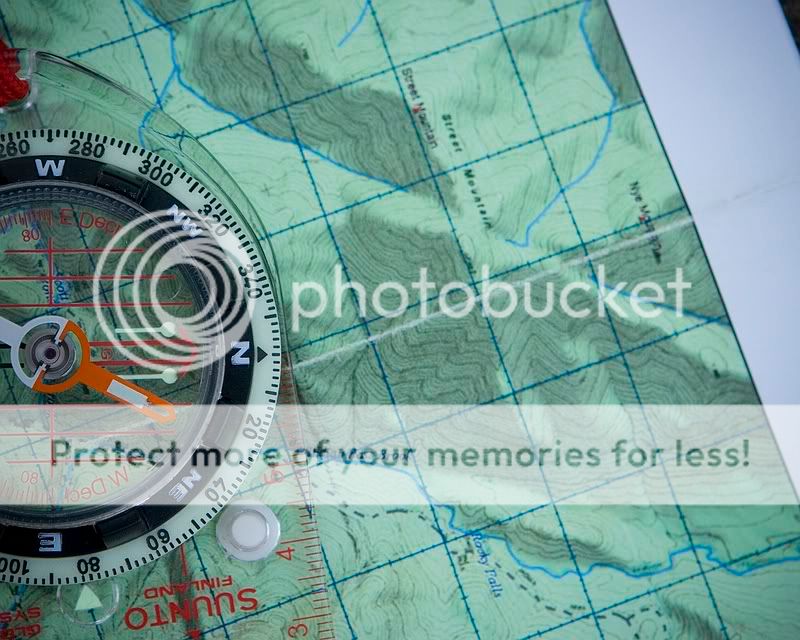
So, my first test was to fold over and over again on the same line. While you can not expect any map (including original USGS ones) to not deteriorate along that line, I at least wanted to make sure it was on par with normal paper. You see the wear line.
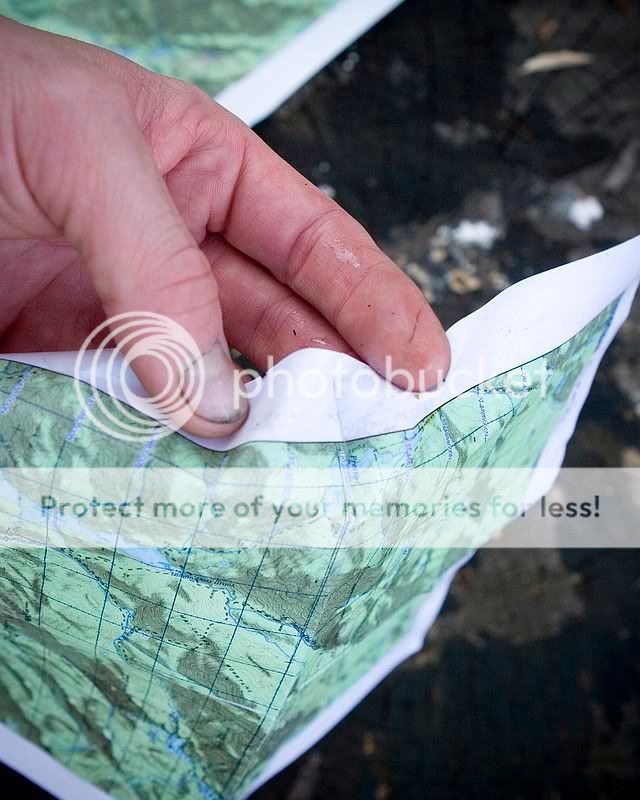
IMG_4413.jpg


It seemed no better or no worse than regular paper.

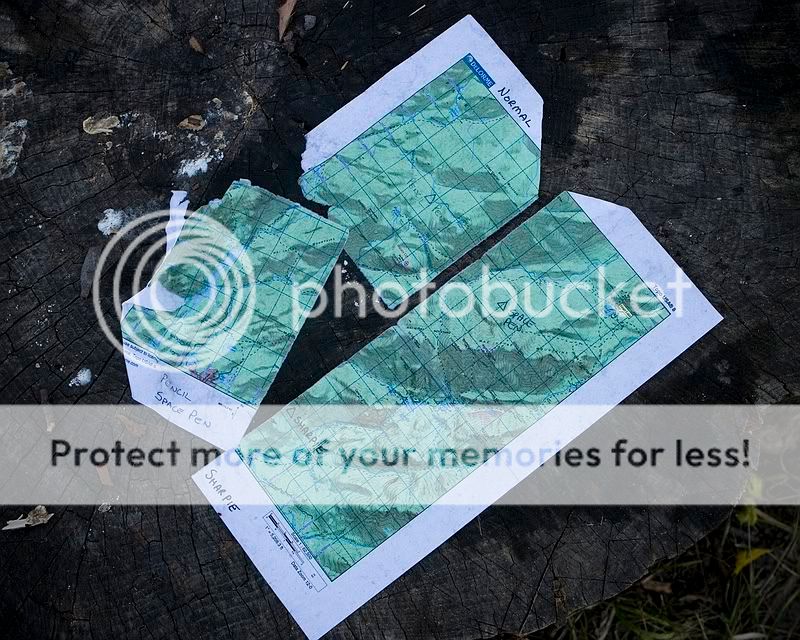
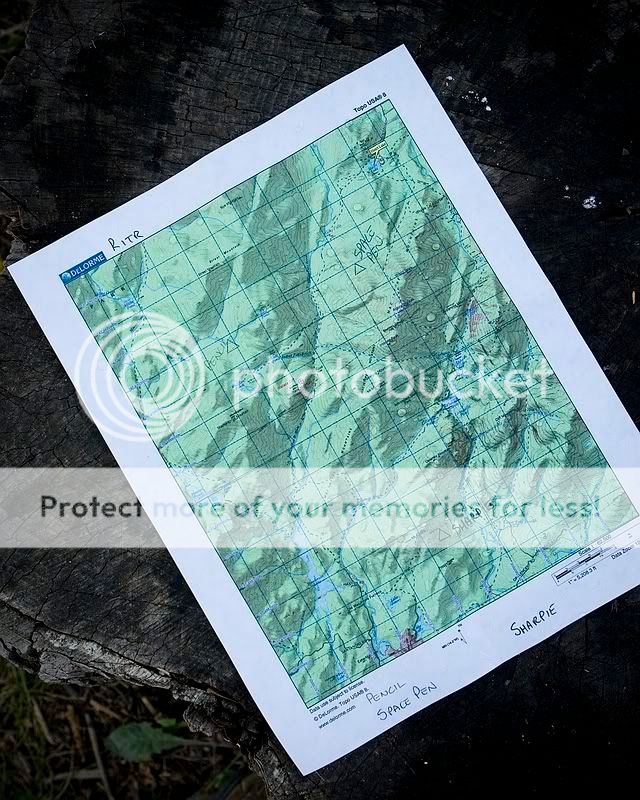
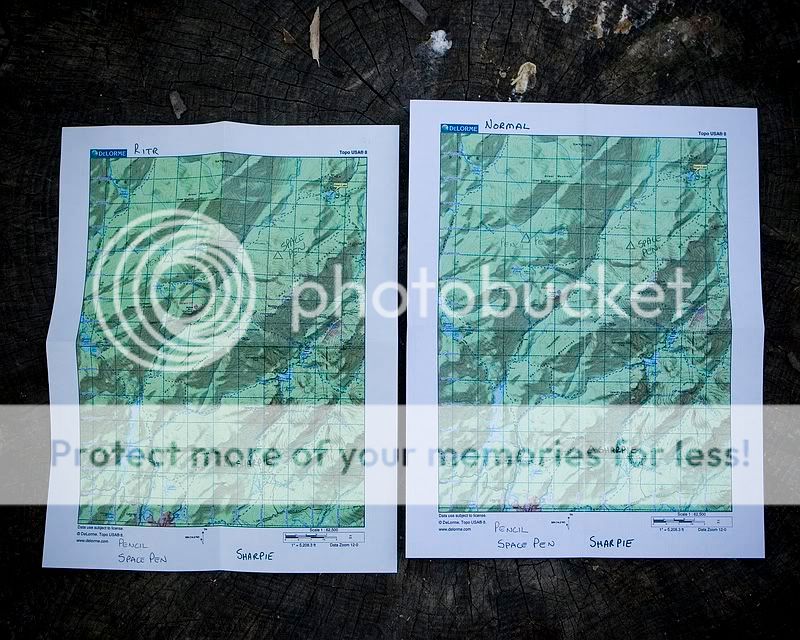
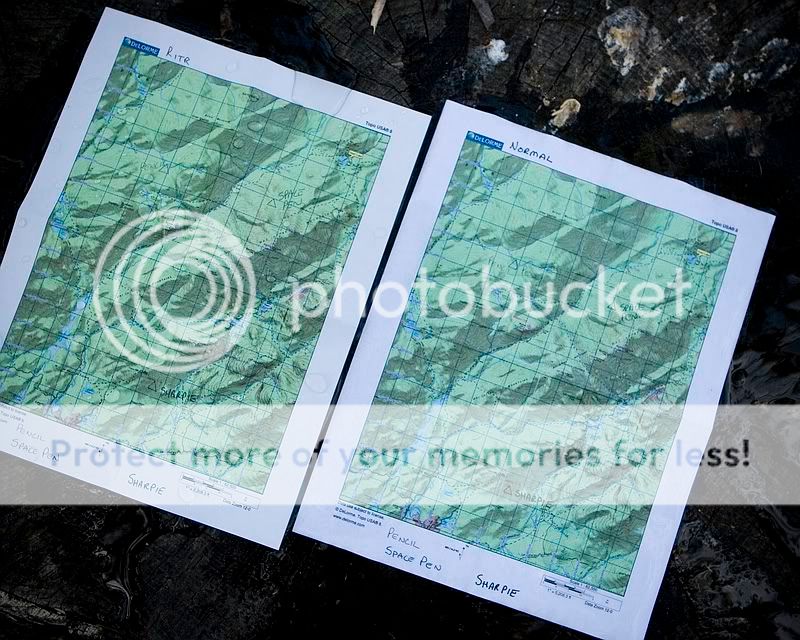
Now on to some testing. I took two maps, one on RITR paper, and one on normal paper.
IMG_4414.jpg


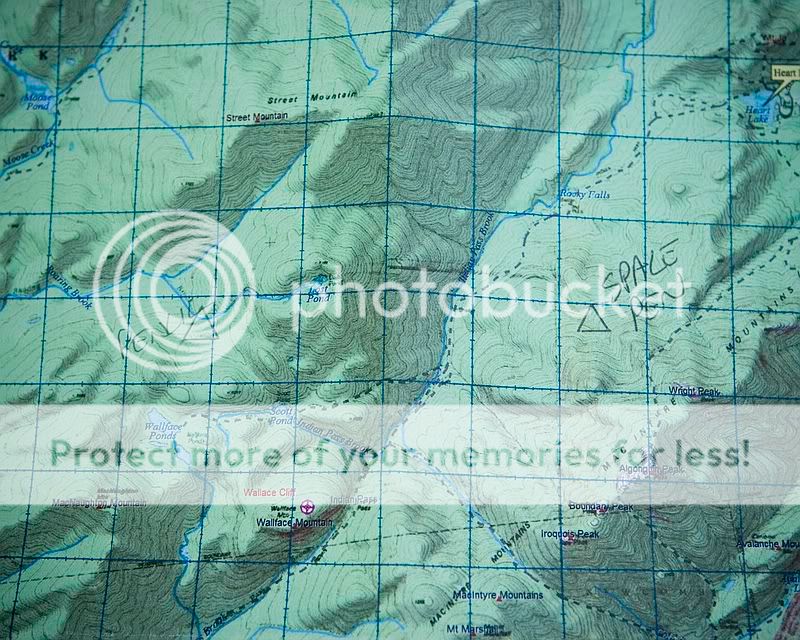
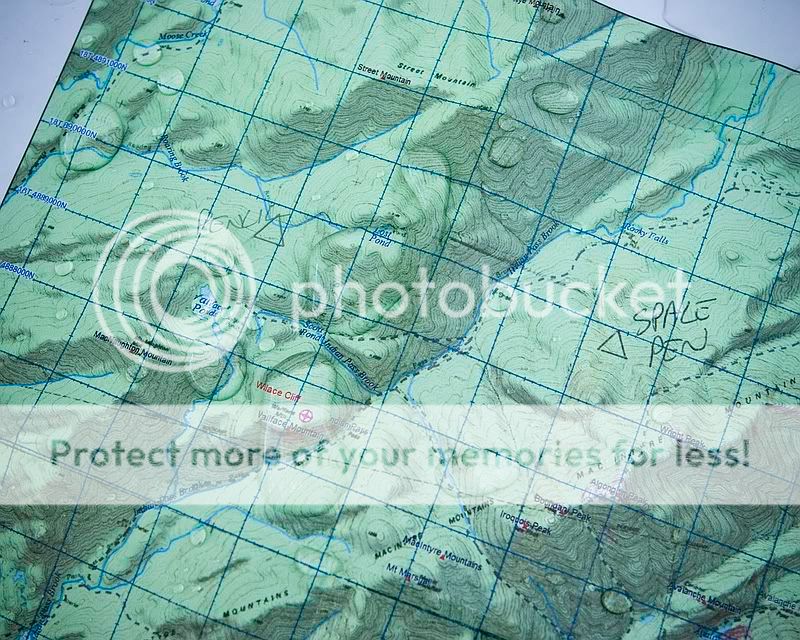
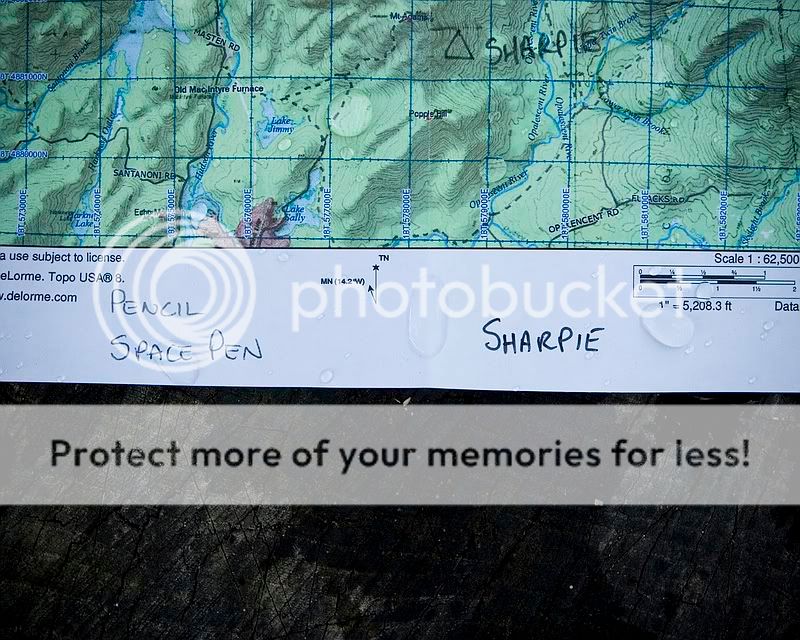
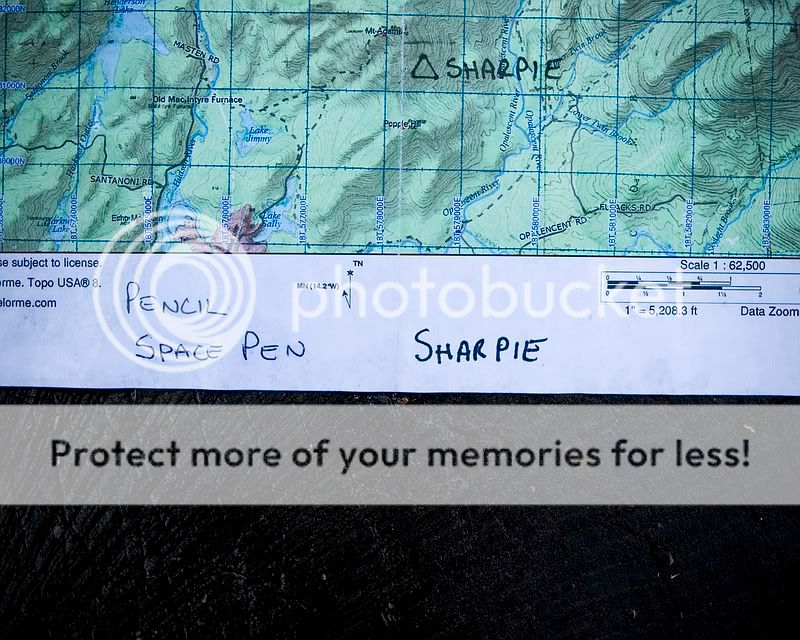
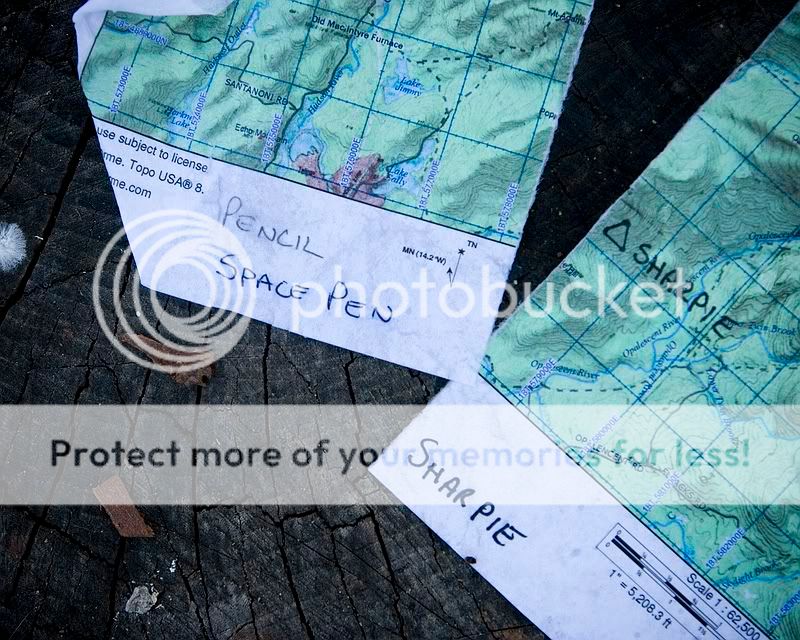
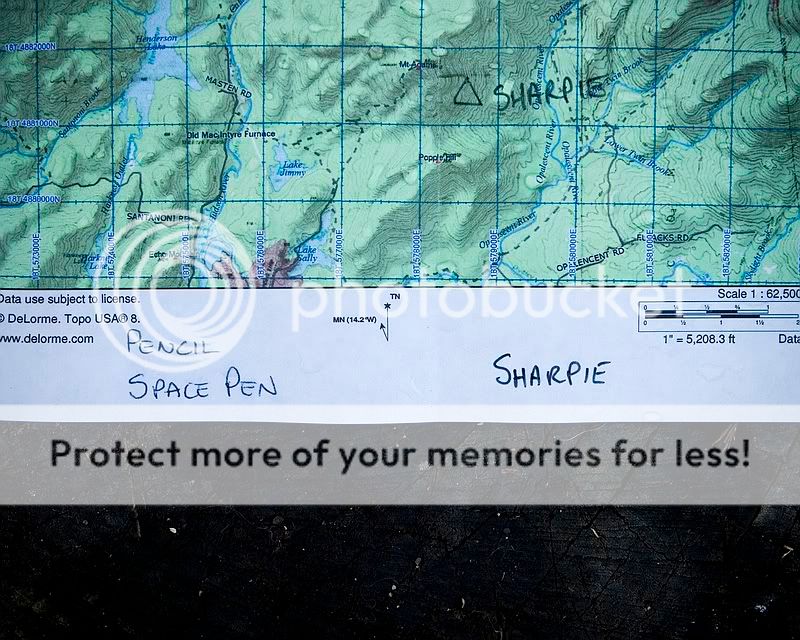
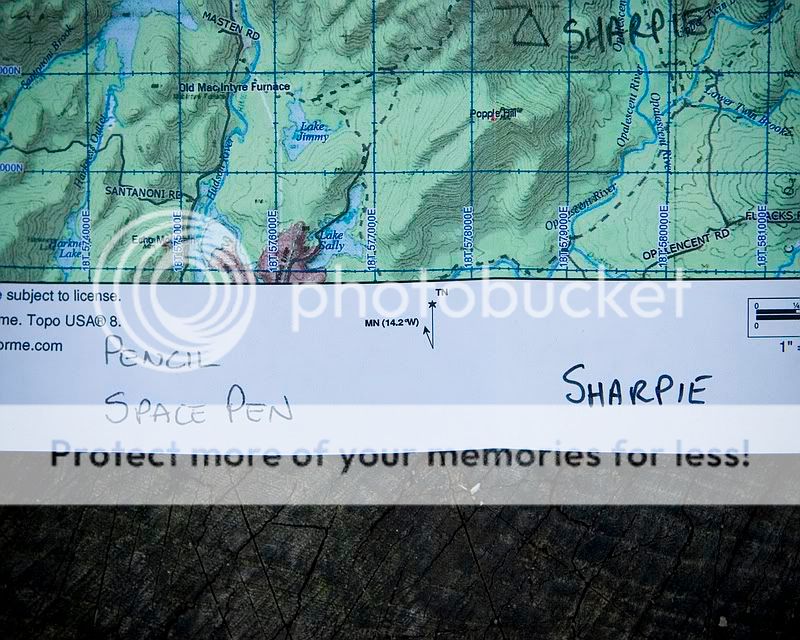
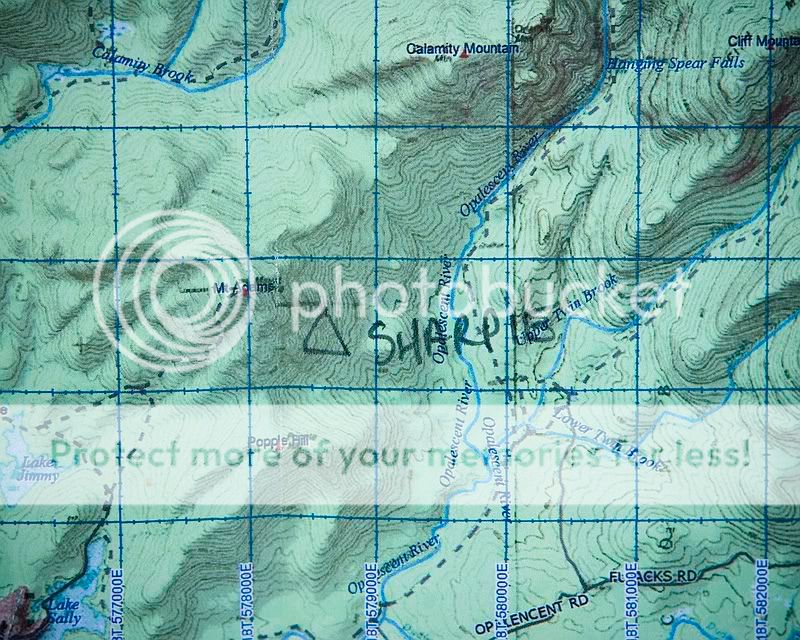
On each I wrote on them in pencil, space pen, and a permanent sharpie.
IMG_4415.jpg


I did that both in the white space and the printed area.
IMG_4416.jpg


IMG_4417.jpg


First, I did a simple water pour. Pouring 1L of water of each and seeing what happened.
IMG_4418.jpg


Close up of the RITR paper.

IMG_4419.jpg


To Be Continued......
 
Markings were not effected on either.

IMG_4420.jpg


IMG_4421.jpg


The RITR paper actually felt no different. It still had its "stiffness" about it, and really nothing seemed to have changed.

IMG_4422.jpg


The regular paper was already limp.

IMG_4423.jpg


You can see it looking saturated.

IMG_4424.jpg


Next, I submersed both together in my sink for 30 minutes.

The regular paper did not make it back out alive : )

IMG_4425.jpg


But, it is interesting to note that there were no issues with the markings at all.

IMG_4426.jpg


I assumed one of the selling points of RITR paper is that your writing will be preserved through all kinds of conditions. Instead, it seems like there was no issue with marking on either paper, but rather a matter of the paper itself surviving.

Now the RITR version.

After the soaking, it did not feel as stiff as it did before, but it didn't feel fragile either.

IMG_4427.jpg


All of the markings looked perfect.

IMG_4429.jpg


While it was in this wet state, I folded it over and over along the same line. It was the movement that killed the regular paper, and I figured if this stuff was going to have a weakness, this would be it.

But, it did that just fine. You can see the crease where I folded it, but certainly no damage, and no tearing.

IMG_4430.jpg


I don't know if anyone is really into any of this like I am. But, like I said, I love maps and compass. I am getting ready to go to the Adirondacks and have all my maps printed and ready to go on this paper.

It was also neat to do this, because I just assumed that I would have issues with my markings being preserved on normal paper. While I did expect failure, the failure mode was different than I anticipated.

B
 
Can you post some information on printing your own maps?

Me too. :)

What do you use to get and print the maps? Do you do this online somewhere, or do you use some mapping application?

By the way, fantastic review on the paper....
 
What kind of printer did you use?

Pouring just a few ounces of water on one of my inkjet-printed maps will destroy it... the ink dissolves immediately.

Thanks for doing the test. I was just looking at that product at the Going Gear website last night.

Stay sharp,
desmobob
 
Related to maps, here is a link that a friend found while we were planning a hike a few years ago. I have most of the maps from one of my favorite backpacking areas saved to my hard drive. That's good, because the Wyoming site seems to have gone AWOL. Not all states are here, but a lot of states do have maps.

http://www.naturalgfx.com/free_topo_gis.htm

I may have to pick up some of that paper, looks like good stuff. I print out my own maps as well, so this would be much better than the flimsy normal paper.
 
Last edited:
Brian, nice job on the comparison, as always. Somewhat related to this topic and hopefully not too far off the mark, what's the best bang for the buck mapping software out there. I see you are using Delorme. I've also been looking at Nat Geo and Maptech Terrain Navigator. Comparing the three mentioned is blowing my mind. What say you:confused:
 
I've gotta get on board, this is brilliant. Topo maps are so expensive ($20 for a waterproof one), too big, I usually only need about 1/3 of the map, theyre bulky making the creases ruin the map if you fold it up small, and just impractical for consulting frequently when youre on the trail.

Thanks for bringing this up Brian! But you must tell me more now!
 
Good stuff, one thing I would like to see if you can is some way to simulate hard rain. When Im in the field, I like the rite in the rain stuff, but have found that on normal paper, when its raining hard, it smudges much more, can you do some type of test to check that?
 
Can you post some information on printing your own maps?

I assume you mean what software I am using, etc? Or do you mean the printer? Either way, I will answer both in a minute.


What kind of printer did you use?

It is a HP Laserjet. I forget the model, but I can check if it is important. I am super picky about legible detail and I haven't found anything less than a laserjet to be acceptable. That and the way the ink is done.

Brian, nice job on the comparison, as always. Somewhat related to this topic and hopefully not too far off the mark, what's the best bang for the buck mapping software out there. I see you are using Delorme. I've also been looking at Nat Geo and Maptech Terrain Navigator. Comparing the three mentioned is blowing my mind. What say you:confused:

I have no experience with National Geographic. However, I do have both Terrain Navigator and Delorme.

The best bang for the buck depends on how much you travel. Terrain Navigator is a great piece of software, but is sold by the state (with the exception of the National Park edition). So, if you stay within your own state, it will be fine and I used that for a long time. When I started doing more and more trips outside my state, I really didn't want to buy each of those states, so I jumped to Delorme and am currently using version 8.0.

I have to admit that I was taken a bit by surprise with Delorme. I thought "WOW, I am getting the whole US for $100." But, that is not the case, and you will not get maps like I printed with just that.

Delorme ships with its "base data" for the US. Even when set in "high detail" mode there is not much detail at all. In fact, I find it unusable. I think it is geared towards those who navigate in conjuction with the GPS. I want the best maps I can get. So, to make it work, you have to download the USGS quads through Delorme. The downside is that you have to pay for them. The positive is that the subscription to do unlimited downloads is $30 a year. You can get USGS quads, NOAA charts, and satellite imagery. Totally worth it, IMO.

Plus, the Delorme software has a lot more trail data (which is typically not on old USGS maps, and Terrain Navigator is strictly USGS scans). It will let you do a combination of Delorme data, trail info, shading, etc along with the USGS maps in a "hybrid" mode. Now that is pretty cool.

So, overall I think the Delorme software is more powerful. But, if you stay in your state a lot, the cost for the whole US and the subscription might not be as appealing as just buying your state and being done with it.

Bottom line with Delorme is that if you are serious about good maps, the subscription is a must. Also, he has some "tricks" to printing high quality maps that is not documented ANYWHERE. I had to find out from others and their tech support how not get crappy looking maps. So, if you get it, shoot me an e-mail and I will tell you how to do it.

BTW, with all my talk of printing 7.5 minute maps, the map pictures is a 15 minute map :D I usually carry at least one 15 minute map (in order to cover a big area) so that I can get a larger sense of the area. I then break it down into smaller 7.5 minute ones that I navigate with. Actaully, to be technically accurate, when I say "7.5 minute" I mean 1:24000 and "15 minute" means 1:62500. Sloppy in my jargon :D Just FYI.

B
 
Last edited:
Do you think there's any reason I couldn't just save these .gif's and take them to Staples and get them to print them?

(other than the fact that the grid lines aren't displaying)
ntdb_mspaserv461125392326018903.gif
 
Delorme doesn't support the Mac, but Garmin does. I use Garmin for my GPS but I've never bought their topo maps. Anyone have any experience with Garmin topo maps and their BaseCamp software?
 
Delorme doesn't support the Mac, but Garmin does. I use Garmin for my GPS but I've never bought their topo maps. Anyone have any experience with Garmin topo maps and their BaseCamp software?

I have Garmin's topo software, but it is a few years old. I don't know how much it has changed since then. But, when I did use it was very similiar in detail to Delormes "base data." Meaning not much detail.

Let us know if you find out anything about it.
 
Cool stuff Brian!

Nice thing about that software is that invariably the place I want to go is right at the edge and for some reason bordered by two USGS maps.....hmmm Chelsea comes to mind here :D
 
Brian,
Thanks for a great review. I've often thought of trying the RITR for printing my own maps but, thought i'd have to get special ink. Nice to know a standard laser printer will work. Thanks again, Great Job!
Allan
 
I have Garmin's topo software, but it is a few years old. I don't know how much it has changed since then. But, when I did use it was very similiar in detail to Delormes "base data." Meaning not much detail.

Let us know if you find out anything about it.

Garmin has a 24K topo product now. I suspect it has more information than the 100K, but I don't really know that for a fact.

I'm torn on this. The cost of the maps is pretty high. But then, I can make custom maps and have them mirrored on my GPS unit.

It definitely bears more research.
 
Back
Top