White Balance

Joined
Feb 22, 2007
Messages
9,008
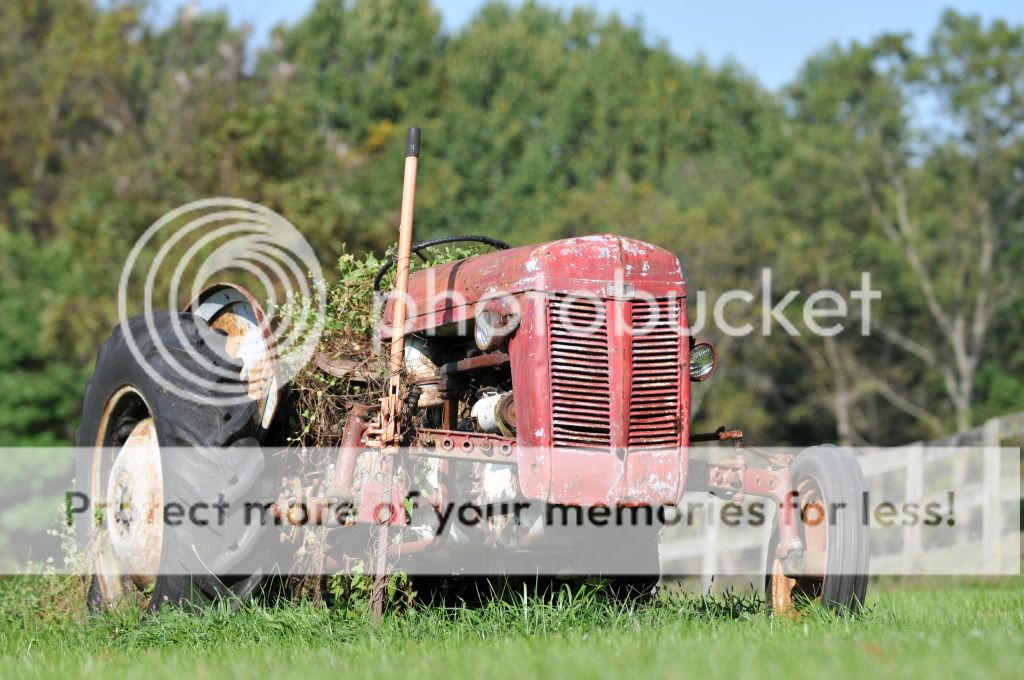
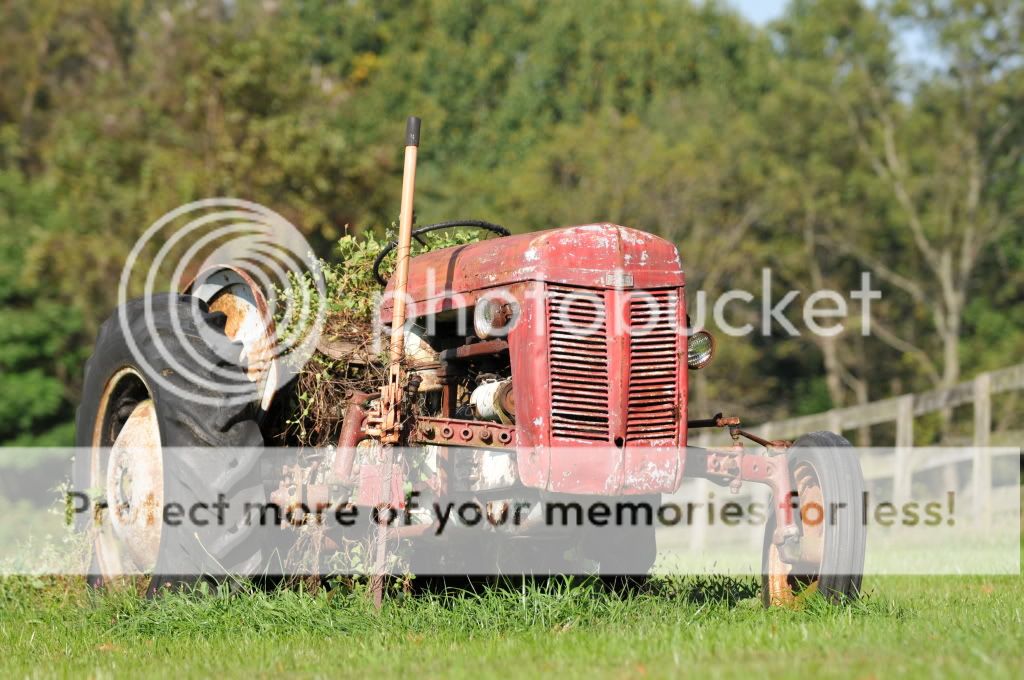
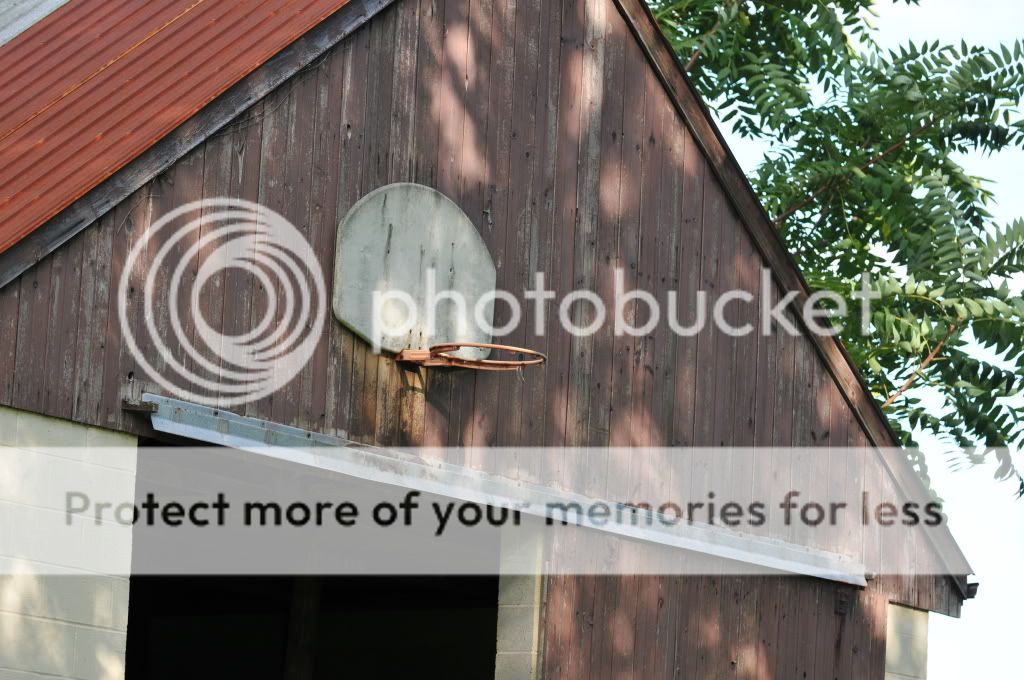
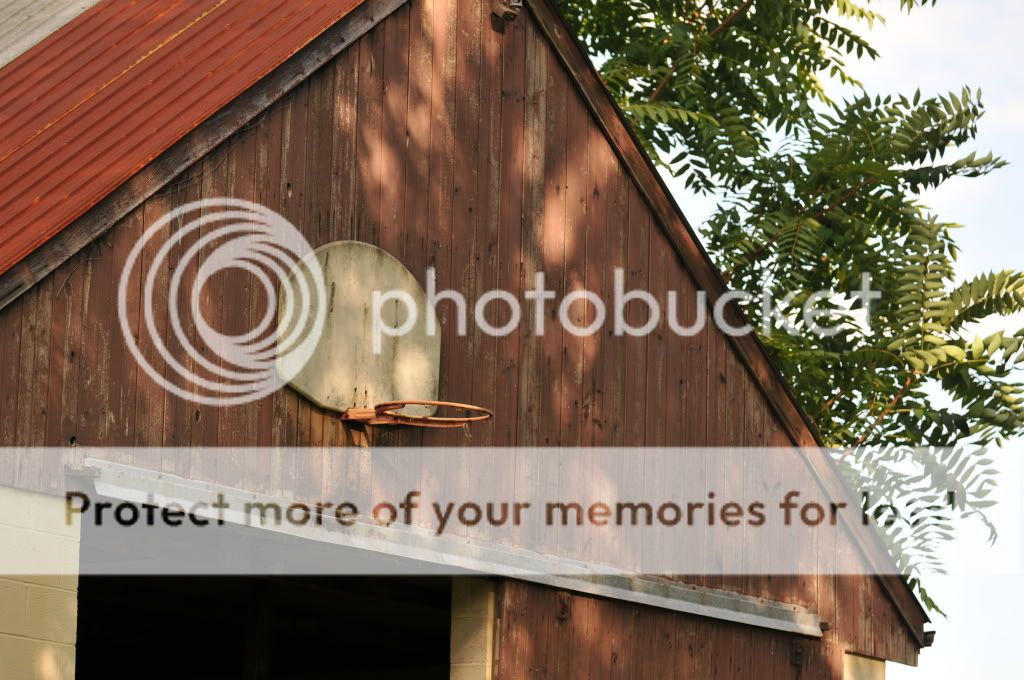
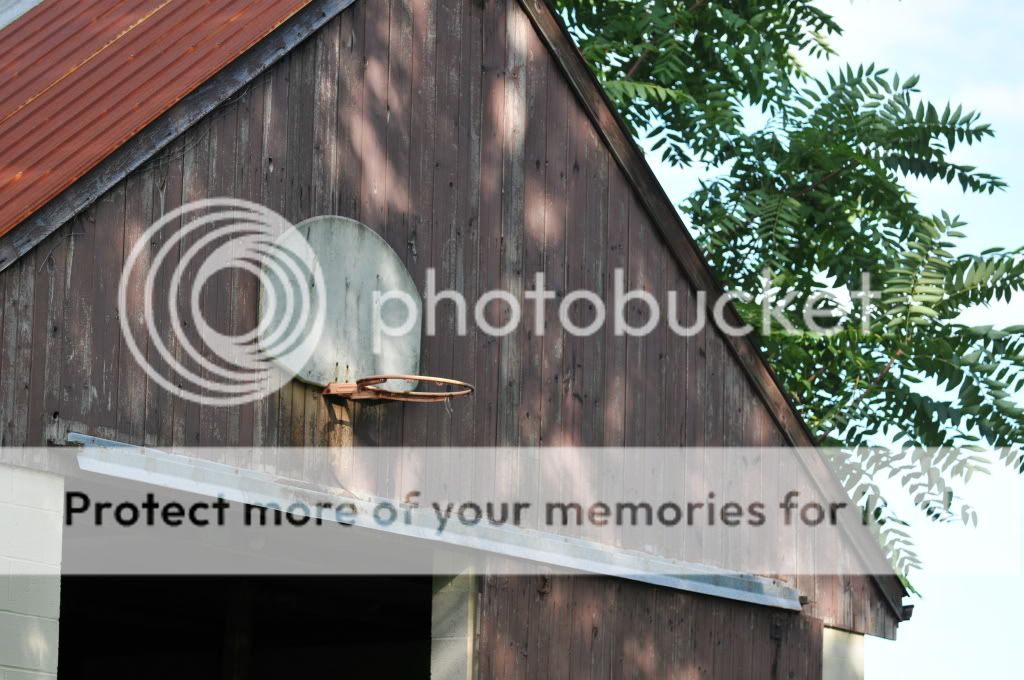
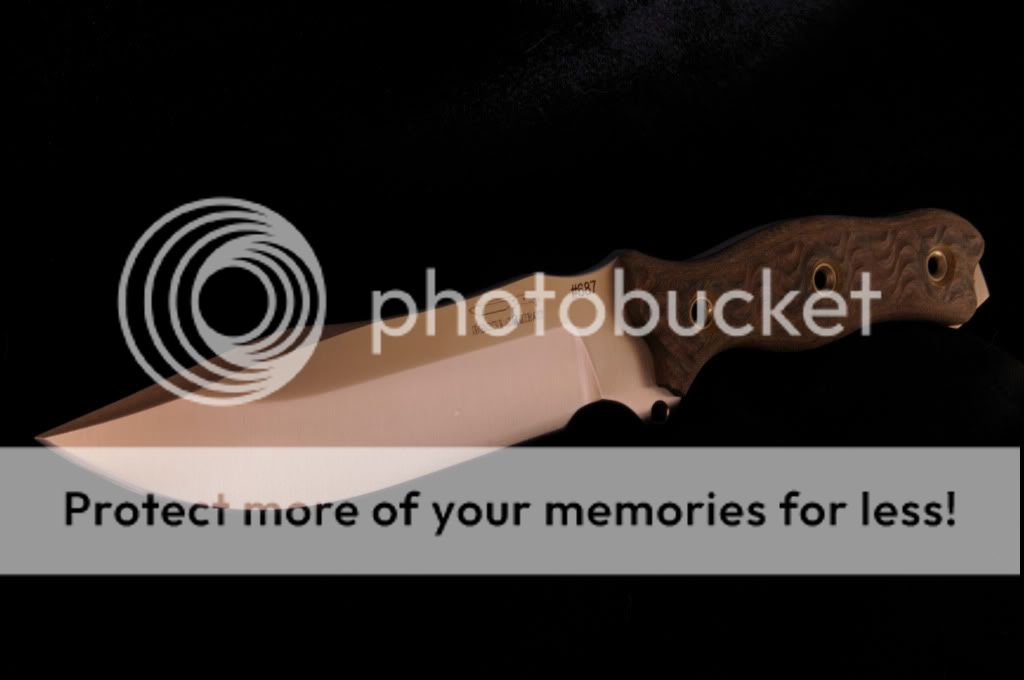
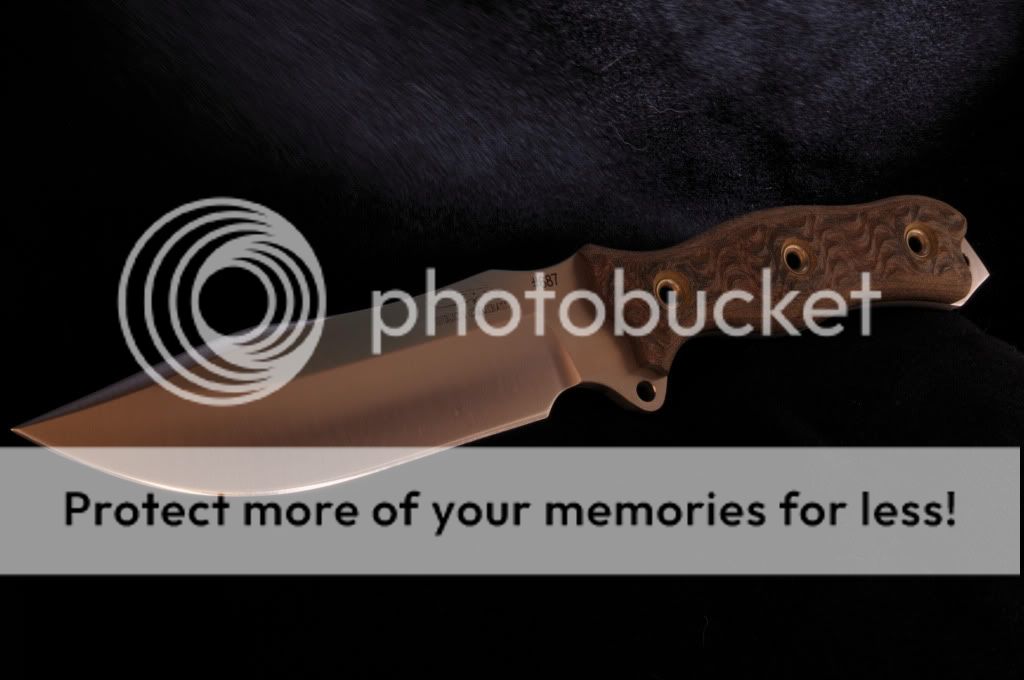
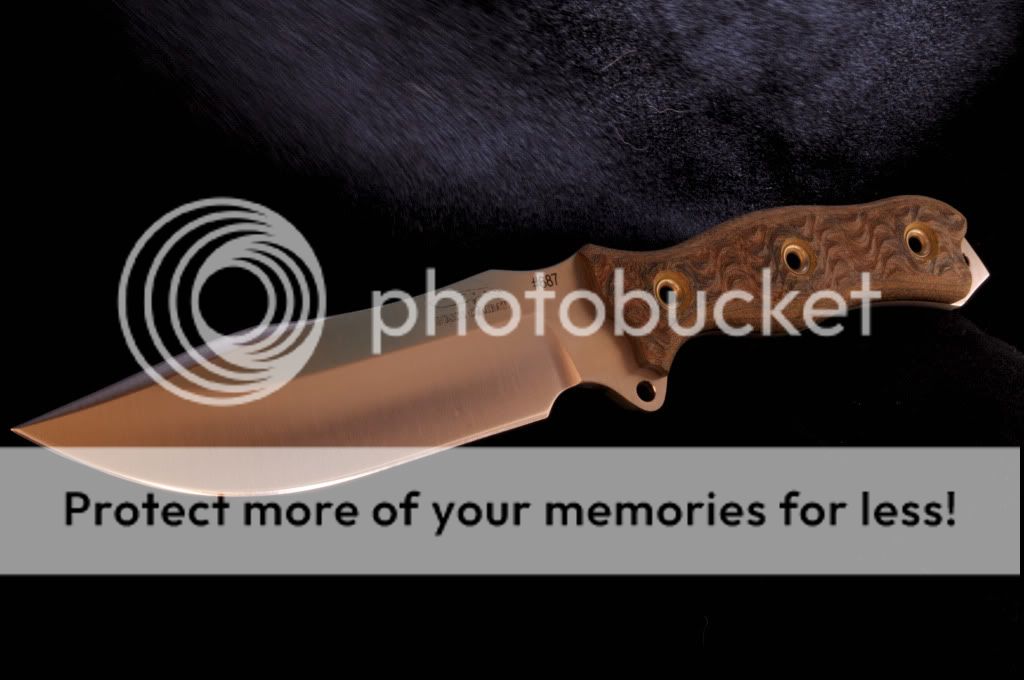
I was seeing how different preset white balances worked. I thought the D300 had a good auto WB but I am starting to believe it is not that good. These pics show the differences. I think point and shoots have this feature also. Just making this thread for fun:) BTW, for the tractor pic DS WB was most true to life and the barn pic S WB was the most true to life. My TB just showed up to the door. GTG:D

Auto WB:
KEV_8952.jpg


Direct Sunlight WB:
KEV_8953.jpg


Auto WB:
KEV_8964.jpg


Shade WB:
KEV_8965.jpg


Direct Sunlight WB:
KEV_8966.jpg
 
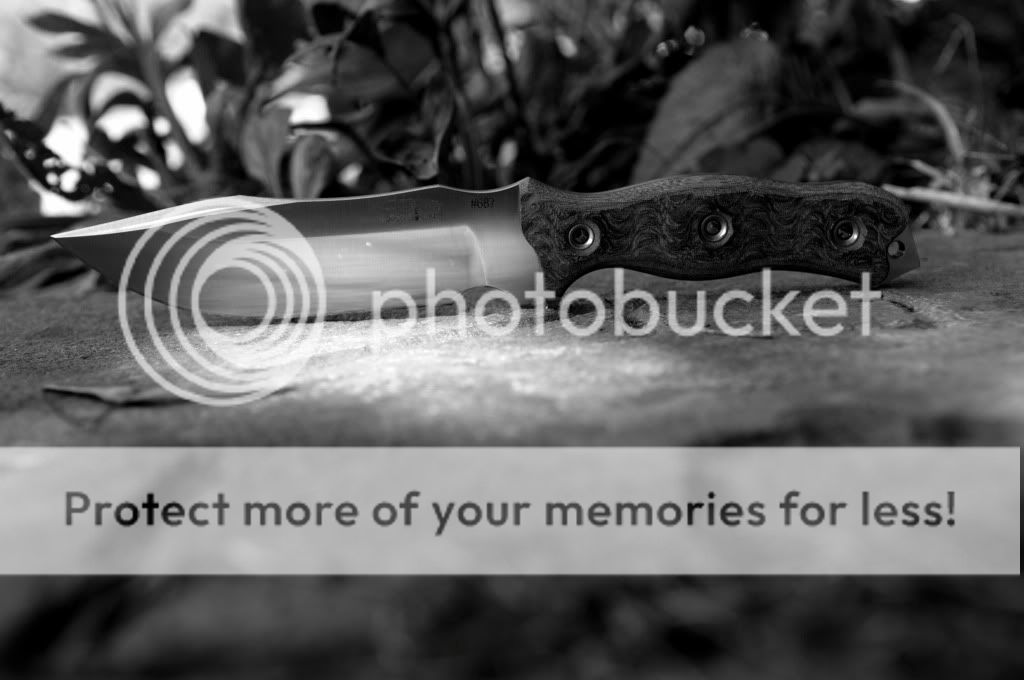
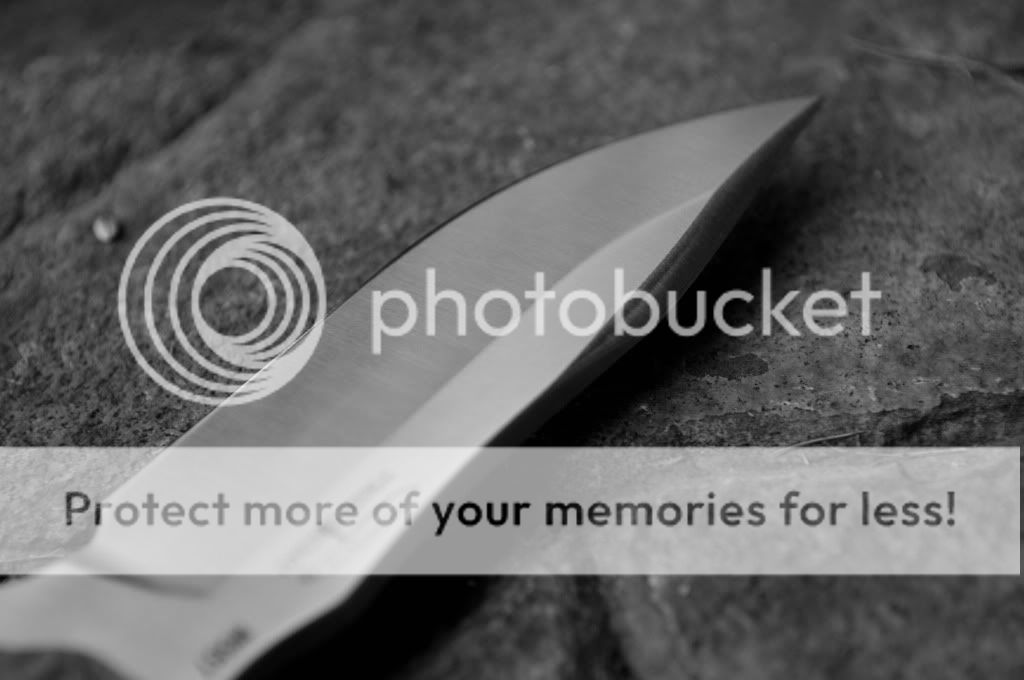
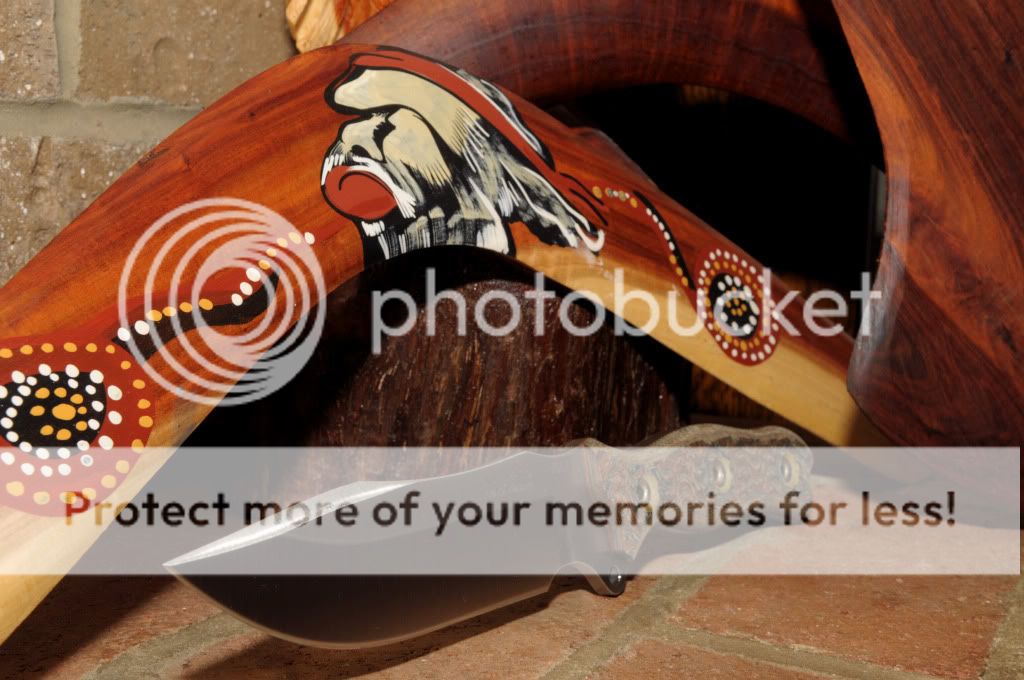
Here are a couple I just took with a telephoto...not made for this type of pic:

KEV_8988.jpg


KEV_8993.jpg


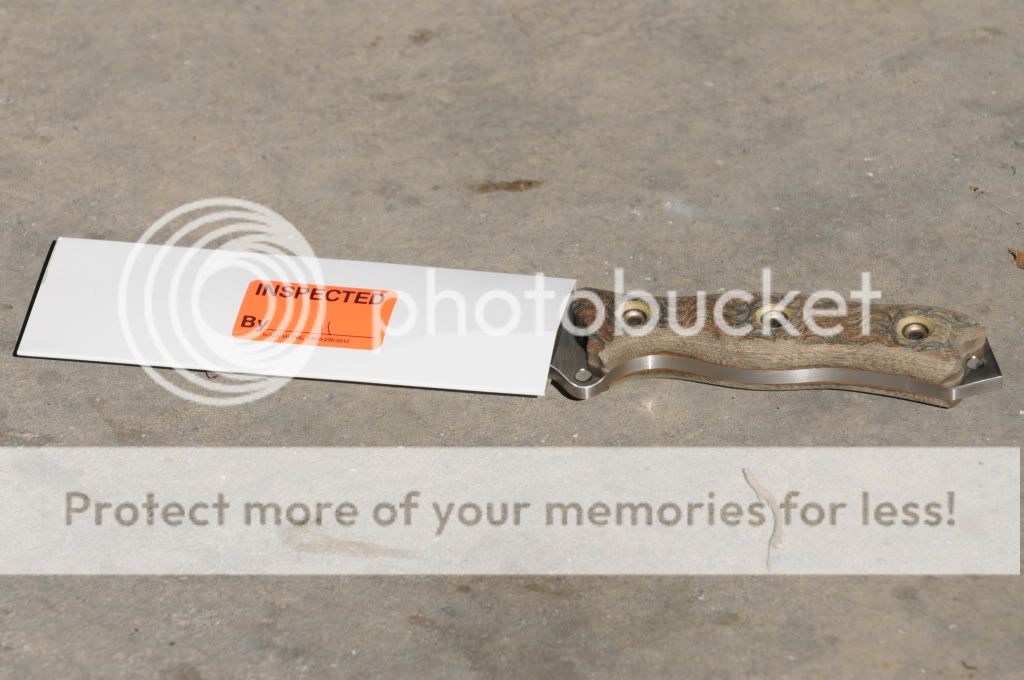
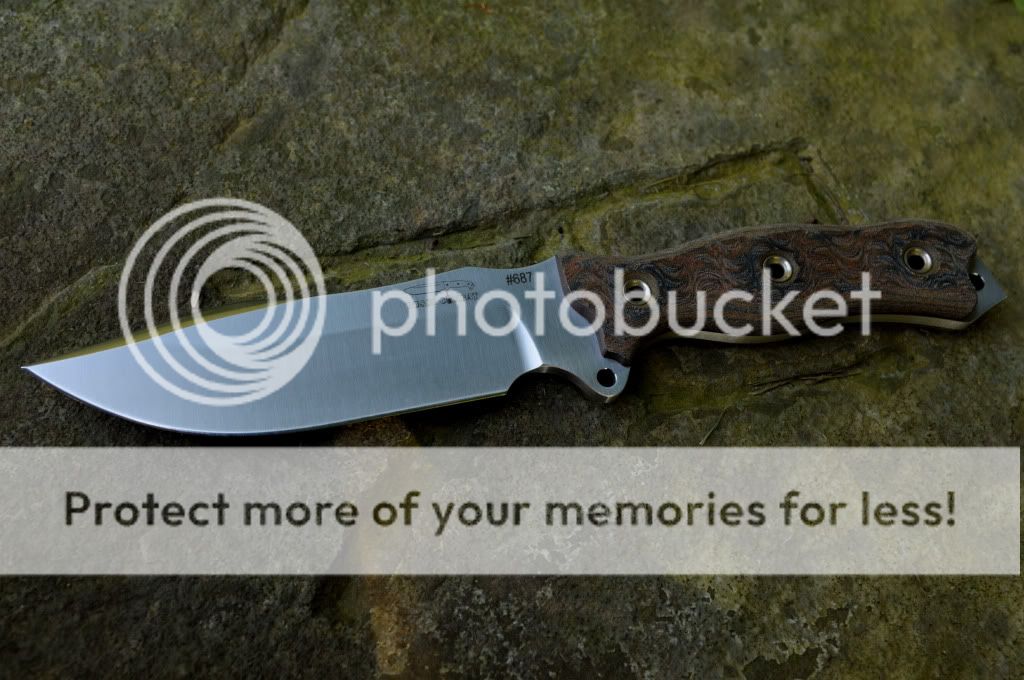
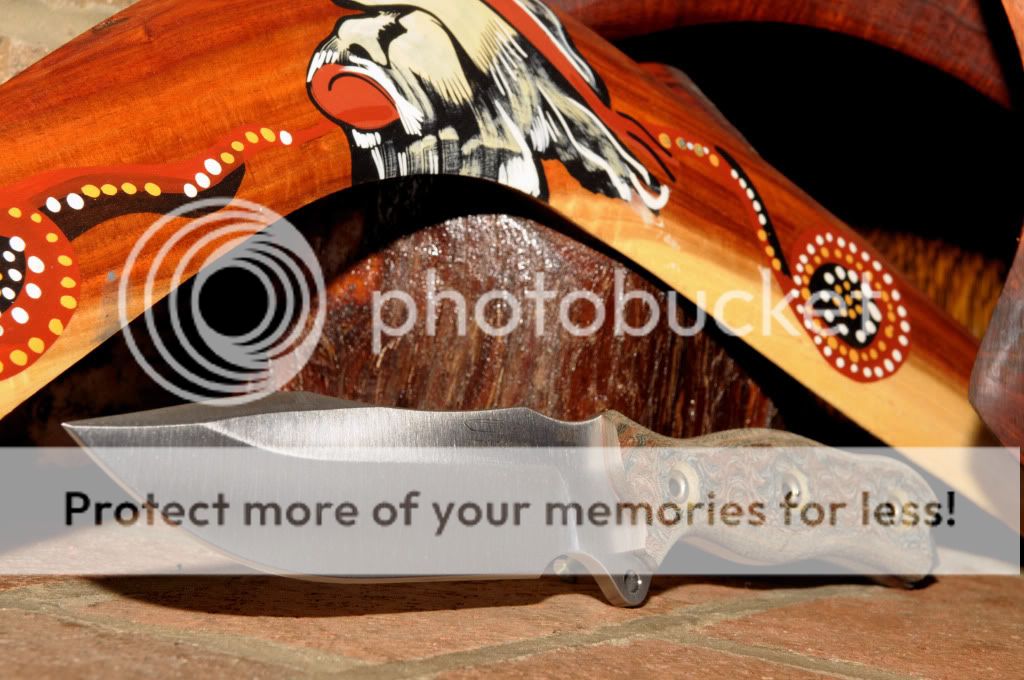
This knife quickly became my favorite.
 
Thanks!

These ones were using light through a window (I know they are dark:p):

TBWindowProfile.jpg


TBWindowTip.jpg


Good thing digital is FREE:D
 
A couple more really screwing around (they look great on my BIG desktop monitor and then I switch to the laptop and they look like pooh:eek::

TBShadeProfileBW.jpg


TBShadeBW.jpg


Thanks Busse Crew this thing is PERFECT
 
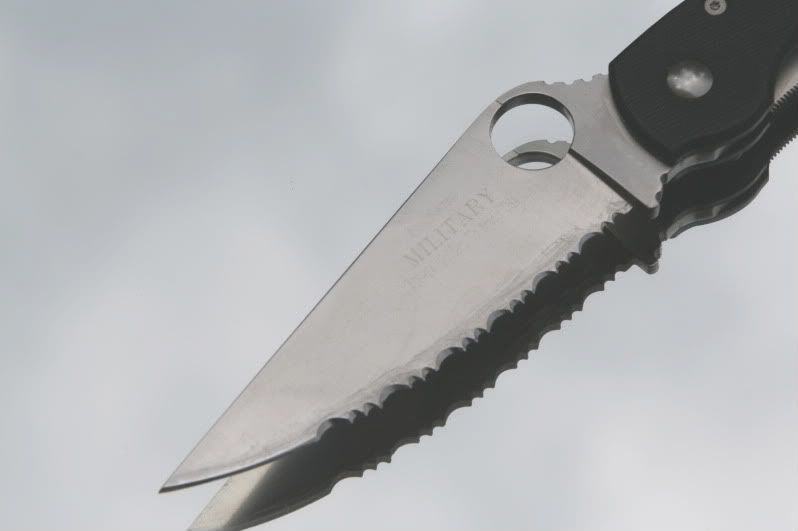
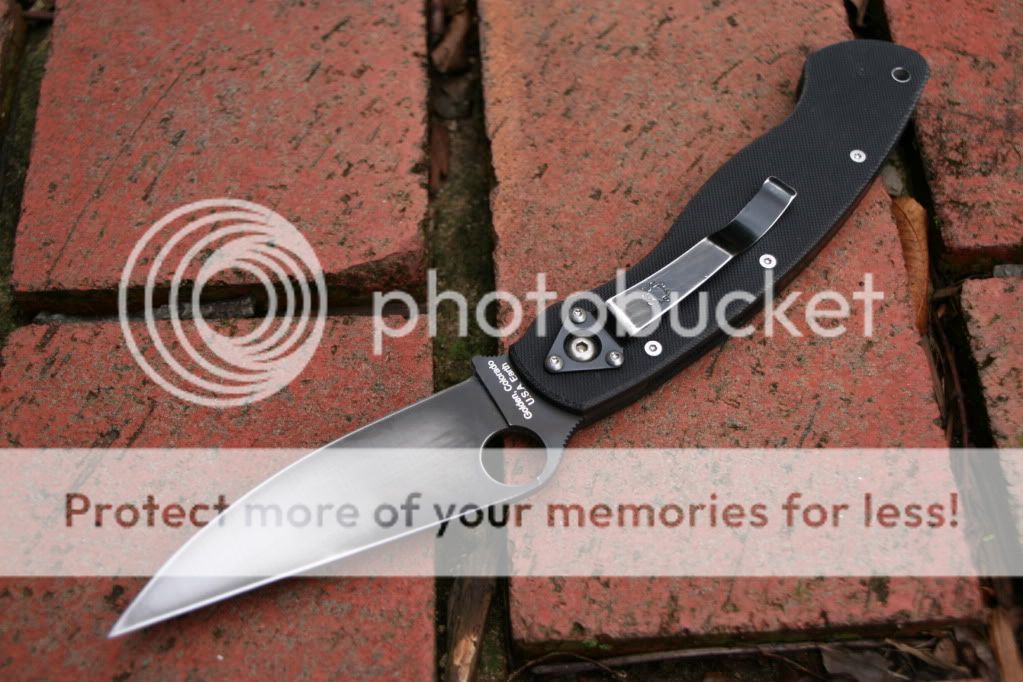
I really need to work on my camera skilz. I think my general prob is lighting. I often take pics on a mirror, with the sky reflected in the background. Can make for a nice pic, but the bright sky background makes the subject too dark in comparison. Need to experiment more.

Here's an example of the mirror thing, that makes the knife too dark:
IMG_1223.jpg


This was on a cloudy day, and it too is too dark IMO:
IMG_1490.jpg


Even in bright sun, I'm just not getting a crystal clear image:
IMG_1480-1.jpg


Those tractor pics in the first post are what I am after - bright and clear. I have a Canon Rebel and need to experiment with the manual settings instead of just leaving it on auto.

:thumbup:
 
I really need to work on my camera skilz. I think my general prob is lighting. I often take pics on a mirror, with the sky reflected in the background. Can make for a nice pic, but the bright sky background makes the subject too dark in comparison. Need to experiment more.

Here's an example of the mirror thing, that makes the knife too dark:
IMG_1223.jpg


This was on a cloudy day, and it too is too dark IMO:
IMG_1490.jpg


Even in bright sun, I'm just not getting a crystal clear image:
IMG_1480-1.jpg


Those tractor pics in the first post are what I am after - bright and clear. I have a Canon Rebel and need to experiment with the manual settings instead of just leaving it on auto.

:thumbup:

I don't think your pics are too dark:) The only thing I have problems with are these darn Busse knives:eek:

I want to have all of the detail in the satin and that is hard to get for me.

That HDR that I have been seeing may be a good solution but I am not going to do that just for a few knife pics:) I will just wait for Lunde to come along with the REAL SNAPSHOTS:D:D
 
richstag said:
I want to have all of the detail in the satin and that is hard to get for me.
Here are a couple of suggestions from the folks who photograph hamon on Japanese katana blades. That is some of *the* toughest detail to capture in a photo due to light reflecting in different directions from different parts of the hamon, sometimes within fractions of an inch from each other.

Tip #1: Sometimes it works to "paint" the blade dark (as when inside a light diffusion tent that tends to make it white/light from the light bouncing all over the place) by holding a dark object in a position that it gets reflected in the part of the blade you want to be dark. I've used black pieces of paper, a dark jacket wrapped around my non-shutter-tripping arm held at just the right angle, using my own body to block the light/white from the blade, etc.

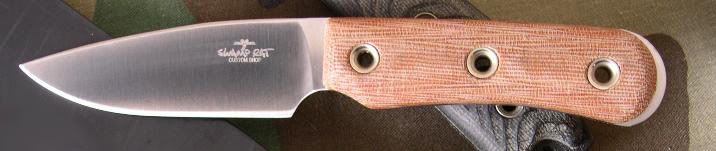
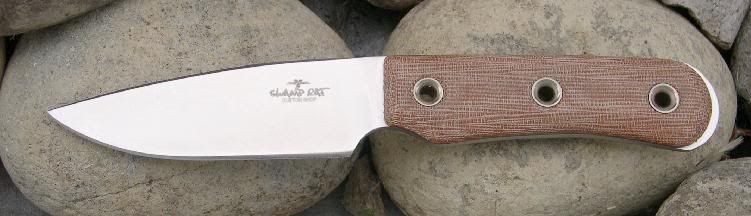
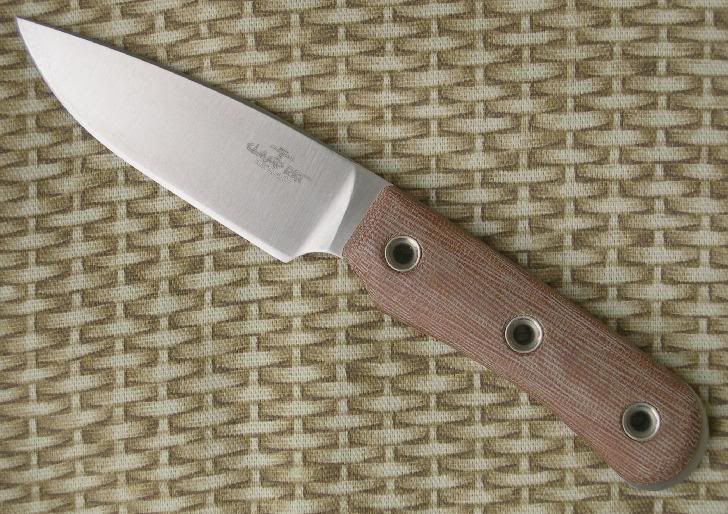
Notice the difference in the blade of this Swamp Rat Vexillarius in the two photos below. In the first one, the blade is dark from me crowding the blade as I shot it at close range, blocking the light with my body. In the second picture, the natural light from the sky is allowed to be reflected by the blade.

vexillarius_tan_4608a.jpg


Vex_4771a.jpg


In this last picture, I managed to only darken the rear part of the blade.
Vex_4794a.jpg


Tip #2: Experiment with low-angle raking light from the side. I've found low-angle light from the right direction can highlight the striations of a satin blade. The hard part is finding "the right direction" for positioning the light (or the knife relative to the light source) to emphasize the pattern.
 
Your TB is perfect! Wow, I wish I could swing getting one of 'em. Maybe someday on the market. Anyhow, very nice choices on this one Bro!
 
It is perfect. It has such clean grinds and I can't believe how well balanced and comfortable it is.
 
I went to the basement where I have two hanging fluorescent lights. I set my knife up on a bench and took a couple pics.

This first one I blocked all direct light with my body:
TBF1.jpg


I switched to using a piece of cardboard to block the light. This leaves VERY LOW LIGHT to capture. I moved the blade around until the reflections looked "even" in the viewfinder (still not great):
TBF2.jpg


Moved it around more (I think I knocked the knife around while the picture was being taken...blurry):
TBF3.jpg


Finally what I think is the best:
TBF4.jpg


Here edited with CaptureNX (I should stay out of these programs:barf:)

TBF5.jpg


Anyhow, I think with some help I figured it out. Be very catious of direct light and carefully position the blade so the reflected light is to your liking.

I know these pics are dark and cruddy but with proper lighting I think this will be a lot easier now. I will try again on my day off when I have daylight and energy to work with.

Here are a few more with flash just for fun (again edited and probably screwed up):
TBF6.jpg


TBF7.jpg


TBF8.jpg


That is all for now, I know Rolf is :yawn:'ing I hope you enjoy viewing my trial and error.
 
Back
Top