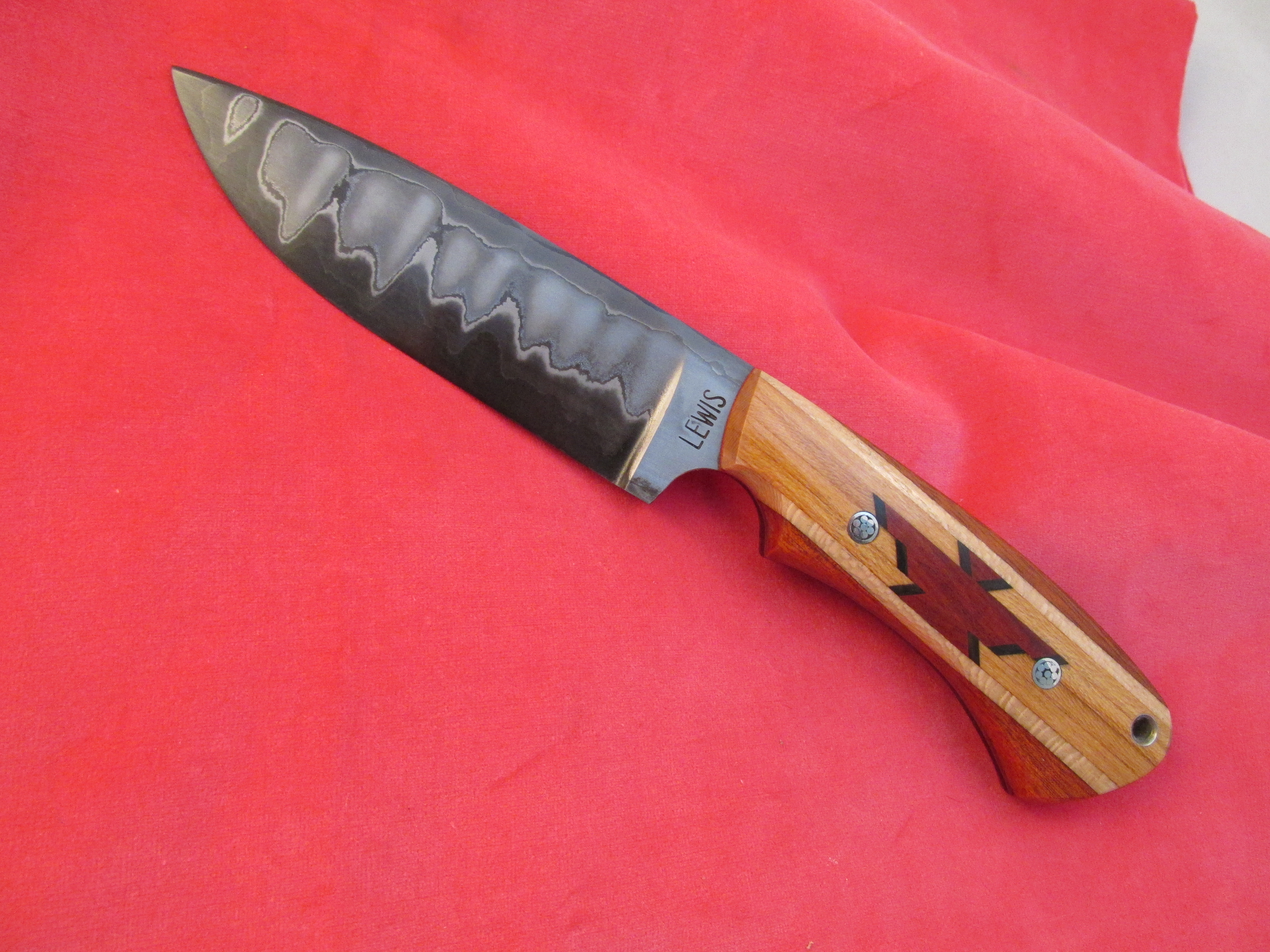
How do you get more than one picture on a post?

Joined
Feb 24, 2000
Messages
1,957
I was born and went to school BC (Before Computers). Younger folks seem to be born programed for computers, but not me.
I can post a picture easy enough, but I am unable to post two on the same post. The only way I know to post two pictures is to start a reply and then post another picture.
So, how do you put multiple pictures on the first post?
 
Tom, the easiest way is to use a site like Imgur. The added benefit is they're always there if you want to post them somewhere else rather than uploading them every time you share them somewhere.

Then you post as many sharing links in your BF post as you want.

ekWjPPb.jpg

AWVDgPU.jpg


Just like that.

Video of how I posted those two pics.

[youtube]wPZqB9VxY4o[/youtube]
 
Thanks, Kuraki I do use imgur, but can't figure out how to post more than one picture at a time. I'm sure it's simple.
 
Every page and photo on the internet has a specific address called a URL. When you up load a photo to imgur or photobucket they will give you the address for where they stored your photo on the internet. The address will begin with http:
To post these images on bladeforums you need to put this address between a beginning image tag
Put as many photos as you want just by stacking their addresses between tags in your post like below:


If i had put actual addresses in the code above, when I posted this message, the above would show up as three photos stacked on top of each other and not the code you see now.

There is a short cut in the post editor that will create the image tags for you. It's an icon with 4 dots in the corner of a square. When you hover your mouse over it says "insert image". Click on it and a box will pop up that you put the image address (URL) into and it will automatically create the image tags for you, so you don't have to type them every time you want to add a picture.

Hope this helps!
 
Last edited:
Thanks, Kuraki I do use imgur, but can't figure out how to post more than one picture at a time. I'm sure it's simple.

Just like I did in the video Tom. The only thing you couldn't see was switching back and forth between the imgur tab I had open and the bf tab. Just keep pasting links one after another.
 
Thanks, Kuraki. I couldn't get the video to go full screen so it was hard for me to see, but I think maybe I understand. You did a great job of explaining it in the video. It must be nice to be so computer literate.
 
Well, maybe I don't understand it. I tried to post three pictures and only the last one got posted.
 
I guess what I don't understand is how to go from BF back to imgur with out losing what I have put in BF.
 
[img]http://i.imgur.com/0W[img]http://i.imgur.com/FfrVHF6.jpg[/img]3gMeS.jpg[/img][img]http://i.imgur.com/Pukvo3j.jpg[/img]
The above is what your post looked like, as you submitted it. The problem is that you only have one complete bracketed code... it only works if each [IMG] is closed with [/IMG]. If everything was placed intact, it should be easy enough to fix:
This is how it should have looked - comparing the two, should make it clear how the problem occurred.
[img]http://i.imgur.com/0W3gMeS.jpg[/img]
[img]http://i.imgur.com/FfrVHF6.jpg[/img]
[img]http://i.imgur.com/Pukvo3j.jpg[/img]

Now, just a muttered magic word & a wave of my hand turns that gobbledygook into your pictures
0W3gMeS.jpg

FfrVHF6.jpg

Pukvo3j.jpg
 
It's best to place each new image code in a new line, to avoid pasting into the middle of what you've already got in place
 
Back
Top