NWA bladeforum knife is here!!!!

TheWayOfTheGun1

Gold Member
Joined
Mar 9, 2007
Messages
532
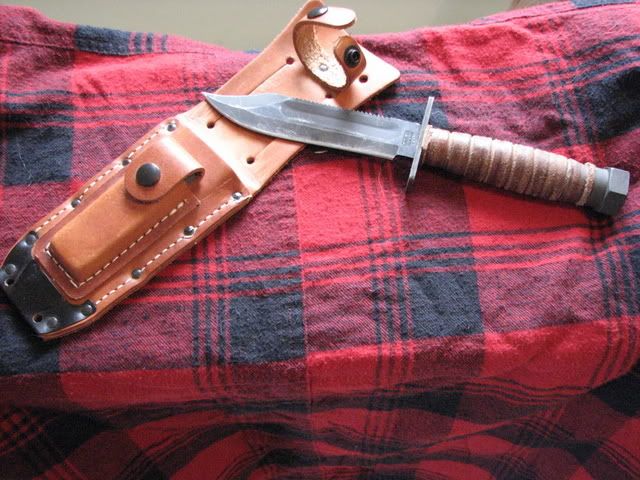
Well, the wait is over and the blade is .... Awesome. Nick, Thank you very much. The fit and finish is excellent. The leather sheath is beautiful in its own right and the blade practically "clicks" in. I have pics that i want to post but it says that my pics are too big. Will try to figure something out for tommorow.

Please be patient.... im not too handy when it comes to PCs
 
Cool, I'm glad you like it. I too look forward to seeing pics. I normally post pics with photo bucket as there is not a max. pic size.


Nick:)
 
Right on :thumbup: Definitely post some pics! Another vote for photobucket, that's what I use too.
 
Yea. Mine is DA bomb. Lovin it Nick.
 
Looking forward to more pics :thumbup:
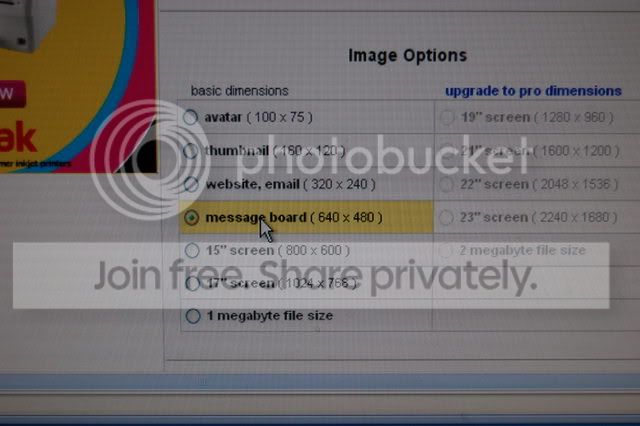
Another photobucket fan here , you don't have to resize them on your computer , just click this before you upload them ;)

DSC_0530.jpg


Then post away :thumbup:

Phil
 
http://s195.photobucket.com/albums/z261/thewayofthegun1/

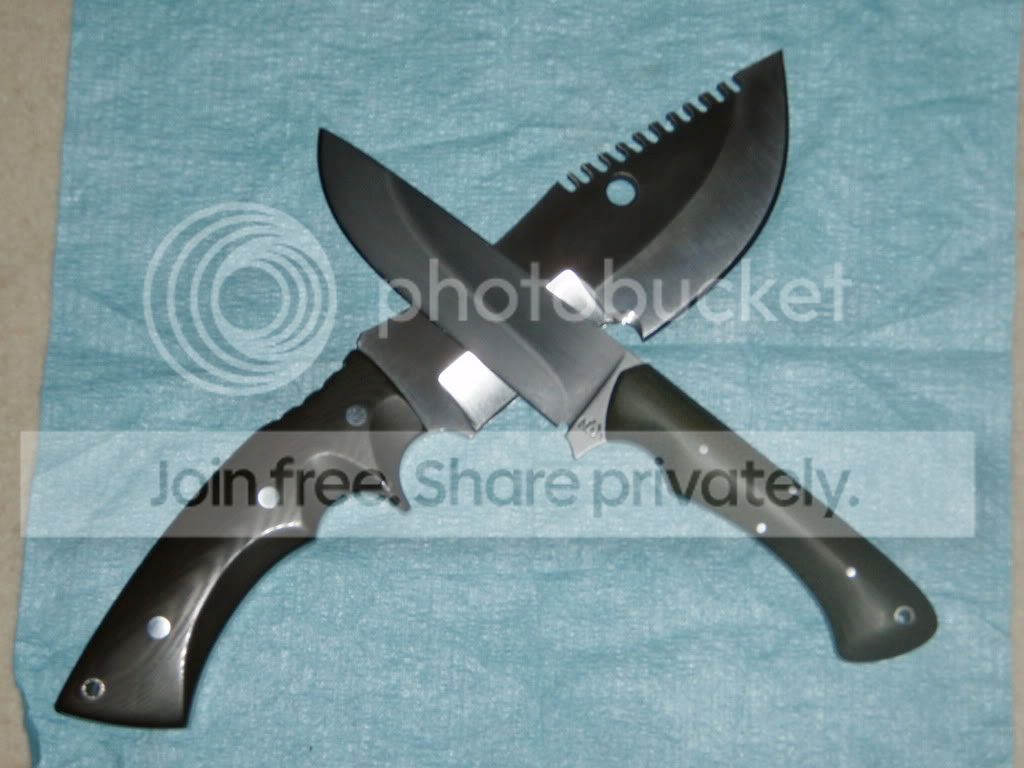
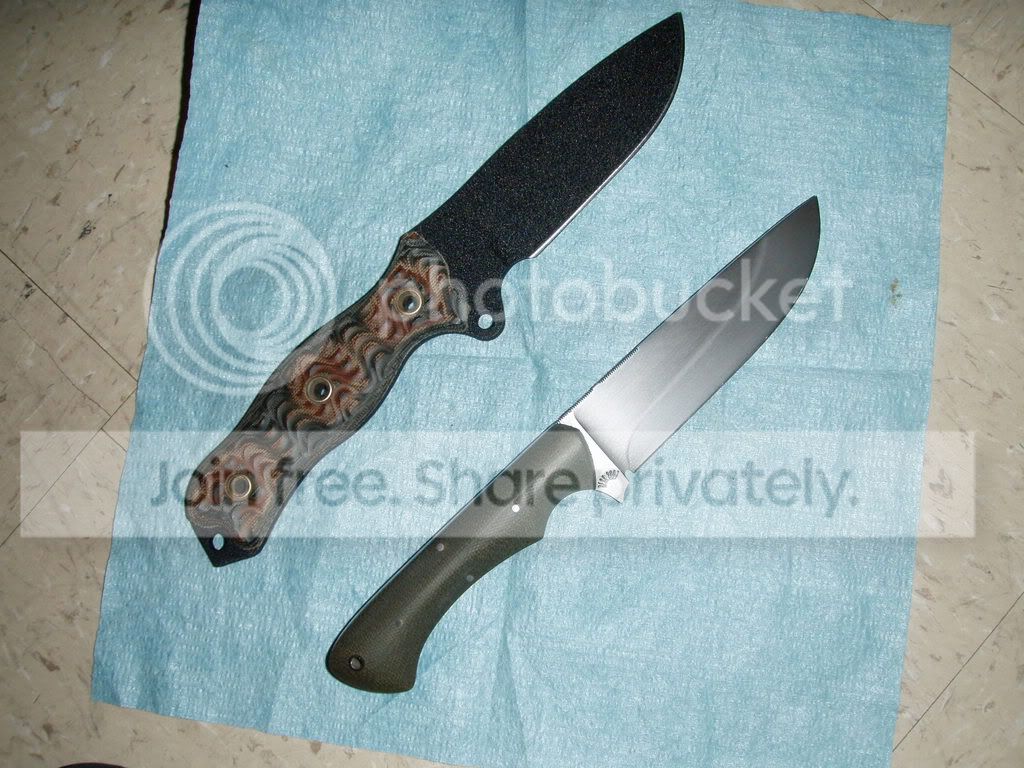
Well, thanks for the photbucket suggestion. And thats the link. Im not sure how to hot link it. I have 4 photos but i will take more. Two of are the blade by itself and two are with some of my favorites for comparison, a Busse Badger Attack and a Mark Terrell WSK. Please notice how the bladeforum blade makes the perfect companion knife for the WSK. I love it.
 
Very nice. I love the way Nick makes that hardening line pop!

If you copy and paste the tag that says Img Code, it will put it right in the thread, like this
P7250056.jpg
 
No problem. There's a way to size them a little smaller that 1894 posted, but I haven't found it. I still post mine big :D And the knife looks awesome, I love the green Micarta.
 
No problem. There's a way to size them a little smaller that 1894 posted, but I haven't found it. I still post mine big :D And the knife looks awesome, I love the green Micarta.

Yes those knifes look awesome :thumbup:
Yes you can upload them smaller ( pick a differant button )
You can resize them by clicking edit.
I used to know how to do "clickable thumbnails " , small pics you click for the full size , But It doesn't seem to work now :confused:

Phil
 
NWA has done an excellent job producing, shipping and staying in touch on these blades:thumbup:

I wish we could get even half as much info and input from Ironwolf on the other blades he's fabricating for the forum.:thumbup:
 
I think I got the thumbnail thing ;)
Click to enlarge


Phil

I found the directions :
Here's a tip from Photobucket.
It allows you to post a small thumbnail and users can simply "click to enlarge"
This will be very helpful for our dialup members and their loading times for the forum.

http://tutorials.photobucket.com/tutorial_75.html

The one you want is #7....once you have copied that link come here and simply PASTE it into the reply on it's own line.
You may want to add next to or under it >click to enlarge<....
No need to use any icon's or links just simply paste that directly into the reply and it will generate a thumbnail.
 
Mayby the photo posting instructions should be a sticky at the top ?

:o Sorry to derail the thread :o

Phil
 
1894, good idea. Maybe you could post a seperate thread on it? I know my pics are very large ;)
 
Back
Top