I'll try to post how I Post pics here. There are many other ways , Hopefully others will chime in as well :thumbup:
Open a free account here :http://photobucket.com/
For pics on a forum like this , before you upload your pics ,
choose this or a smaller size, (prevents scrolling back and forth on a thread ) :
) :
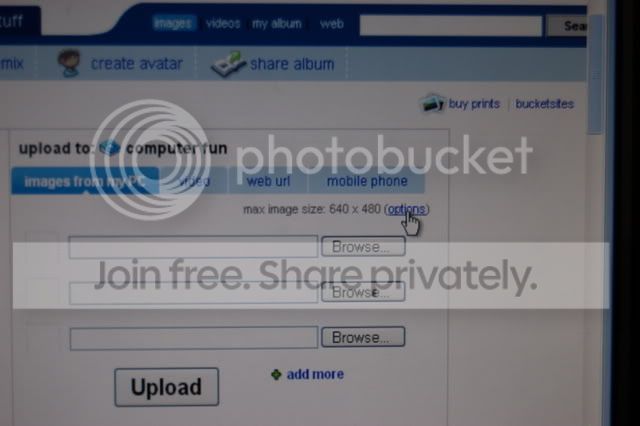
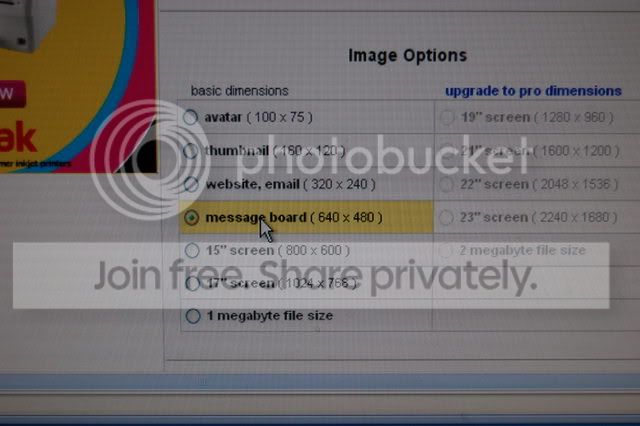
When you want to post a pic , Do the Left / right click thing and copy :
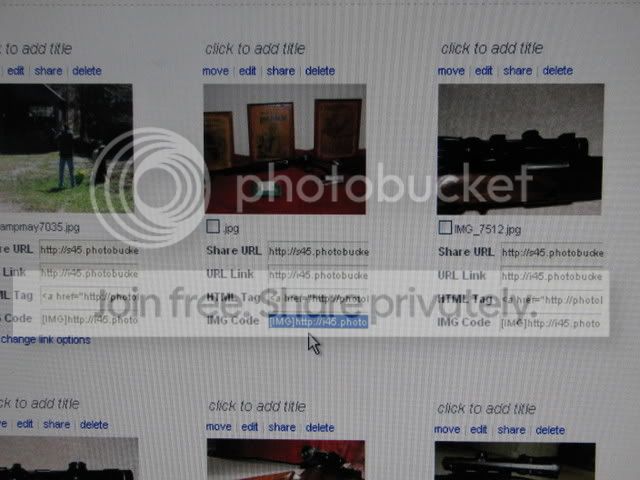
On your post , where you want your pic , ( start a new line for each pic )
Do the Right click and paste , hit enter for the next line .
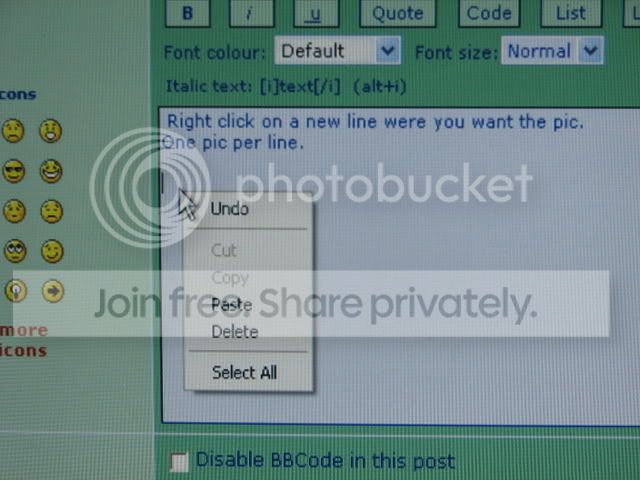
It should look like this ( yes a diferant forum but the same thing )
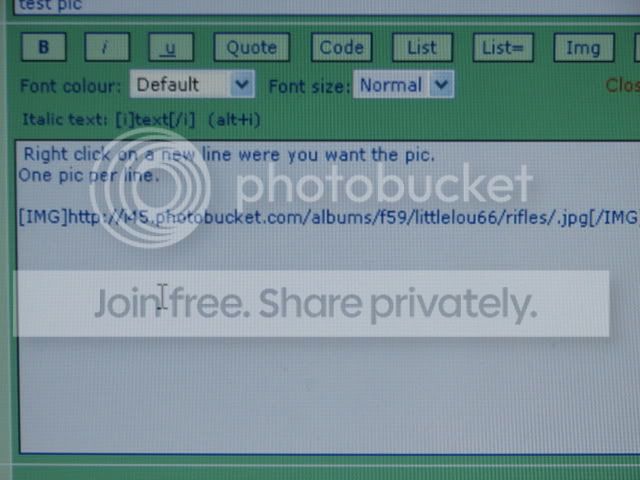
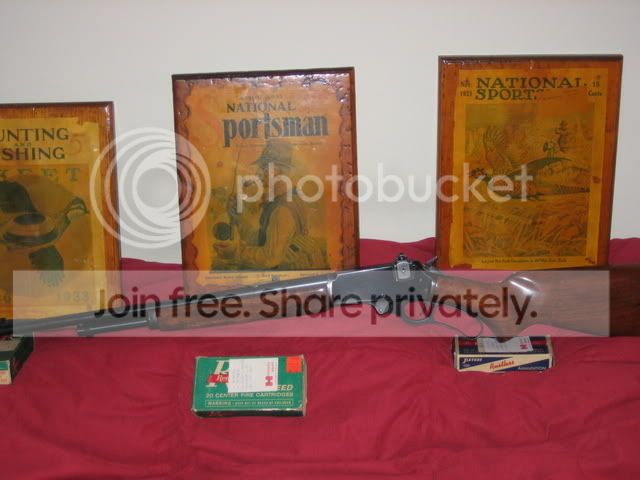
Your pic should come out like this :
Phil
Open a free account here :http://photobucket.com/
For pics on a forum like this , before you upload your pics ,
choose this or a smaller size, (prevents scrolling back and forth on a thread
) :
When you want to post a pic , Do the Left / right click thing and copy :
On your post , where you want your pic , ( start a new line for each pic
)Do the Right click and paste , hit enter for the next line .
It should look like this ( yes a diferant forum but the same thing )
Your pic should come out like this :
Phil