
-
The BladeForums.com 2024 Traditional Knife is available! Price is $250 ea (shipped within CONUS).
Order here: https://www.bladeforums.com/help/2024-traditional/
You are using an out of date browser. It may not display this or other websites correctly.
You should upgrade or use an alternative browser.
You should upgrade or use an alternative browser.
Pic Viewing Problem
- Thread starter Elarski
- Start date

Cougar Allen
Buccaneer (ret.)
- Joined
- Oct 9, 1998
- Messages
- 77,339
First let's establish whether it's all pix or just photobucket pix. The dns system was hacked to redirect attempts to reach photobucket. That might not have been fixed everywhere yet. I'll post a pic that's not hosted at photobucket. Can you see this?


- Joined
- Feb 27, 2001
- Messages
- 26,713
Hum,
They are showing up for me.
Here is a link from the picture.
What happens when you click it.
Here is the picture itself (does it show up for you here?) If not what does show up.
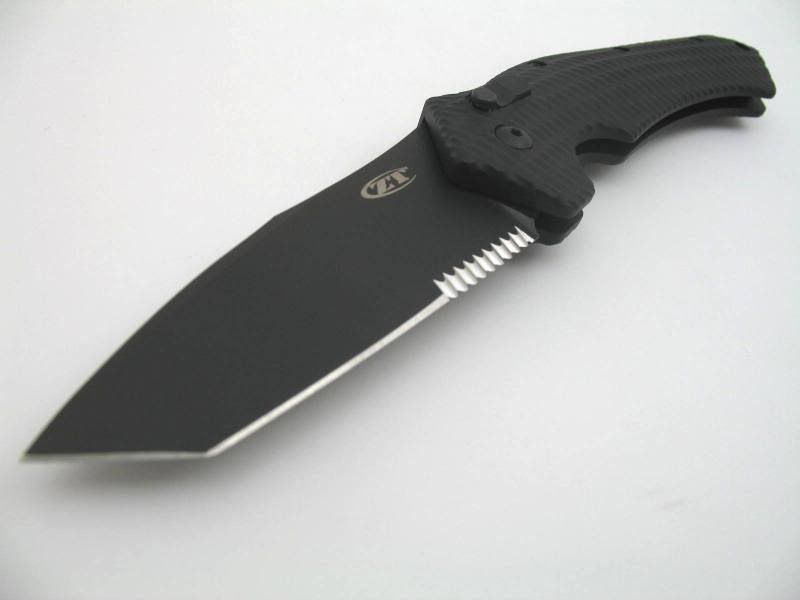
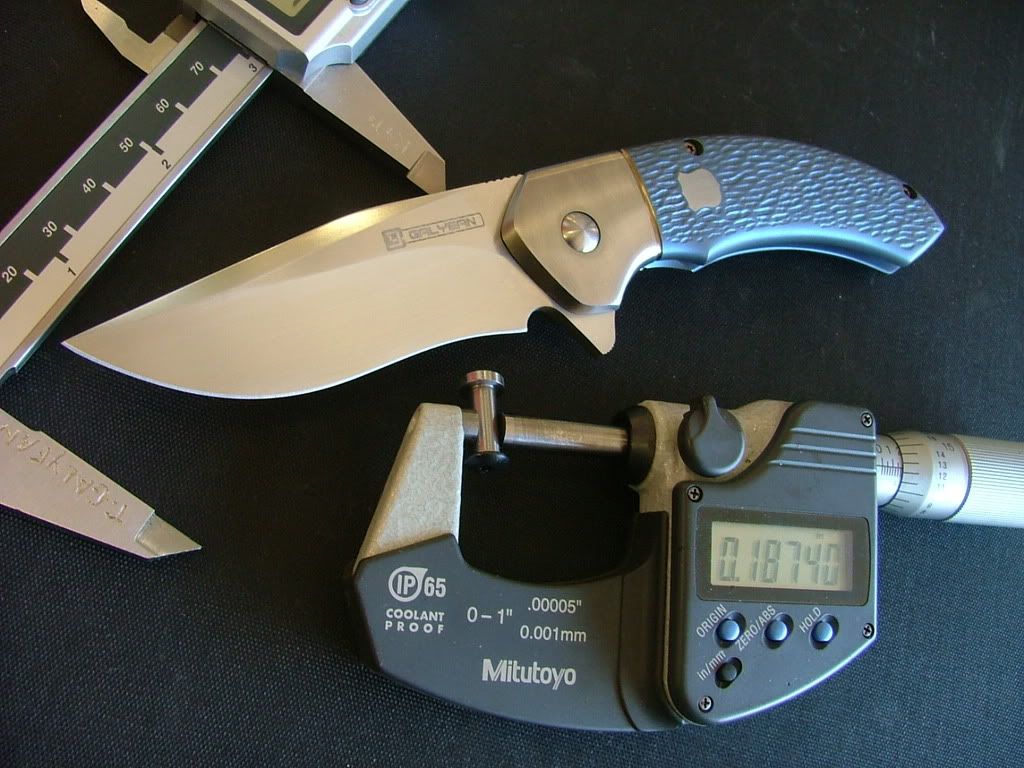
They are showing up for me.
Here is a link from the picture.
What happens when you click it.
Here is the picture itself (does it show up for you here?) If not what does show up.
- Joined
- Feb 27, 2001
- Messages
- 26,713
All the above pictures are photobucket hosted.
Looks like they are being rerouted to i185
this is the address
http://i232.photobucket.com/albums/ee11/tjgalyean/MINILAHAR2.jpg
Do you see it when you paste the above in the URL line?
Also might want to try closing and restarting firefox after clearing your cache.
Tools/Clear Private data and select everything but your passwords or it will clobber them too.
Once you do that you will also have to relog into Blade Forums. Try it and come back. Let us know.
Looks like they are being rerouted to i185
this is the address
http://i232.photobucket.com/albums/ee11/tjgalyean/MINILAHAR2.jpg
Do you see it when you paste the above in the URL line?
Also might want to try closing and restarting firefox after clearing your cache.
Tools/Clear Private data and select everything but your passwords or it will clobber them too.
Once you do that you will also have to relog into Blade Forums. Try it and come back. Let us know.
Cougar Allen
Buccaneer (ret.)
- Joined
- Oct 9, 1998
- Messages
- 77,339
Yup, those are pix hosted at Photobucket. The fix is propagating through the DNS system and should reach you soon. Click control-F5 for a hard refresh to see if it's reached your DNS server already.

- Joined
- Jan 29, 2005
- Messages
- 6,768
All the above pictures are photobucket hosted.
Looks like they are being rerouted to i185
this is the address
http://i232.photobucket.com/albums/ee11/tjgalyean/MINILAHAR2.jpg
Do you see it when you paste the above in the URL line?
Also might want to try closing and restarting firefox after clearing your cache.
Tools/Clear Private data and select everything but your passwords or it will clobber them too.
Once you do that you will also have to relog into Blade Forums. Try it and come back. Let us know.
I've been having the exact same problem , first thought it was my work PC acting up then noticed it happens at home too.
Guess I'll just have to exercise some patience.

By the way it doesnt matter if I use IE or FF , long since did all the typical fixes, nada.