-
The BladeForums.com 2024 Traditional Knife is available! Price is $250 ea (shipped within CONUS).
Order here: https://www.bladeforums.com/help/2024-traditional/
You are using an out of date browser. It may not display this or other websites correctly.
You should upgrade or use an alternative browser.
You should upgrade or use an alternative browser.
post pics with cell phone
- Thread starter squirrel
- Start date


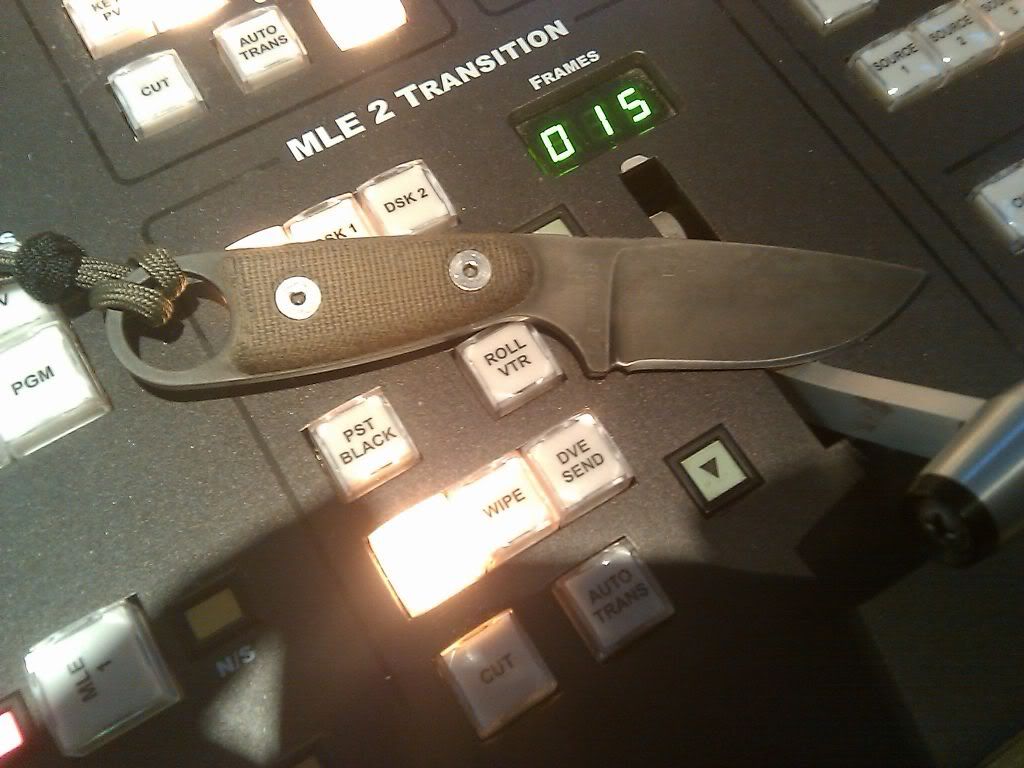
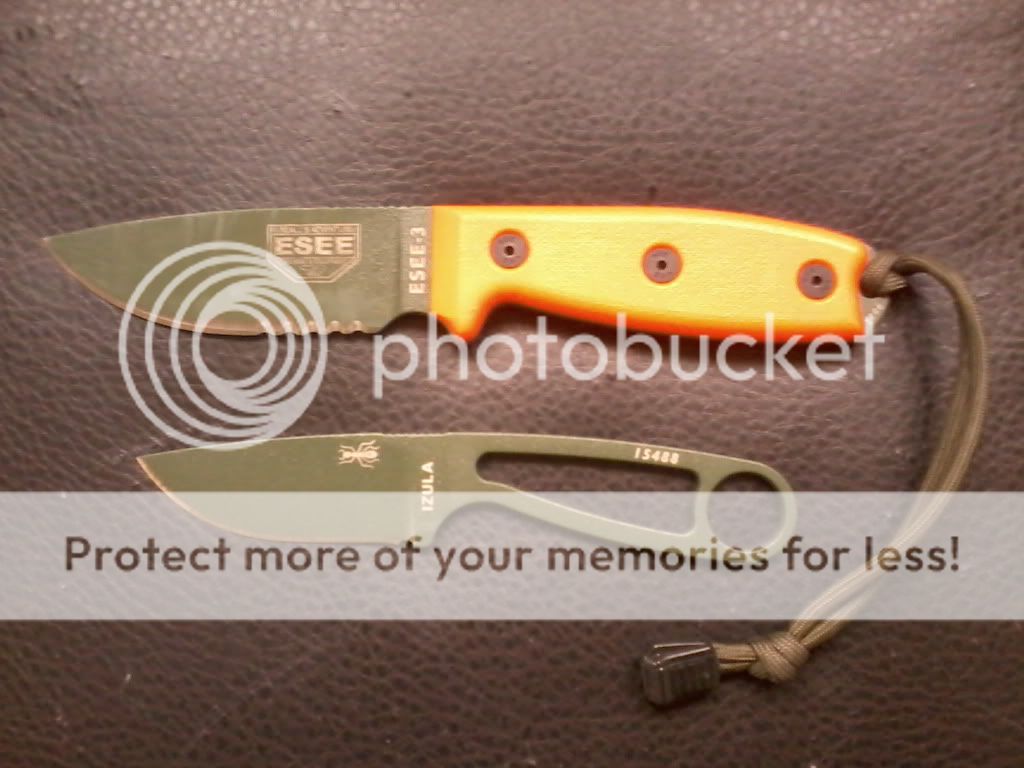
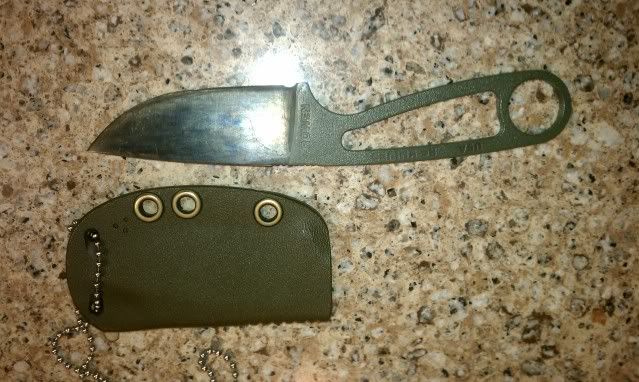
I use photobucket as well. Got a blackberry torch, just create a photobucket acct and you will have a link to email pics from your phone onto photobucket. Then copy and paste img code onto your post and should get pic up like this...

Oh and its free. Just find it on internet don't neccessarily need the ap. Hope this helps
Oh and its free. Just find it on internet don't neccessarily need the ap. Hope this helps


- Joined
- Jan 2, 2011
- Messages
- 169
You're almost there...!
You need to find the file for the image you want to post, copy it in full, and paste that directly into the message body.
(do not use the mountain icon thing in the msg. tools)
Make sure to PREVIEW your post so you aren't making 20 edits to the same msg. ;)
You need to find the file for the image you want to post, copy it in full, and paste that directly into the message body.
(do not use the mountain icon thing in the msg. tools)
Make sure to PREVIEW your post so you aren't making 20 edits to the same msg. ;)