Posting photos

deltablade

Gold Member
Joined
Jul 29, 2006
Messages
2,049
The sites I use to post photos on here now require a subscription to post third party photos. I am not interested in subscribing to their sites, yet wonder if there is still a way to post photos on this forum. I guess all my photos posted here will be converted to an obnoxious picture saying account must be updated to post. Bummer
 
Heres how I post photos:

1) Upload to imgur
2) Right click the image itself on the image uploaded page
3) Paste in the bladeforums text editir
 
Imgur is really easy to use. Super easy from a desk top, a little more difficult on a phone but still pretty easy.
 
thanks. am signed up with imgur now, gonna delete image shack stuff. Yet imgur posts links not photos right?
 
Did that work?
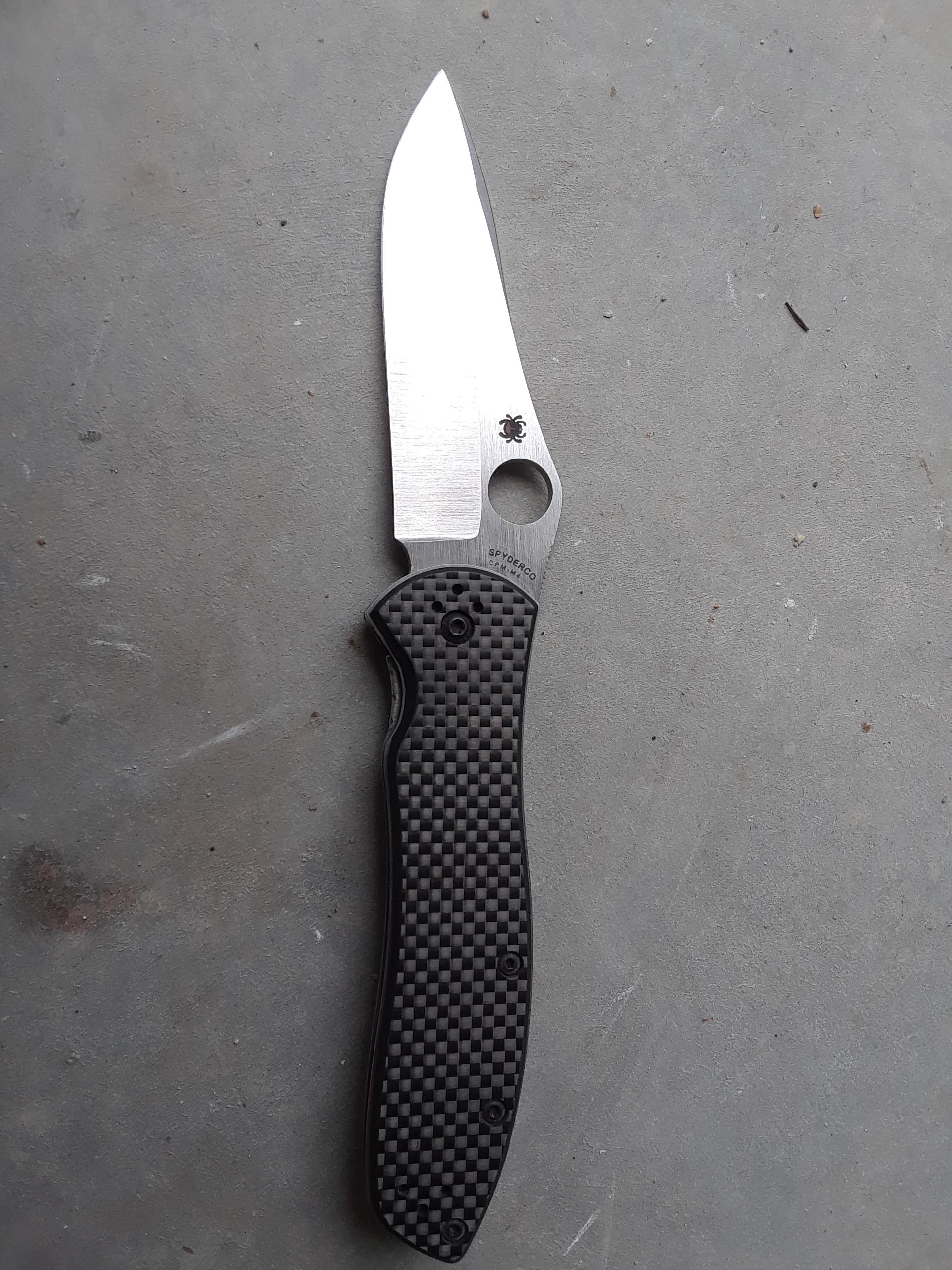
Better if embedded:

gKMCCy1.jpg
 
How do I embed?
Paste the pic URL address between IMG tabs by Copying it first off Imgur. Then in the Reply box here, click the Image tab to the right of the Smiley above, and Paste the address in the pop-up.
Easier than it sounds...
 
Nice pic, I was able to follow your link.

If you want to embed it, open your link, right click and copy the image itself. Back in the bladeforums, right click and paste in the text editor. Works for me, in case the above method doesn't work.
 
Back
Top