

- Joined
- Sep 16, 2002
- Messages
- 1,577
Thanks for the feedback and nice words, guys; I really appreciate it!
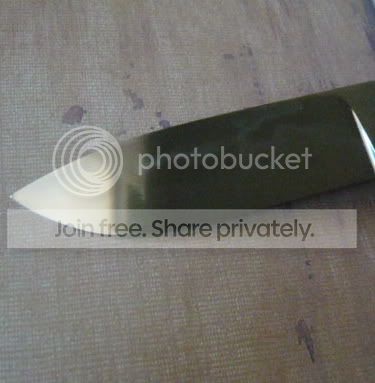
Salem and Nathan, I tried playing around with the photos more this morning and I'm still having a hard time capturing the hamon. Here are the results of my attempts...if you can maybe tell what I'm doing wrong from looking at the pics, I'd really appreciate any further advice you can offer.
These two were with more dim, indirect light and dark reflectors and/or backgrounds. I seem to either get washed-out blurry glare or nothing with this approach:

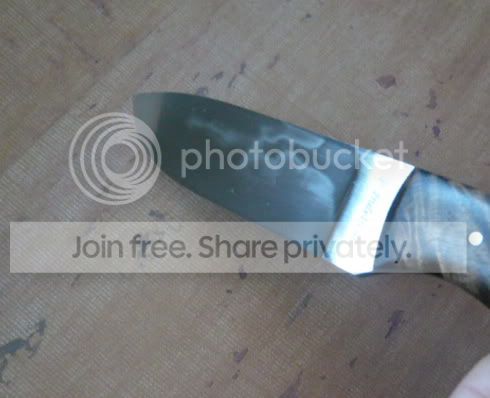
I seemed to have to physically hold the knife at an extreme angle and use somewhat brighter light to get the hamon to show itself:
And finally, these were with pretty bright(ish) light coming from a more extreme side angle, and it seems to show up the best to me but also washes out everything else:
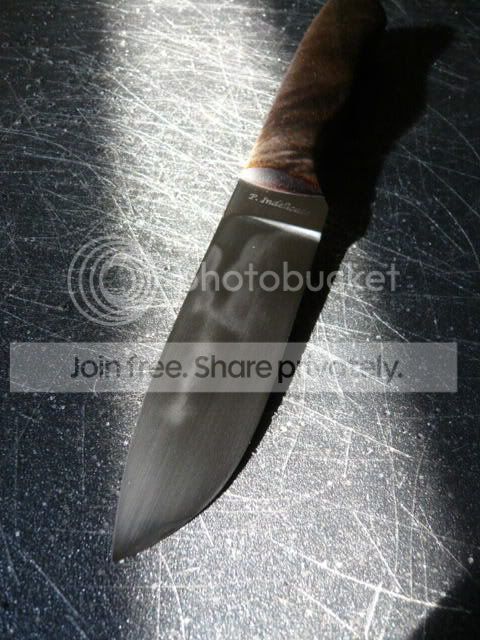
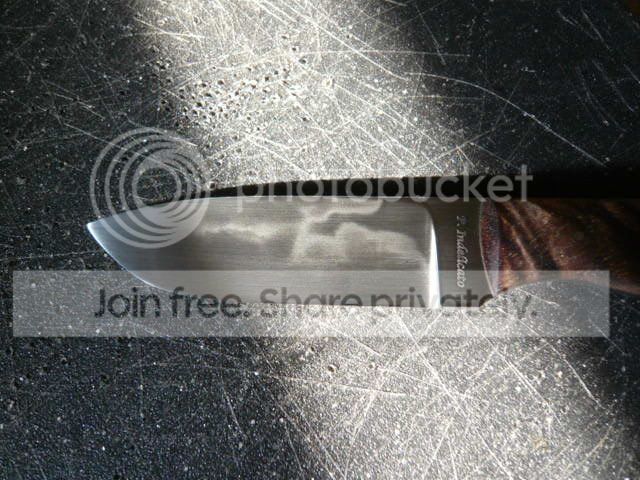
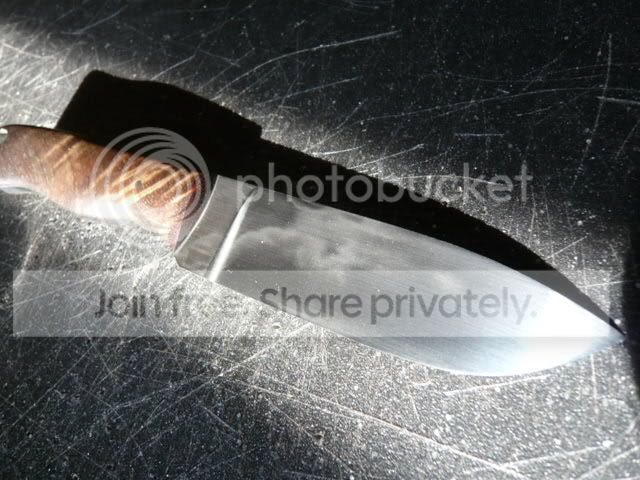
Also, when I was just working on them, the hamons were most evident when I had them sitting indoors on a table directly under an incandescent light fixture. I found them much harder to see in general in natural light.
Salem and Nathan, I tried playing around with the photos more this morning and I'm still having a hard time capturing the hamon. Here are the results of my attempts...if you can maybe tell what I'm doing wrong from looking at the pics, I'd really appreciate any further advice you can offer.
These two were with more dim, indirect light and dark reflectors and/or backgrounds. I seem to either get washed-out blurry glare or nothing with this approach:
I seemed to have to physically hold the knife at an extreme angle and use somewhat brighter light to get the hamon to show itself:
And finally, these were with pretty bright(ish) light coming from a more extreme side angle, and it seems to show up the best to me but also washes out everything else:
Also, when I was just working on them, the hamons were most evident when I had them sitting indoors on a table directly under an incandescent light fixture. I found them much harder to see in general in natural light.

 . I really have to re-position the knife, move the tripod, change the light, go at weird angles, etc to get what I'm looking for, and I don't come anywhere close to some of the guys capturing hamons out there. The window I use for photographing is actually in the shade, so it is really indirect. Basically, I just utilize the brightness of the outdoors, but I don't want direct sunlight coming through the window. If you've got a "beam" of light coming in as opposed to a faint brightness, you may have too much light. You also may need to increase your exposure time a bit, and you'll need a tripod to keep things crisp in addition to using the self-timer on the camera. Even the act of pushing the button will create a shake with longer exposures.


