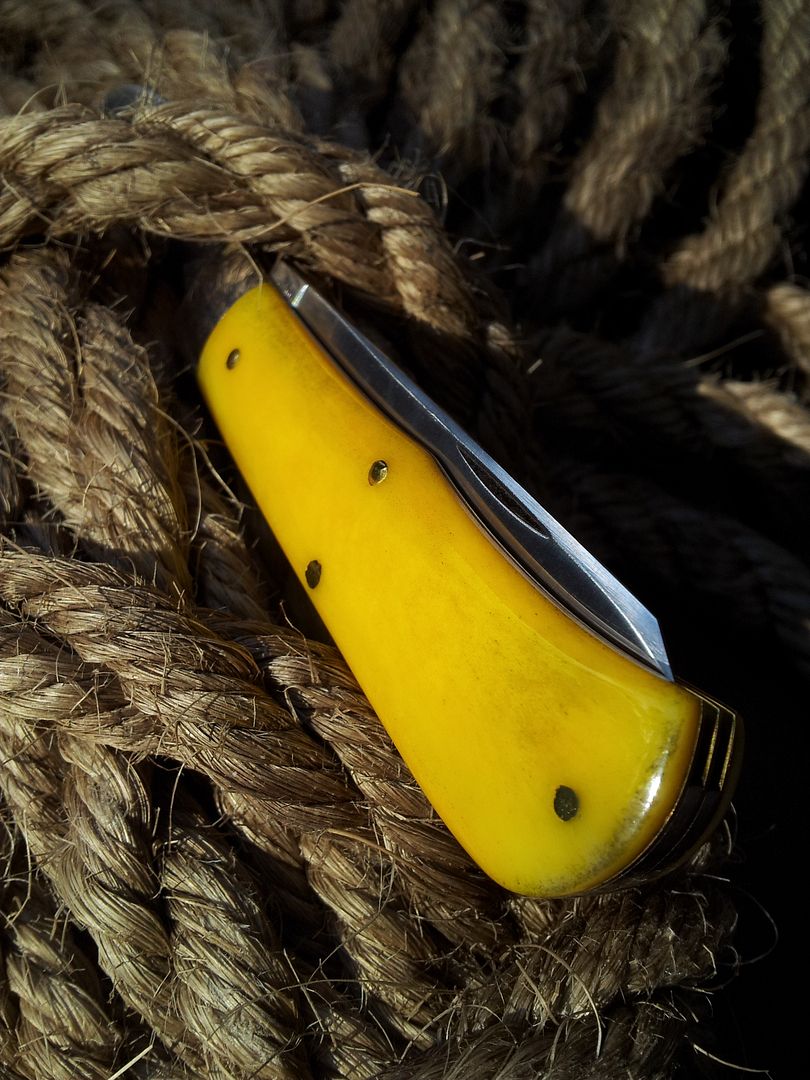
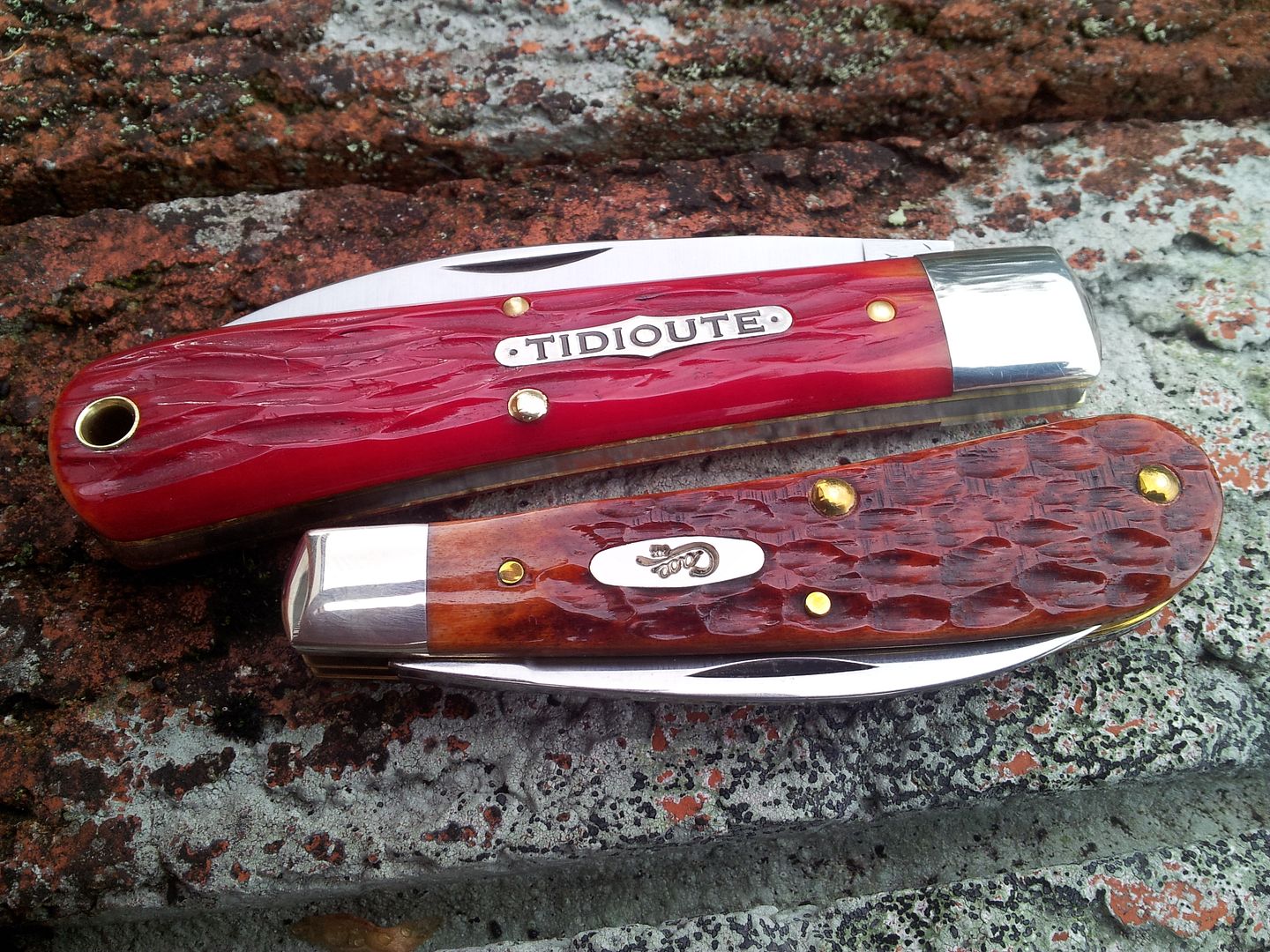
I don't know much about camera phones - other than the fact that some people manage to take some very good shots with them.
As you've noted, lighting is the key. There are other considerations as well, but nail lighting and you've got most of the battle won.
Shooting outside helps, especially on cloudy overcast days (soft lighting that wraps the subject nicely). Bright sunlight (harsh) will "flatten" the subject and cause blown highlights (parts of the picture have no data). If it is a bright sunny day, try to shoot in filtered light or the shade.
Early morning or early evening light is usually the best for photography (around sunrise/sunset).
Do a web search for light boxes, photography lighting and the like. For a bit of money (often very little) you can make your own indoor lighting system. It can be nothing more than some heat lamps, bulbs, and plain shower curtains (to diffuse the light).
If you have a northern window - shoot by that (while indoors) to get some ambient light on the subject.
Direct lighting (on the subject) tends to be very harsh (as with the sun) and will flatten the subject out. Try to place the lighting so diffused light hits the subject from the sides or the back. Depending upon your desired picture, you may need to have additional lighting to help open up the shadows. (this can often be done with reflectors). For a backlit subject, you will need to light the subject from the front (otherwise the subject will be all black - or the background will blow out).
If you have white walls in your home, bounce the light off the walls (onto the subject). This diffuses the light and helps it wrap around the subject. Don't do this with colored walls, as that will usually impart a strange tint to your picture. You can substitute a large whiteboard (or something similar) if your walls are not white.
It helps to look at pictures you really like - study the lighting and the position of the camera - as that gives you an idea of how that particular picture was created.
Light temperature is important as well - too much of a difference and the final picture will have an odd color cast to it. That can sometimes be corrected with photo software (like gimp, etc..) but it is easier if you have the same temperatures for all lighting sources.
If your phone has the option of changing the white balance (color temperatures) use it when needed. One trick - if you like warmer photographs - is shooting with a slightly warmer white balance (like cloudy - on a sunny day).
Take shots from different angles. It'll help you figure out how the lighting affects the subject and what type of picture you like.
Photo software (many programs are free) is a big help - it can help remove noise, sharpen the subject, and correct the temperature. It won't work miracles though - the important thing is getting it right in the first place.
If you can select the ISO on your camera phone - always shoot with the lowest possible ISO. More light equals a lower ISO and a lower ISO means a slower shutter speed. A high ISO usually introduces grain.
I'm guessing that the aperture (on your phone) is fixed - but adjusting aperture will have an effect on the depth (amount that is in focus) and the shutter speed. Aperture is measured in fractions - f4, f5.6, etc... A smaller number is a larger opening (of the shutter) and lets in more light. A larger number is a smaller opening (of the shutter) and lets in less light. Generally speaking - the smaller number will result in less of the subject being in focus, and a larger number will result in more of the subject being in focus. Distance from the camera (to the subject) will have an impact on that amount of depth.
Put another way: if I shoot a subject that is 20 feet away at f4 the depth will be less than if I shot the subject (at f4) from 40 feet away.
Lower ISO will require slower shutter speeds; introducing camera shake (blurred pictures). If you have a tripod - use it. If not, either get one or sit the camera on a sturdy surface (when taking the shot).
It helps to use the timer - as pushing the shutter button can introduce camera shake.
Choose the background with care. You don't want the background to overpower the subject.
Frame the subject. Generally speaking, the subject should fill the frame (it should be the first thing people notice when looking at the picture).
Focus on the subject. It should be sharp and nicely defined.
Rule of thirds: imagine two vertical lines and two horizontal lines with each line dividing the frame by one third. One of the four intersections is usually considered to be the best place for the subject.
That said, don't be afraid to break the "rules." Some of the most interesting photographs do.
I've probably confused you more than I've helped, so I'll stop for now. Feel free to ask me any questions though; I'll try to check in on this thread so I can help answer them.
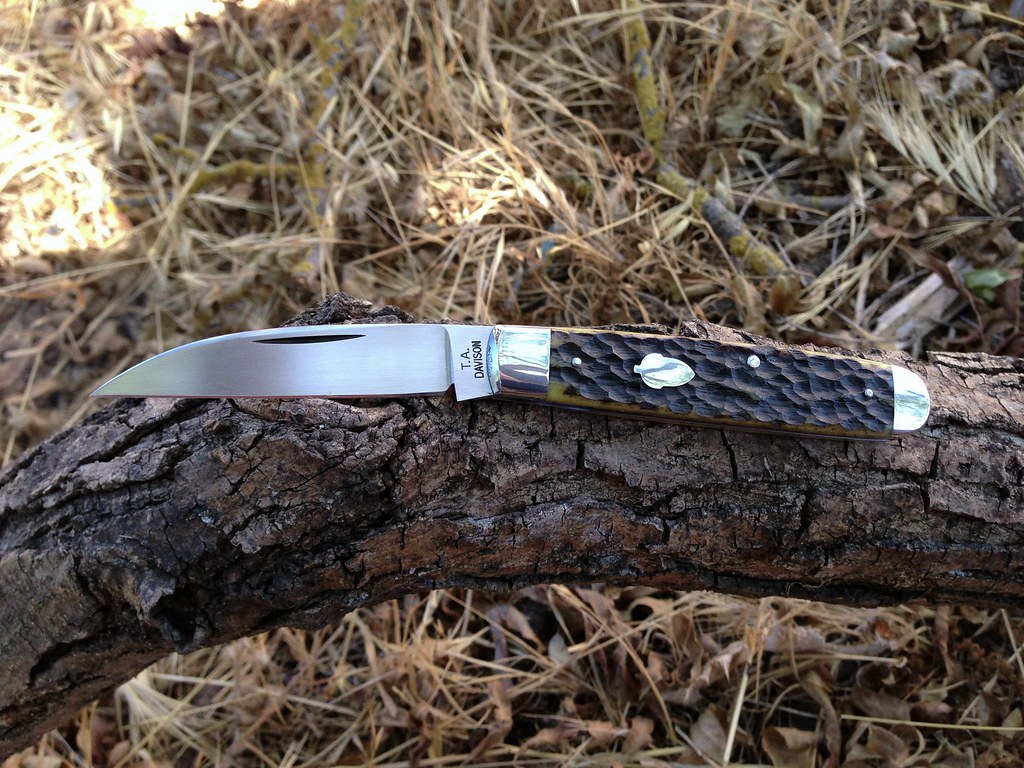
A few shots - notice where the light falls and the camera angle.

This was shot in natural light. I moved the stump to a better location so the light was diffused by trees. I also shot late in the day, so the lighting was directional.
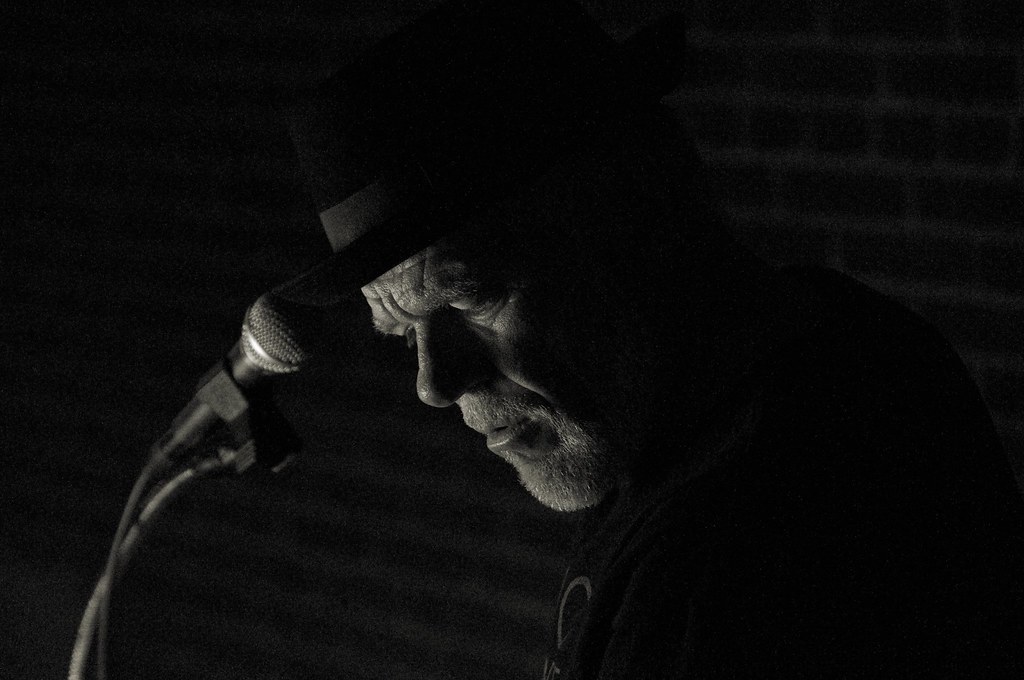
This one was shot at night, in a tunnel. The only light source was a small lamp he used to read the music. I got down low and close because I wanted the viewer to feel as though they were there and I wanted the musician's emotion to show. This is the type of photography that I most enjoy doing.
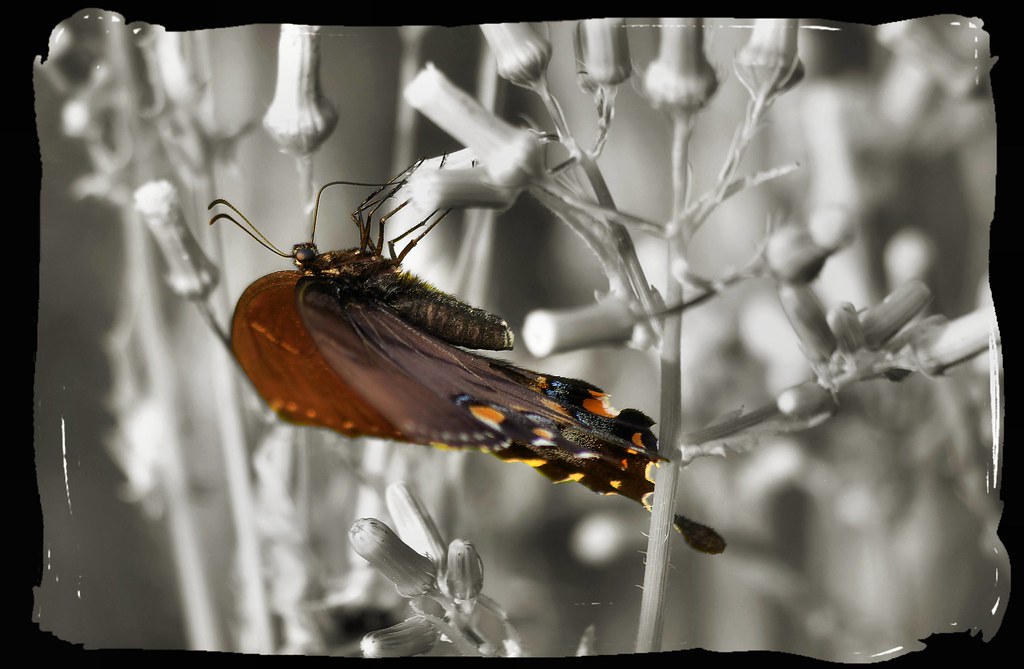
Natural lighting coming over my left shoulder. I got down to the Butterfly's level, so the light would make the wing colors pop. I changed the background to black and white with photo editing software.
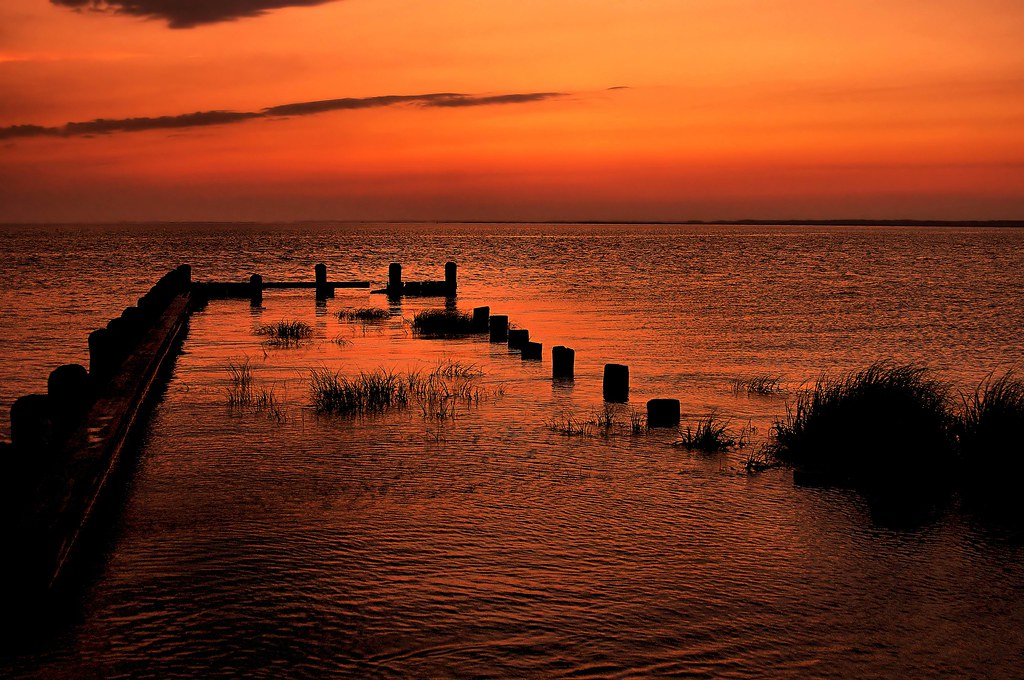
Natural lighting just a few seconds after sunset. The "rule of thirds" is shown in this one.
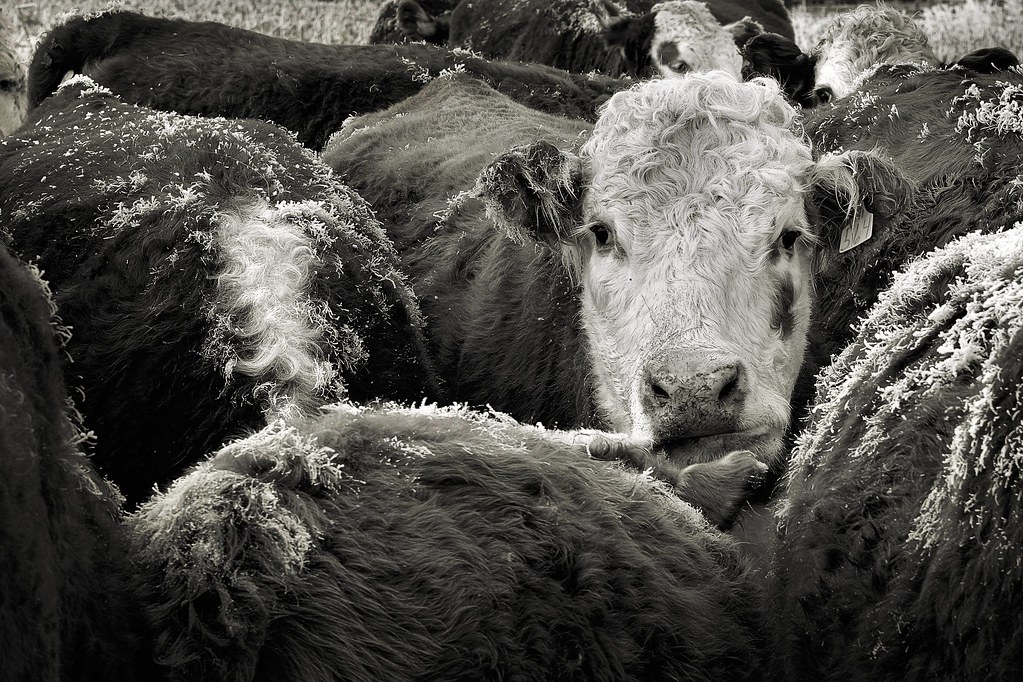
Natural lighting. Rule of thirds is shown in this one as well.
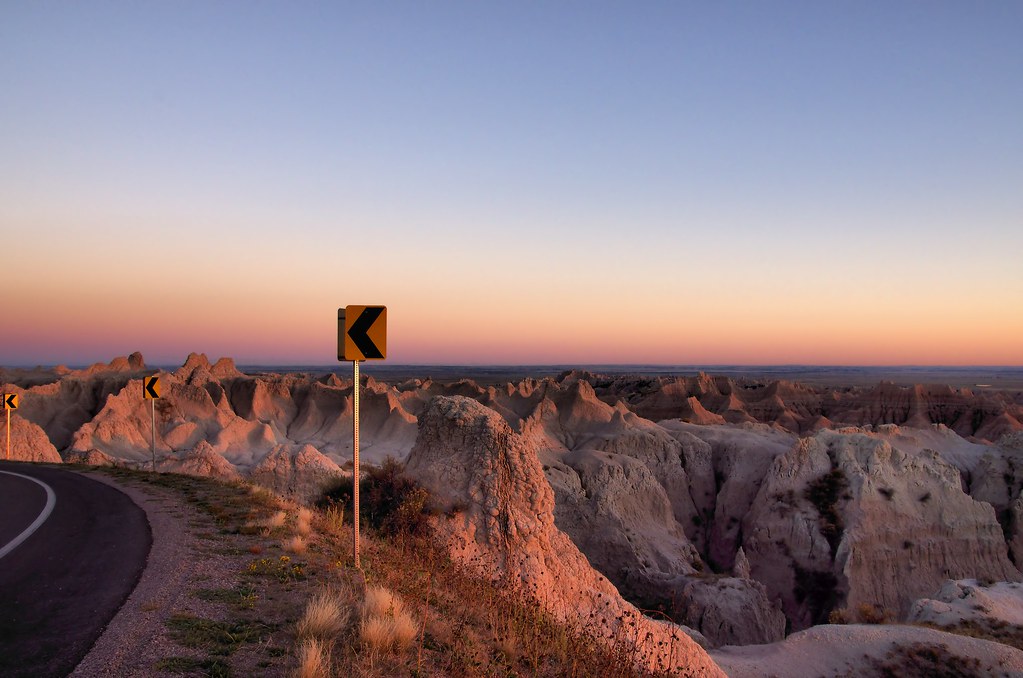
Natural lighting, taken at sunset.
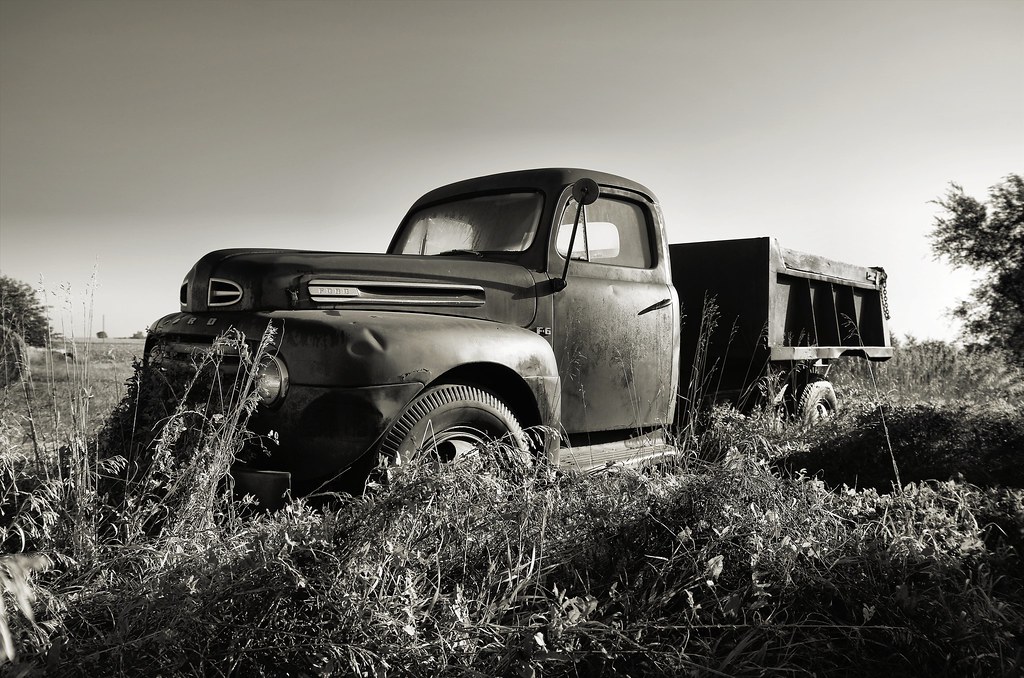
Natural lighting, taken shortly after sunrise. I had to wait a bit longer than I wanted, because the truck was parked next to a big pile of round hay bales (and the sun had to clear the bales so it could highlight the truck).


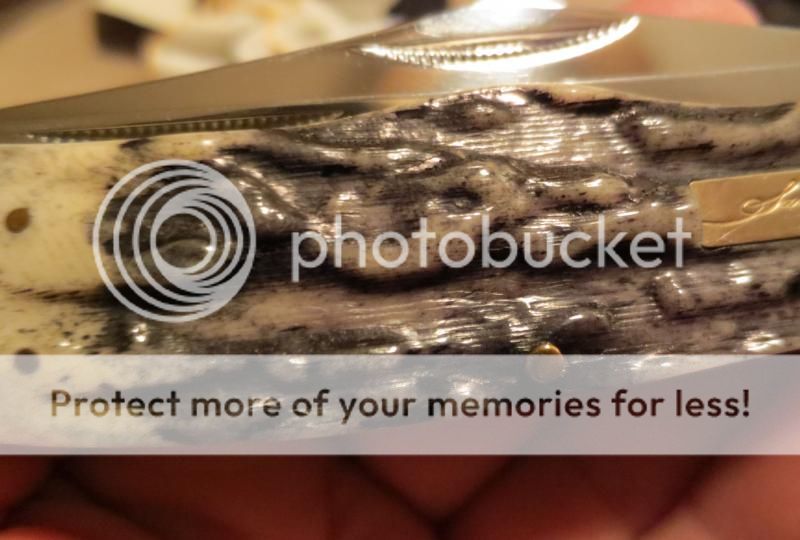


 And play with the exposure setting on your phone or camera. That can make a big difference.