Testing my lightbox. Comments?

Joined
Dec 25, 2004
Messages
1,363
Hi,
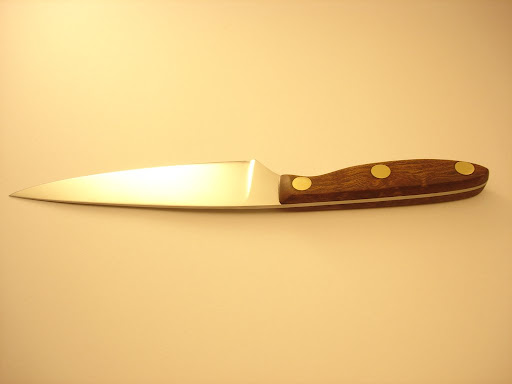
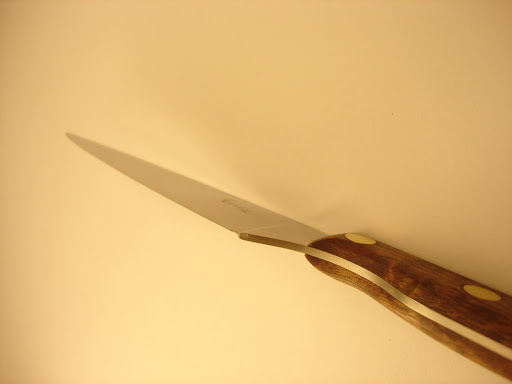
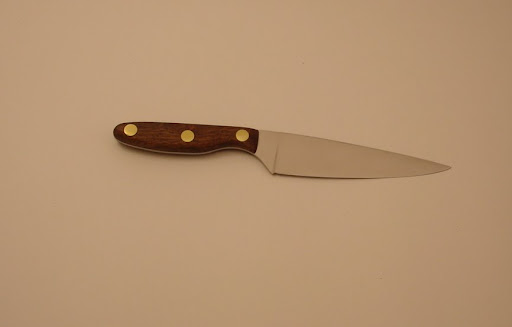
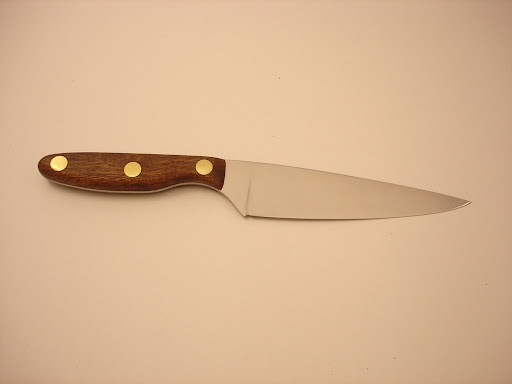
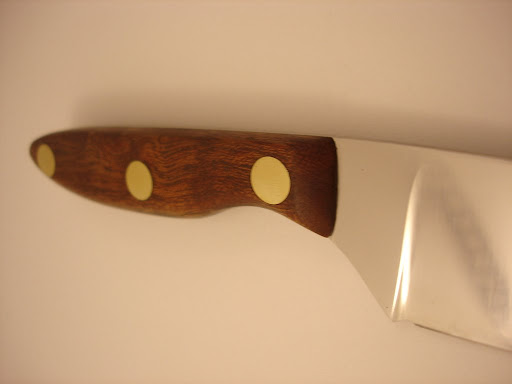
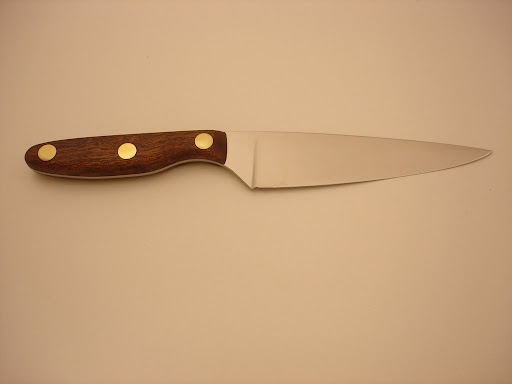
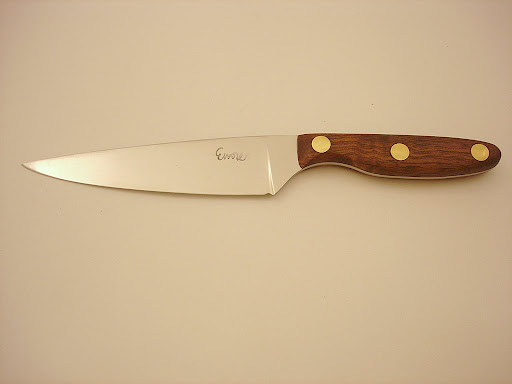
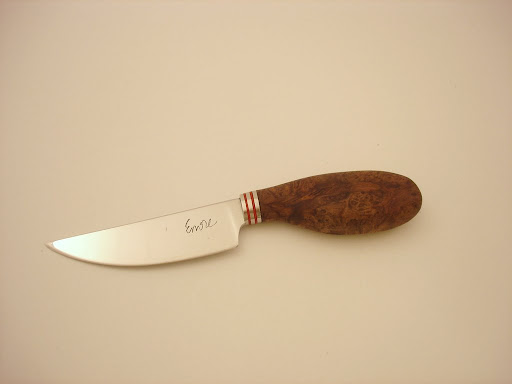
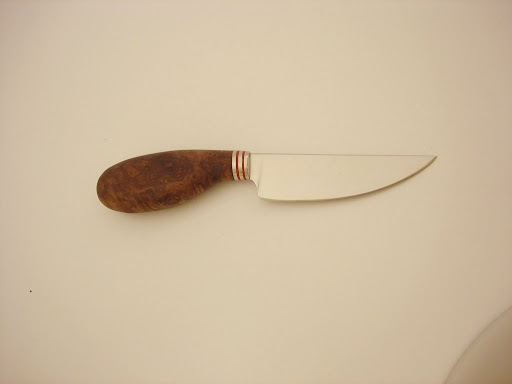
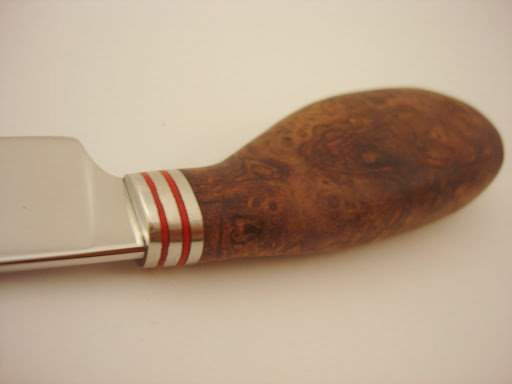
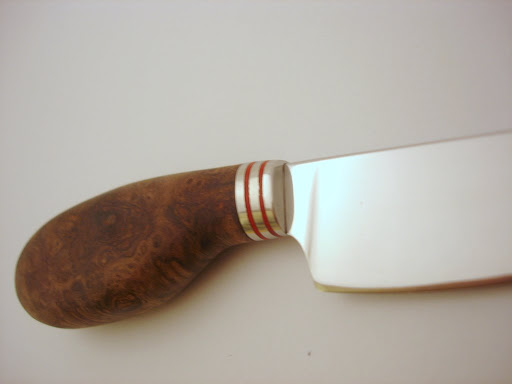
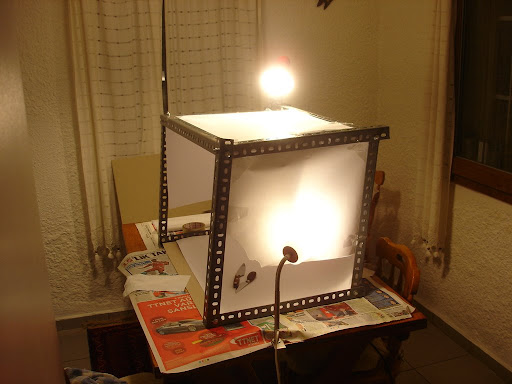
I built a primitive lightbox a couple hours ago. I took some pics of my moms and my friends gift knives for new year... Here are the photos. I played with light bulbs and setup almost in each picture but I know what I did for each of them so no worry of forgetting the setup. Which of these pictures look promising? Critics and comments would be nice. Thank you...

Pic #1:
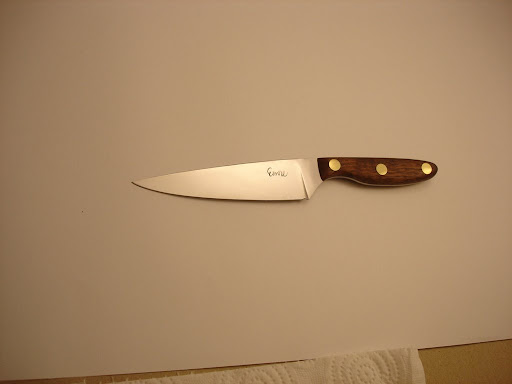
DSC02169.JPG

Pic #2:
DSC02171.JPG

Pic #3:
DSC02172.JPG

Pic #4:
DSC02177.JPG

Pic #5:
DSC02178.JPG

Pic #6:
DSC02179.JPG

Pic #7:
DSC02181.JPG

Pic #8:
DSC02182.JPG

Pic #9:
DSC02186.JPG

Pic #10:
DSC02187.JPG
 
Pic #11:
DSC02188.JPG

Pic #12:
DSC02189.JPG


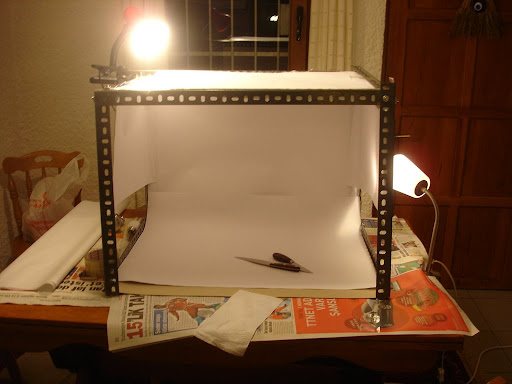
Here is my setup, I noticed to be able to change the place of lights is a great advantage as I took some crappy photos of very strong highlights and shadows...
DSC02192.JPG


DSC02193.JPG
 
Was the original background white?

If using the camera auto exposure settings, the camera assumes that the background is usually not white.

You could use a "25%" grey background and continue to use the auto settings
or, use manual settings to overexpose by 1, 1.5, 2, 2.5, 3, 3.5 stops to find the settings that will reproduce the background as it appears in life.

This should bring the brightness up on the knife too.

Ask the real photographers... Coop, Murray and others are very helpful.

see the thread $75.00 No Frills tent/ lightbox by SharpbyCoop (likely you did already)...perhaps if you use his light placement as a starting point?
http://www.bladeforums.com/forums/showthread.php?t=328550
9, 10, 11, 12 a very sweet knife
 
Last edited:
Emre,
After you get the lighting down you will find out that different backgrounds will use different amounts of light. So Depending on your background used for contrast you will need to be flexible on how you light your knife. My wife who does the photos is allways trying to improve her work.
Pic# 11 & 12.needs a little more depth of field.
By the way I always liked that knife style but have never made one!!
Have a Good Day!!!!
 
see the thread 50$ light box by SharpbyCoop (likely you did already)...perhaps if you use his light placement as a starting point?

Thanks Steven pointing this thread which I wasn't aware of. I found the thread with a little search, I noticed my mistakes on this setup and I'll modify my setup to that setup.
that was what I needed :thumbup:.
BTW Dave & Steven thanks for the compliments on that little knife. It is my most lovingly made knife ever - for mom... I'm very proud how it turned out...
 
The first thing I would do is make a small investment in some cheap lighting. Go to Home Depot and buy a few 8 1/2" light reflectors. The pick up some day light CFL lamps. (the twisty kind) These should have a Kelvin rating of 5000 or more. I use the 6500k BULBS at 41 watts. They are the equivilent of 150 watts. I cut some channel iron to mount them on and I can move them around.
setup.jpg


You can purchase a few sheets of white foam board to use as reflectors as well. These help in getting rid of the shadows.

Next I would adjust the white balance on your camera if it has the ability to do so. This will help in getting rid of the yellowish glare.

The next thing to do is start playing with the lighting to get the knife well lit while removing glares etc. Then start taking pictures with the lights in different positions, different camera setting etc.

In short, start with the lighting. You will be amazed what a difference it will make.

Let us know how you make out!!

Bill
 
Most importantly is you are taking the steps to improve. (thanks to Steven Penner for the props. :))

Look closely at photographs you enjoy and determine the lighting. It's ALL about the lighting. Learning where to position the lights and to control highlights before they turn into glare is key.

I have no quick tips. Practice and experiment. The delete button is worth a million rolls of film.

Coop
 
I would say you need more light. i have 2 5000k 30w or so lights and one mama jama light that is 6500k 100w which is = to somthing like 1000w+ and i still want more. i have found that a brighter light area makes for a crisper picture. here are a few pictures as an example to what you get with more light.

IMG_0143s.jpg


IMG_0080.jpg


DSC01433.JPG


of coarse i could not resist throwing this one in as it is my favorite ;)
go%20green%203.jpg


I also notice i get better results when i don't use a white background. If you need any help at all let me know i would be glad to help.
 
Really nice picture taking JT.
 
www.knifenetwork.com

check out the forum there they have an exclusive photography subforum.

I had to experiment quite a bit with the settings on my camera (lucky I found the manual, I had 100% better pics after 5 min of reading) with the white balance and shutter speeds to get something that looked good to me. What works for me is to use sheets of paper in the lightbox to set the white balance on the camera, then change out the background to be something... well whatever floats your boat. Move the lights around too to see what looks good to you. Maybe they both need to be on top, maybe one on either side. Yellow is no good, heavy glare on the blade is no good. Take notes so you can fall back to a setting if you change something and it sucks.
 
Last edited:
White balance your camera to your lights
forget CFLs they are discontinuous spectrum so you will have metamerism issues (where your color "just aint right" even though you've white balanced)
Halogen bulbs are typically 3200K and they are continuous spectrum. More light will allow you a smaller aperture which will get you past some of the optical issues with your lens, give you better depth of field etc.

Like Coop said shoot a lot! I shot for a living for 25 years, got a couple degrees in photography, taught it, and have probably shot 1/4 million feet of film, just like knifemaking you figure out a lot by looking at what you did and figuring out what went wrong and how to make it better next time.
Speaking of knifemaking, those knives look pretty good.

-page
 
Background is important. Use a background that offers color contrast with the blade and handle [ girl not necessary !!].
 
I have to find a good source of light/s, play with the settings of the camera, experiment a lot with angles, inspect the pics I took, take notes, use contrasting background (girlfriend belly is optional, so is the underwear). I guess that covers most of all. I'm going out to shopping :). I'll post my progress tonight. Thanks a million sirs...
Best regards..
 
Before you buy more lights, definitely find the 'manual' mode for white balance and and try setting it to your light.

Place something white where the knife will be under the lighting and use that to set the white balance then see how the pics come out. A couple of sheets of printer paper usually worked fine for my 'white' source.
 
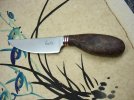
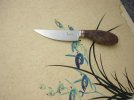
I have played with my camera settings, bought 3 lamps with 6500 K bulbs. Changed the box type setup to tent shaped (just like "75$ light tent/box" thread). Took more than 200 photos. Playing angles, lamp places, knife placement etc. Only a couple of the pictures turned out how I wanted but I learned how to accomplish. How do you like the photos?? I'll play more today.

ps: My cat "empathy" jumped in the tent, she was curious what I was doing there :)
 

Attachments

  • DSC02215 (Medium).jpg
    DSC02215 (Medium).jpg
    38.5 KB · Views: 38
  • DSC02276.edit (Medium).jpg
    DSC02276.edit (Medium).jpg
    67.1 KB · Views: 42
  • DSC02286edit (Medium).jpg
    DSC02286edit (Medium).jpg
    49.4 KB · Views: 18
  • DSC02288edit (Medium).jpg
    DSC02288edit (Medium).jpg
    44.3 KB · Views: 16
  • DSC02292edit (Medium).jpg
    DSC02292edit (Medium).jpg
    41.4 KB · Views: 23
I like them better already. Colors are more natural.

Sunshadow, I'll bet you could make my head spin with technical knowlege. :thumbup: But, I have to disagree in the CFL Daylight Flourescents. I (we?) have seen a gazillion 3200k knife images that the user didn't know how to post process to correct them.

For basic shots, whatever metamerism issues there are (geez, I have NO idea what you are talking about! :confused:) the beginning user will take a much better shot with the CFL's. The OP just proved that in this post. I think he needs to keep it simple.

Coop
 
One issue I have is getting the digital settings correct for the light souces. My camera allows the selection of sun, shade, floresent, tungston, automatic and manual. The manual allows you to set the white balance using a sheet of paper in your box. It solved the yellow background issue and gave better representative colors.

I went through the settings in different combinations to find which worked best. Painful but really helped me get the digital settings correct.
 
Back
Top